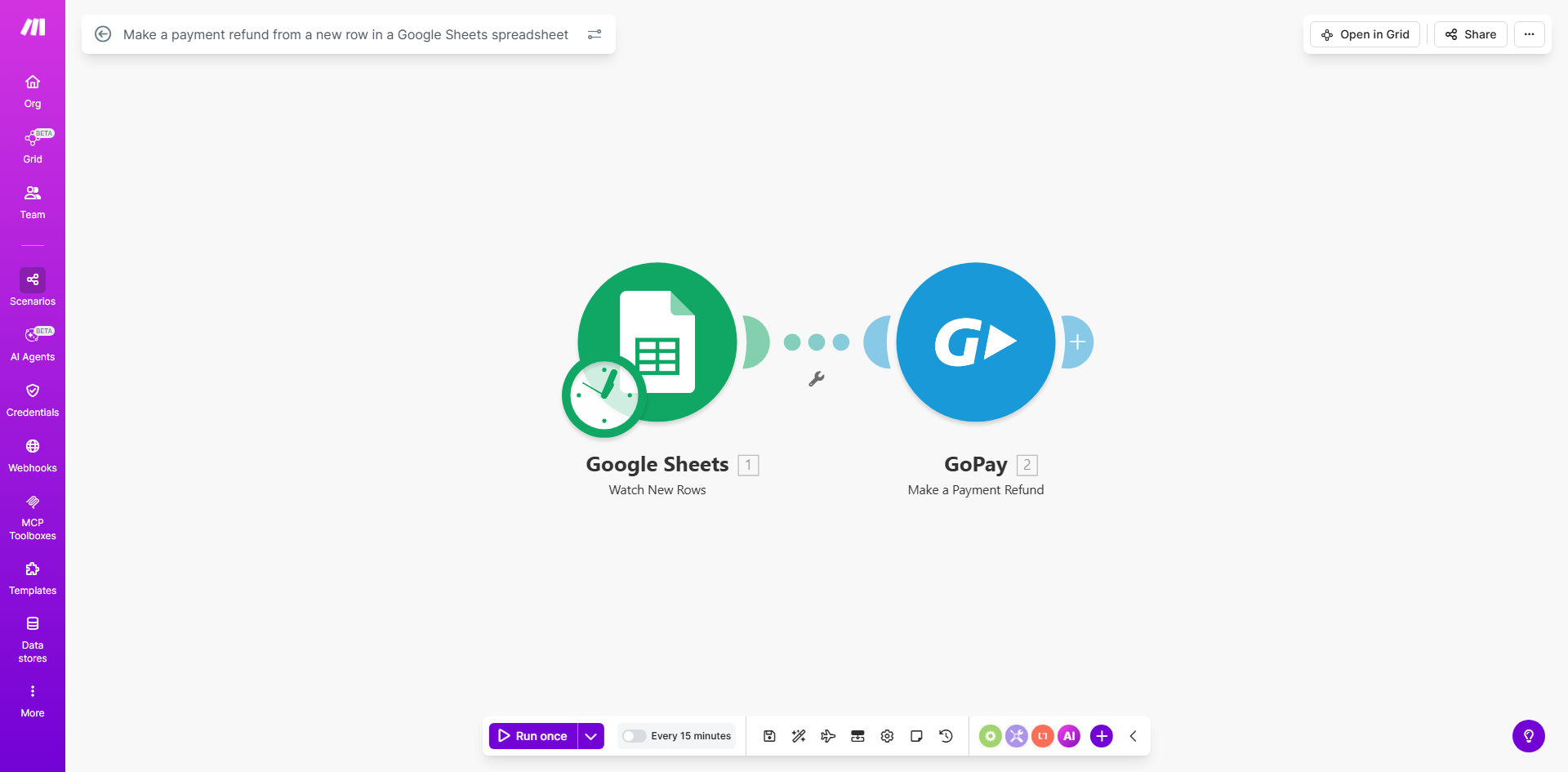
What This Workflow Does
This automation solves the tedious manual process of processing payment refunds by connecting your Google Sheets data directly to your payment processor. When customer service or finance teams add refund requests to a designated spreadsheet, the system automatically processes them through GoPay without any manual intervention.
The template eliminates human error in refund processing while dramatically reducing the time between refund request and execution. It's particularly valuable for ecommerce businesses, SaaS companies, and any organization handling frequent refunds where speed and accuracy impact customer satisfaction.
How It Works
1. Scheduled spreadsheet checks
The workflow checks your Google Sheet every 15 minutes (configurable) for new rows containing refund requests. It identifies new entries by tracking processed rows.
2. Data validation
Each new row is validated to ensure it contains all required fields: payment ID, refund amount, and any necessary reference numbers.
3. Refund processing
Validated requests are sent to GoPay's API to execute the refund transaction using the specified payment method.
4. Status updates
The spreadsheet is updated with the refund status (success/failure) and any relevant transaction IDs or error messages.
5. Error handling
Failed refunds trigger notifications to administrators with details to resolve the issue.
Who This Is For
This automation benefits:
- Ecommerce stores processing frequent refunds
- SaaS companies with subscription cancellations
- Marketplace platforms handling vendor refunds
- Finance teams managing high-volume payment reversals
- Customer support teams needing instant refund capabilities
What You'll Need
- A Google Sheets spreadsheet with refund request data
- GoPay merchant account with API access
- Make.com account (formerly Integromat)
- Basic understanding of spreadsheet structure
Quick Setup Guide
- Duplicate the sample Google Sheet template
- Connect your Google Sheets account in Make.com
- Configure your GoPay API credentials
- Map the spreadsheet columns to refund parameters
- Set your preferred schedule frequency
- Test with small refund amounts before full deployment
Key Benefits
Reduce refund processing time from hours to minutes by eliminating manual steps between your spreadsheet and payment processor.
Eliminate human error in refund amounts by automating the transfer of exact figures from spreadsheet to payment system.
Improve customer satisfaction with near-instant refund processing when requests are logged.
Maintain perfect audit trails with automatic documentation of every refund in both your spreadsheet and payment system.
Scale refund operations effortlessly without adding staff as your transaction volume grows.