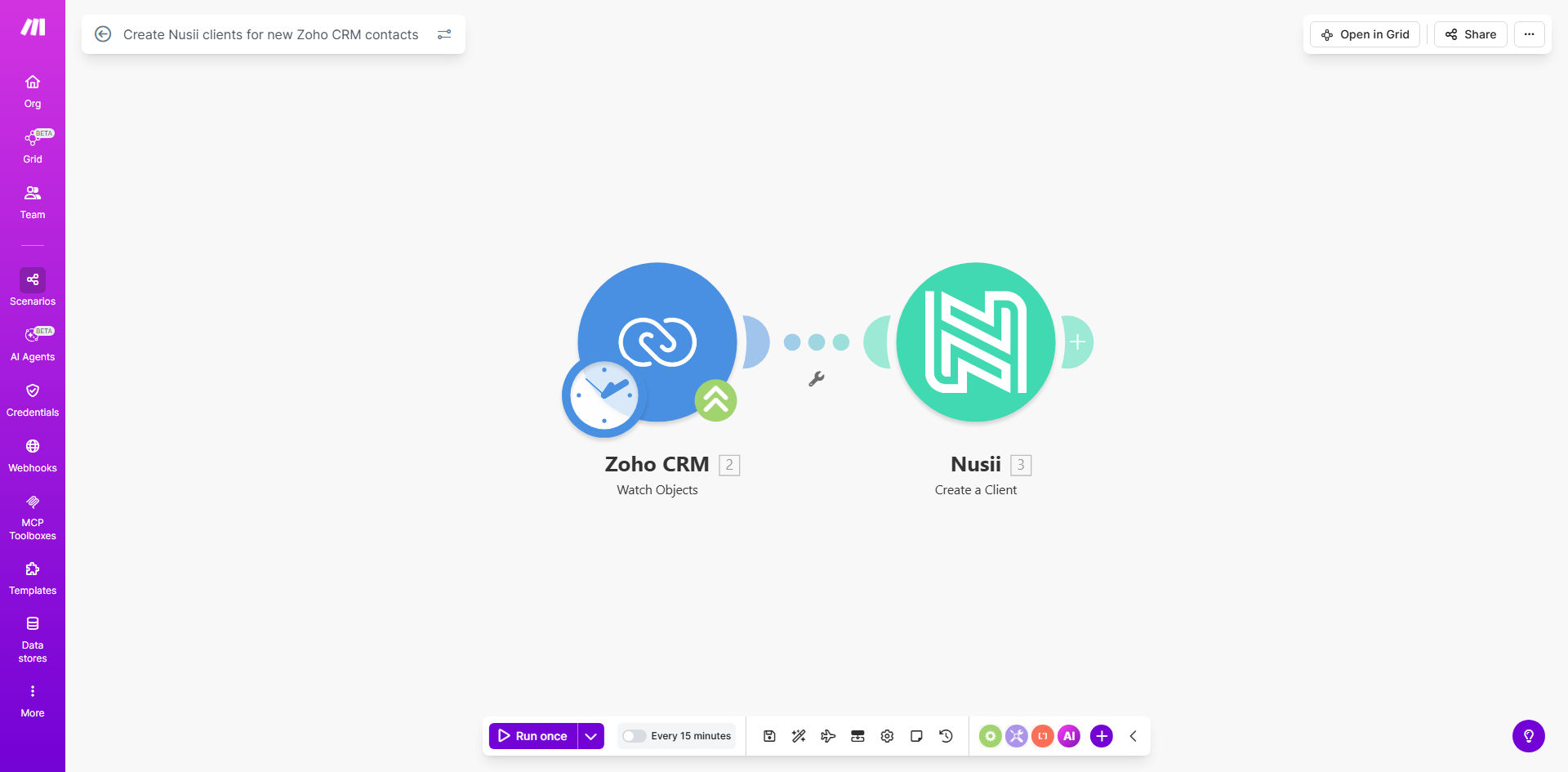
What This Workflow Does
This automation solves a common pain point for sales teams using Zoho CRM with Nusii for proposals. Every time you add a new contact in Zoho CRM, you typically need to manually create a corresponding client record in Nusii before you can send them proposals. This workflow eliminates that redundant data entry.
The integration watches for new contacts in your Zoho CRM and automatically creates matching client records in Nusii with all relevant contact details. This ensures your proposal tool always has up-to-date client information without any manual copying and pasting between systems.
How It Works
1. New Contact Detection
The workflow continuously monitors your Zoho CRM for newly created contacts. You can configure it to watch specific contact types or apply filters based on deal stage or other criteria.
2. Data Mapping
When a new contact is detected, the system maps relevant fields from Zoho CRM to Nusii's client fields. Standard mappings include name, email, phone, company, and address fields.
3. Client Creation
The workflow creates a new client in Nusii using the mapped data. It checks for existing clients with matching email addresses to prevent duplicates.
4. Error Handling
If any issues occur during the sync (like missing required fields), the workflow can notify your team via email or Slack so you can address the problem manually.
Who This Is For
This automation is ideal for:
- Sales teams using Zoho CRM with Nusii proposals
- Businesses sending frequent proposals to new contacts
- Teams wanting to reduce manual data entry errors
- Companies needing accurate client records across systems
What You'll Need
- A Make.com account (formerly Integromat)
- Zoho CRM with API access enabled
- Nusii account with API credentials
- Basic understanding of field mapping between systems
Quick Setup Guide
- Install the template from Make.com
- Connect your Zoho CRM account
- Connect your Nusii account
- Map Zoho CRM fields to Nusii client fields
- Set any filters for which contacts should sync
- Test with a new Zoho CRM contact
- Activate the workflow
Pro tip: Create a custom field in Zoho CRM labeled "Synced to Nusii" that gets updated when the client is created. This helps track which contacts have been processed.
Key Benefits
Save 2-5 minutes per contact by eliminating manual client creation in Nusii. For teams adding 50+ contacts monthly, this adds up to significant time savings.
Reduce proposal delays by having clients automatically available in Nusii as soon as they enter your CRM pipeline.
Improve data accuracy by removing human error from manual data entry between systems.
Maintain consistency across your sales tools with identical client records in both Zoho CRM and Nusii.
Scale your sales process without adding administrative overhead as your team grows.