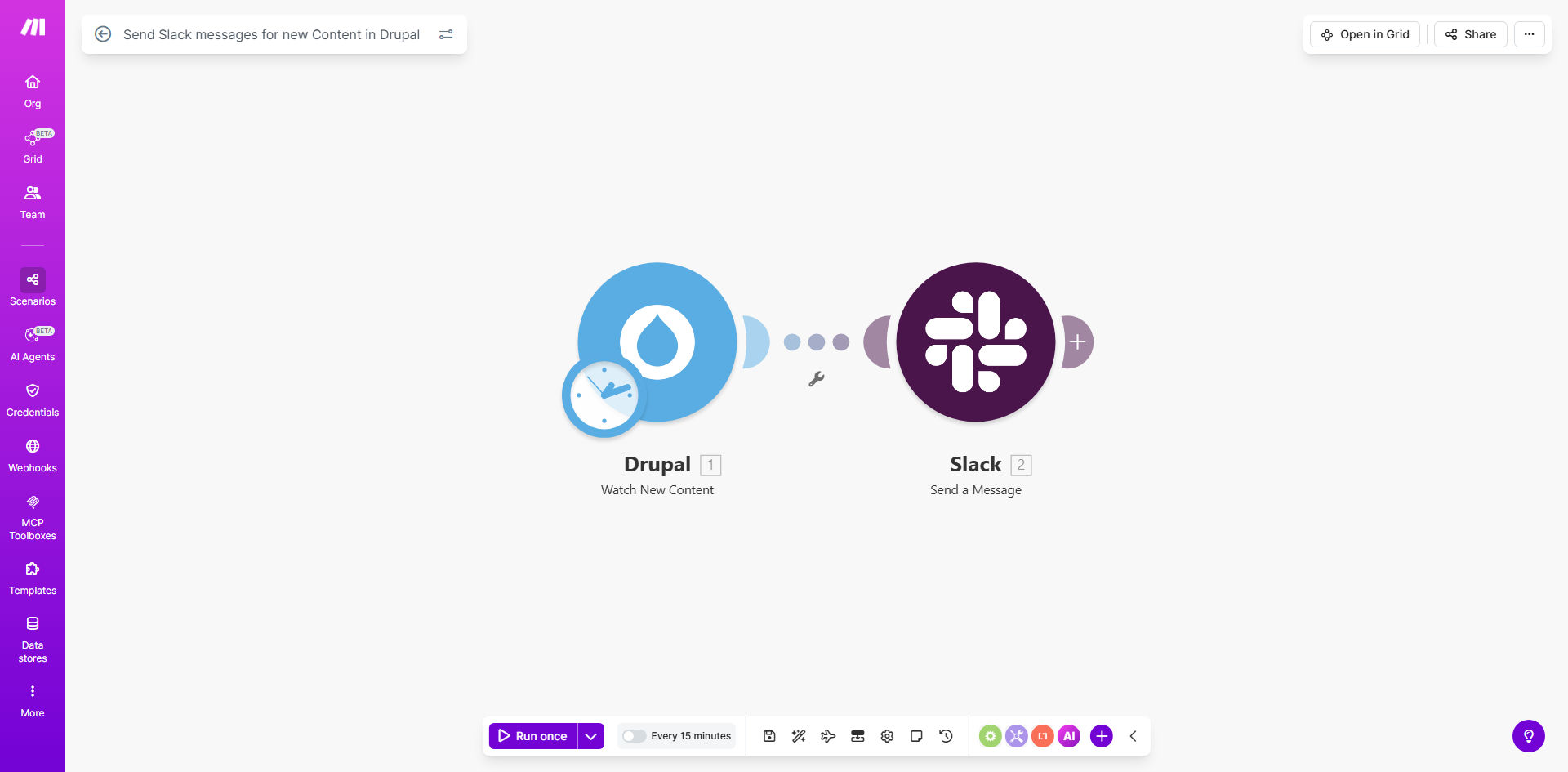
What This Workflow Does
This automation solves the common challenge of content teams needing to manually notify stakeholders whenever new content is published in Drupal. Without automation, this process typically involves copying links, writing update emails, or making announcements in meetings - all of which create delays and potential communication gaps.
The workflow automatically detects new content publications in Drupal and sends rich notifications to designated Slack channels. Each notification includes key details like the content title, author, publication date, and direct links - giving your team immediate visibility into new content without having to check Drupal constantly.
How It Works
1. Drupal Content Trigger
The workflow monitors your Drupal site for new content publications using webhooks or API polling. When new content is detected, it captures all relevant metadata about the content node.
2. Content Data Processing
The system extracts and formats the content information, including optional fields like content type, taxonomy terms, custom fields, and editorial status. This data is prepared for Slack's message formatting requirements.
3. Slack Notification Delivery
A customized Slack message is constructed with the content details and delivered to your specified channel(s). The message can include interactive elements like buttons linking back to the content or Drupal edit screen.
Who This Is For
This automation is ideal for content teams, marketing departments, and organizations using Drupal as their CMS. It's particularly valuable for:
- Editorial teams managing frequent content updates
- Marketing teams coordinating content campaigns
- Distributed teams needing real-time content visibility
- Organizations with multiple stakeholders reviewing content
- Teams using Slack as their primary communication tool
What You'll Need
- A Drupal website (version 8 or higher recommended)
- Admin access to configure Drupal webhooks or API access
- A Slack workspace with appropriate channel access
- A Make.com account (free tier available)
- 5-10 minutes for initial setup
Quick Setup Guide
- Install the template in your Make.com account
- Connect your Drupal site using API credentials or webhook URL
- Configure which content types should trigger notifications
- Connect your Slack workspace and select notification channels
- Customize the message format with relevant content fields
- Test with sample content publications
- Activate the workflow for ongoing automation
Key Benefits
Real-time visibility: Eliminates delays in content awareness, with notifications delivered within seconds of publication.
Reduced manual work: Saves content teams 5-15 minutes per content item that would otherwise be spent on manual notifications.
Improved collaboration: Creates a transparent content pipeline where all stakeholders are automatically informed.
Searchable record: All content notifications are preserved in Slack, creating an easily searchable archive of publications.
Customizable alerts: Different content types can trigger different notification formats or channel destinations.
Pro tip: Configure separate Slack channels for different content types (e.g., #blog-notifications, #product-updates) to keep notifications organized and relevant to each team.