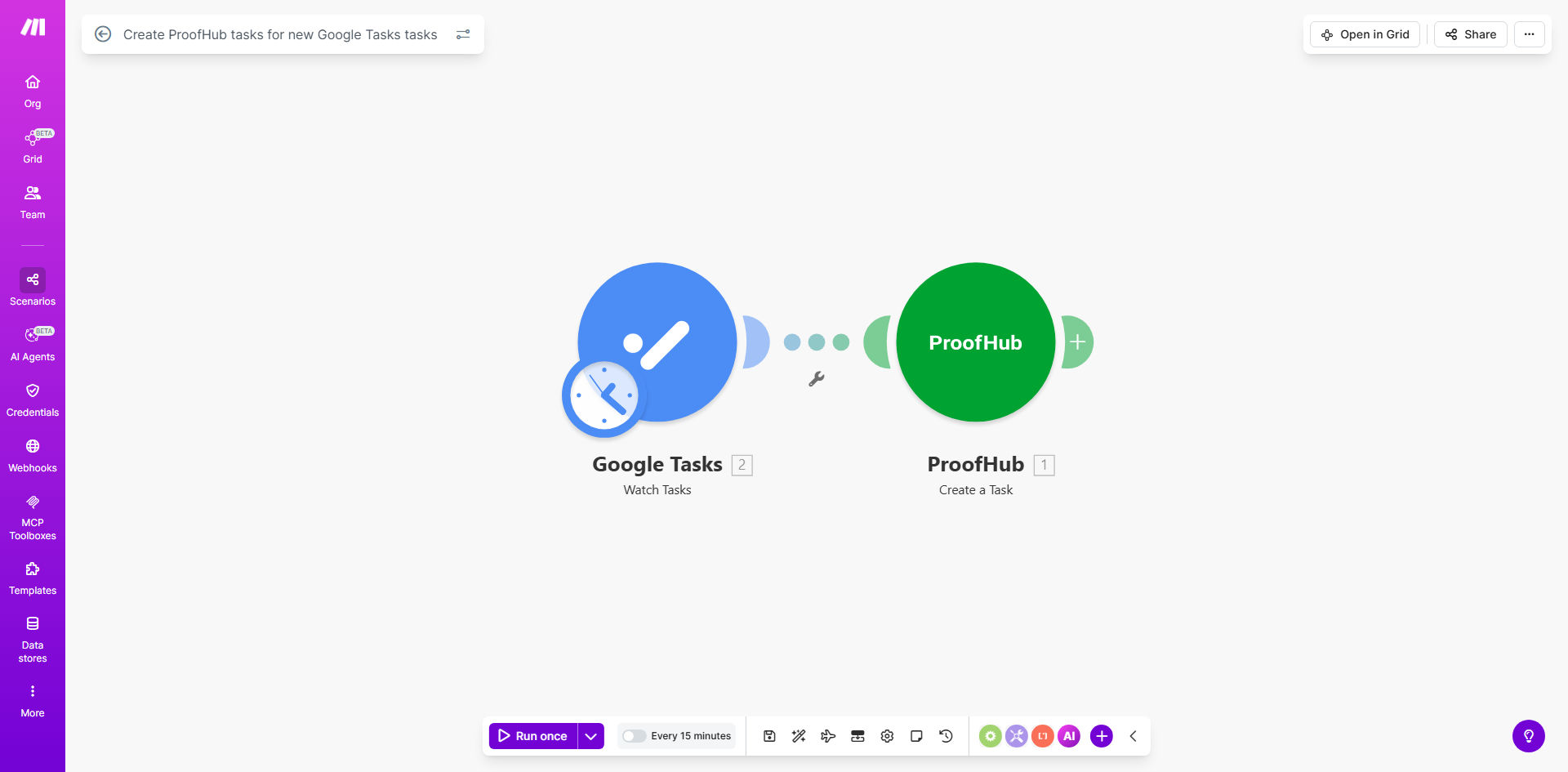
What This Workflow Does
This automation solves the common challenge of managing tasks across multiple platforms. Many teams use Google Tasks for quick personal task management but need ProofHub for formal project tracking. Manually copying tasks between systems wastes valuable time and introduces errors.
The workflow automatically monitors your Google Tasks at regular intervals (configurable from 1 minute to 24 hours). When it detects new tasks, it creates corresponding tasks in your specified ProofHub projects with all relevant details - including titles, descriptions, due dates, and priority levels.
How It Works
1. Monitoring Google Tasks
The workflow starts by connecting to your Google account and checking your specified task lists for new items. You can configure which lists to monitor and how frequently checks occur.
2. Processing New Tasks
When new tasks are detected, the system extracts all relevant details including the task name, notes, due date, and completion status. Optional filters can exclude certain tasks based on criteria you define.
3. Creating ProofHub Tasks
Each qualifying Google Task gets transformed into a ProofHub task in your designated project. The workflow maps fields appropriately and can assign tasks to specific team members if configured.
Pro tip: Set up separate workflows for different Google Task lists to automatically organize tasks into corresponding ProofHub projects.
Who This Is For
This automation benefits:
- Teams using Google Tasks for quick capture but ProofHub for formal project management
- Project managers who need all tasks consolidated in ProofHub for tracking
- Remote teams where members prefer different task management tools
- Businesses transitioning from Google Workspace to ProofHub but want to maintain existing task workflows
What You'll Need
- A Make.com account (free plan sufficient)
- Google account with Tasks access
- ProofHub account with project creation permissions
- 5-10 minutes for initial setup
Quick Setup Guide
- Click "Get This Workflow" to open the template in Make.com
- Connect your Google account and authorize Tasks access
- Connect your ProofHub account and select default project
- Configure sync frequency (start with 15-minute intervals)
- Test with a sample Google Task to verify ProofHub creation
- Activate the scenario to begin automatic syncing
Key Benefits
Save 2-3 hours weekly by eliminating manual task duplication between platforms. What currently takes minutes per task happens instantly in the background.
Reduce human error in task management. Automated transfers ensure no details get missed or mistyped during manual entry.
Maintain flexibility - team members can use Google Tasks while managers get ProofHub visibility. No need to force everyone onto one platform.
Improve accountability by ensuring all tasks, even those created casually in Google Tasks, get proper tracking in your project management system.