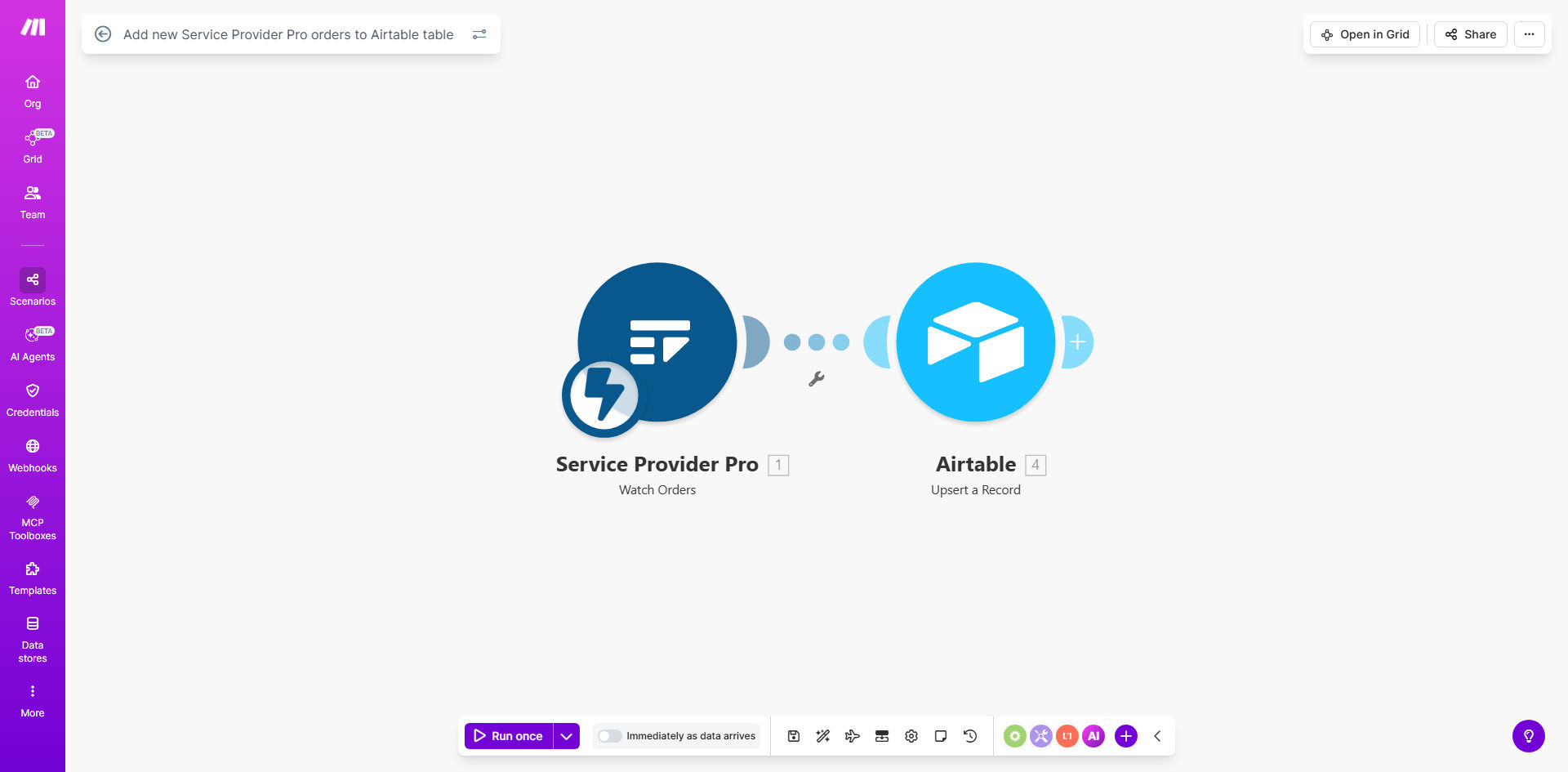
What This Workflow Does
This automation solves the tedious and error-prone process of manually transferring order data from Service Provider Pro to your Airtable database. Every time a customer places a new order through your Service Provider Pro system, this workflow automatically captures all relevant details and creates a corresponding record in your specified Airtable table.
The template handles the complete data mapping between systems, ensuring fields like customer information, order details, pricing, and dates are accurately transferred. This creates a centralized order management system in Airtable that's always up-to-date, without any manual intervention required from your team.
How It Works
1. New order detection
The workflow continuously monitors your Service Provider Pro account for new orders using Make.com's instant trigger capability. As soon as an order is placed, the automation springs into action.
2. Data extraction
All relevant order details are extracted from Service Provider Pro, including customer information, products/services purchased, quantities, pricing, order dates, and any custom fields you've configured.
3. Airtable record creation
The workflow then creates a new row in your specified Airtable table, mapping all the extracted Service Provider Pro data to the appropriate Airtable fields. You maintain complete control over which fields are included and how they're formatted.
Pro tip: Extend this workflow by adding conditional logic to route different order types to different Airtable tables or bases, creating a sophisticated order management system.
Who This Is For
This automation is ideal for service businesses using Service Provider Pro for order management who want to:
- Maintain accurate order records in Airtable for reporting
- Create a customer service hub with order history
- Feed order data into other automations or dashboards
- Eliminate time wasted on manual data entry
- Reduce errors from copying information between systems
What You'll Need
- A Service Provider Pro account with API access
- An Airtable account with a base and table ready to receive order data
- A Make.com account (formerly Integromat)
- Basic understanding of your order data structure in both systems
Quick Setup Guide
- Copy this template to your Make.com account
- Connect your Service Provider Pro account in the first module
- Connect your Airtable base and specify the target table
- Map the Service Provider Pro fields to your Airtable columns
- Test with a recent order to verify data transfers correctly
- Activate the scenario to begin automatic syncing
Key Benefits
Save 5+ hours per week by eliminating manual order data entry between systems. Your team can focus on delivering great service rather than administrative tasks.
100% data accuracy with automated transfers that never miss fields or make typos. Your Airtable records will perfectly match Service Provider Pro.
Real-time visibility into all orders across your organization. Reports and dashboards in Airtable will always reflect current data.
Scalable order management that grows with your business. The workflow handles any volume of orders without additional effort.
Foundation for advanced automations like customer notifications, inventory updates, or accounting integrations using the order data in Airtable.