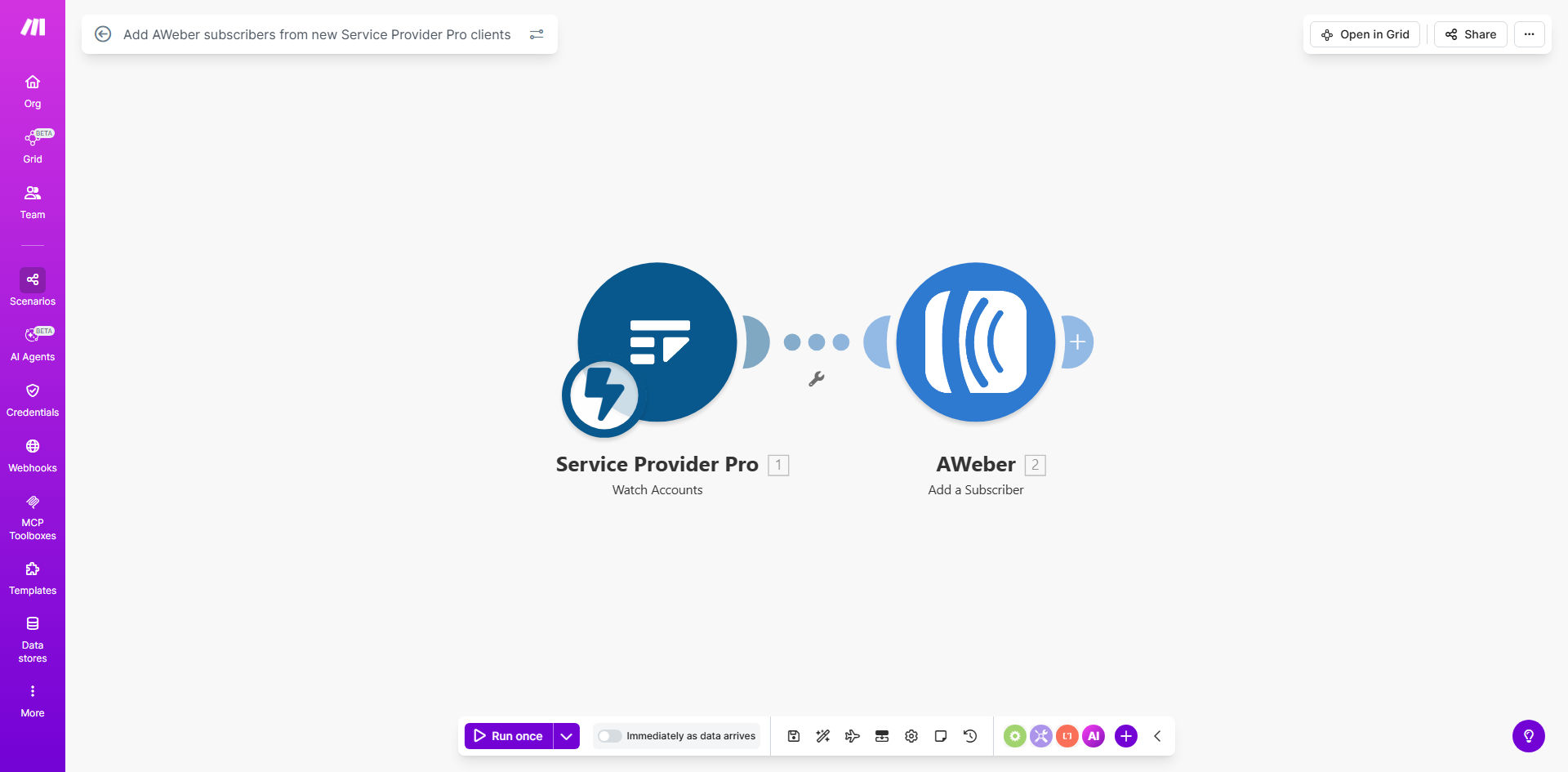
What This Workflow Does
This automation solves a critical gap in many service businesses' marketing funnels - capturing new clients in your email marketing system the moment they sign up for your services. Without automation, this process often gets overlooked during busy periods, causing you to miss valuable opportunities to nurture client relationships through email.
The workflow automatically detects new clients in Service Provider Pro and adds them as subscribers to your AWeber email list. It transfers all relevant contact information, ensuring your welcome sequences and marketing emails reach the right people at the perfect time - when they've just engaged with your services.
How It Works
1. New client detection
The workflow monitors your Service Provider Pro account for new client additions through real-time webhooks or periodic checks.
2. Data extraction
When a new client is detected, the system pulls their contact information including name, email address, and any other configured fields from Service Provider Pro.
3. AWeber integration
The client data gets formatted according to AWeber's API requirements and added to your specified email list with proper field mapping.
4. Confirmation and error handling
The system verifies successful subscriber addition and can notify you of any failures through your preferred notification channel.
Pro tip: Add a 1-2 day delay before sending the first marketing email to avoid overwhelming new clients immediately after signup.
Who This Is For
This workflow is ideal for service businesses that use Service Provider Pro for client management and AWeber for email marketing. It's particularly valuable for:
- Consulting firms wanting to onboard clients into educational email sequences
- Health/wellness practitioners needing to send appointment reminders and care instructions
- Professional service providers looking to nurture client relationships between engagements
- Coaches and trainers who deliver ongoing content to their clients
What You'll Need
- Active Service Provider Pro account with API access
- AWeber account with developer permissions
- Make.com account (free tier works for basic usage)
- List of which Service Provider Pro fields to map to AWeber
- Your AWeber list ID where subscribers should be added
Quick Setup Guide
- Copy this template to your Make.com account
- Connect your Service Provider Pro account in the first module
- Connect your AWeber account in the subscriber addition module
- Map the field values from Service Provider Pro to AWeber's subscriber fields
- Test with a sample client record to verify proper functionality
- Activate the scenario to begin processing new clients automatically
Key Benefits
Never miss a subscriber: Eliminate the manual process that often gets skipped during busy periods, ensuring 100% of new clients enter your email funnel.
Faster time-to-value: New clients receive your welcome sequence and valuable content immediately, building trust from day one.
Reduced administrative work: Save 2-3 hours per week that would normally be spent manually transferring client data between systems.
Improved marketing metrics: Automated signups lead to higher list growth rates and better email engagement statistics.
Scalable client onboarding: The system works consistently whether you add 5 or 50 new clients per week.