What This Workflow Does
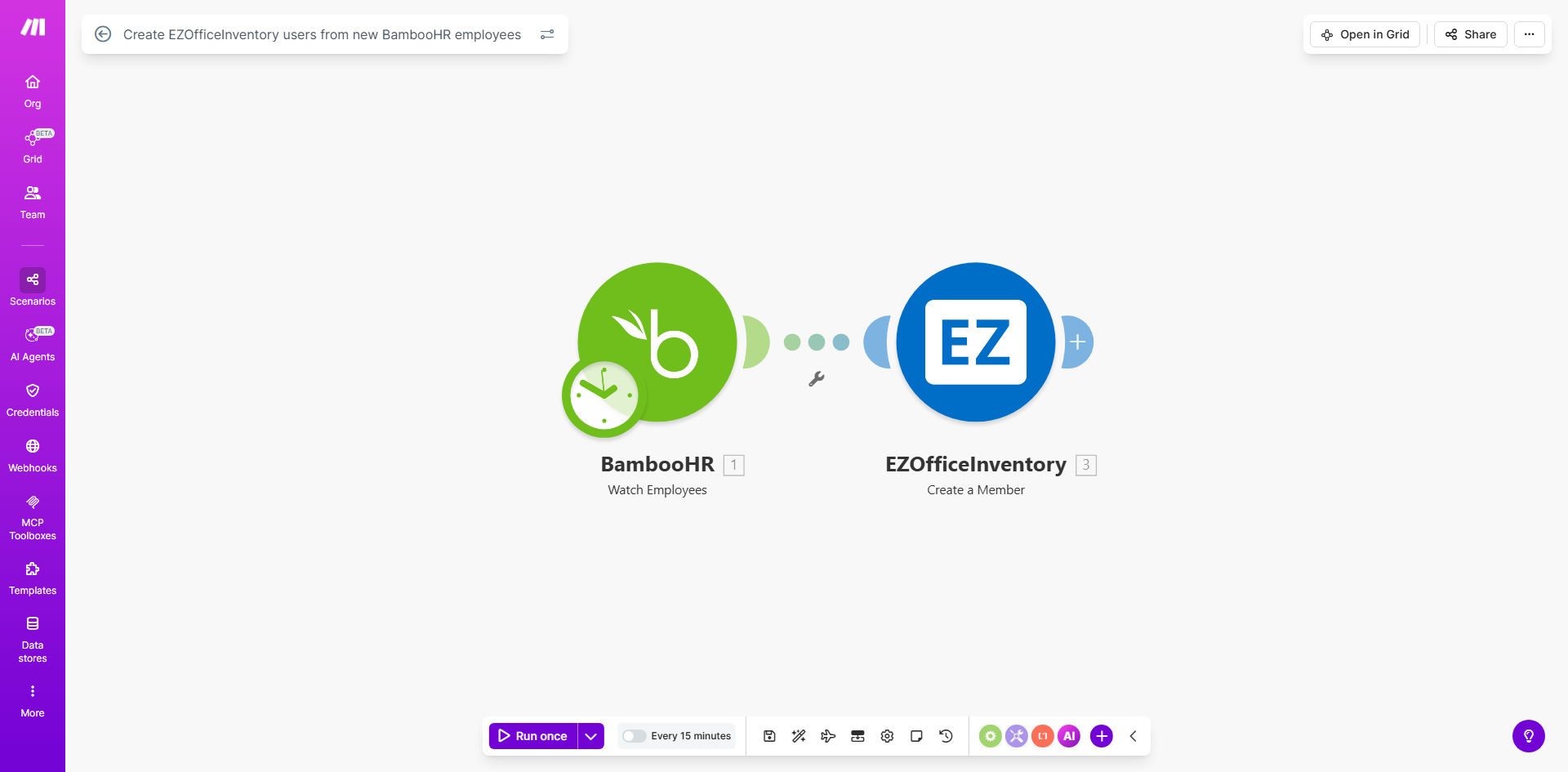
This automation solves a common pain point for growing businesses: ensuring new employees have immediate access to company assets through EZOfficeInventory without requiring manual account creation. When HR adds a new team member in BambooHR, the system automatically generates a corresponding user profile in EZOfficeInventory with all relevant details.
The workflow eliminates the lag time between HR onboarding and IT asset provisioning, which often creates frustration for new hires waiting for equipment. It also removes the risk of typos or missing information that can occur with manual data entry between systems.
How It Works
1. New employee trigger
The workflow monitors BambooHR for new employee additions via webhooks or scheduled checks. When a new hire record appears, the automation captures all relevant profile data.
2. Data transformation
Make.com maps BambooHR fields to the corresponding EZOfficeInventory user profile structure, ensuring proper formatting of names, departments, and other key attributes.
3. User creation
The system sends the formatted data to EZOfficeInventory's API, creating a new user account with appropriate permissions based on the employee's role and department.
4. Confirmation
The workflow can optionally notify HR or IT teams via email or Slack when a new account is successfully created, or alert them if any errors occur during the process.
Who This Is For
This automation is ideal for:
- Companies using both BambooHR and EZOfficeInventory
- HR teams tired of manually creating asset accounts
- IT departments managing equipment provisioning
- Businesses with frequent new hires or seasonal staffing
- Organizations prioritizing employee onboarding experience
What You'll Need
- Active accounts with both BambooHR and EZOfficeInventory
- Admin access to both systems for API configuration
- A Make.com account (free tier available)
- List of required fields to sync between systems
- Understanding of your EZOfficeInventory user permission structure
Quick Setup Guide
- Copy the template to your Make.com account
- Connect your BambooHR and EZOfficeInventory accounts
- Map employee fields between the two systems
- Test with a dummy employee record
- Activate the workflow and monitor initial runs
Key Benefits
Save 2-3 hours per new hire by eliminating manual account creation and data entry between systems. HR teams can focus on strategic onboarding rather than administrative tasks.
100% data accuracy between systems since the automation transfers information exactly as it appears in BambooHR, removing human error from manual transcription.
Faster employee productivity as new hires get immediate access to required equipment and assets through EZOfficeInventory on their first day.
Scalable onboarding process that works equally well for one new hire or hundreds, making it perfect for growing businesses and seasonal workforce fluctuations.
Audit-ready compliance with automatic documentation of when and how each EZOfficeInventory account was created, tied directly to the HR system of record.
Pro tip: Combine this with other onboarding automations (email account creation, Slack access, etc.) to build a complete zero-touch employee provisioning system.