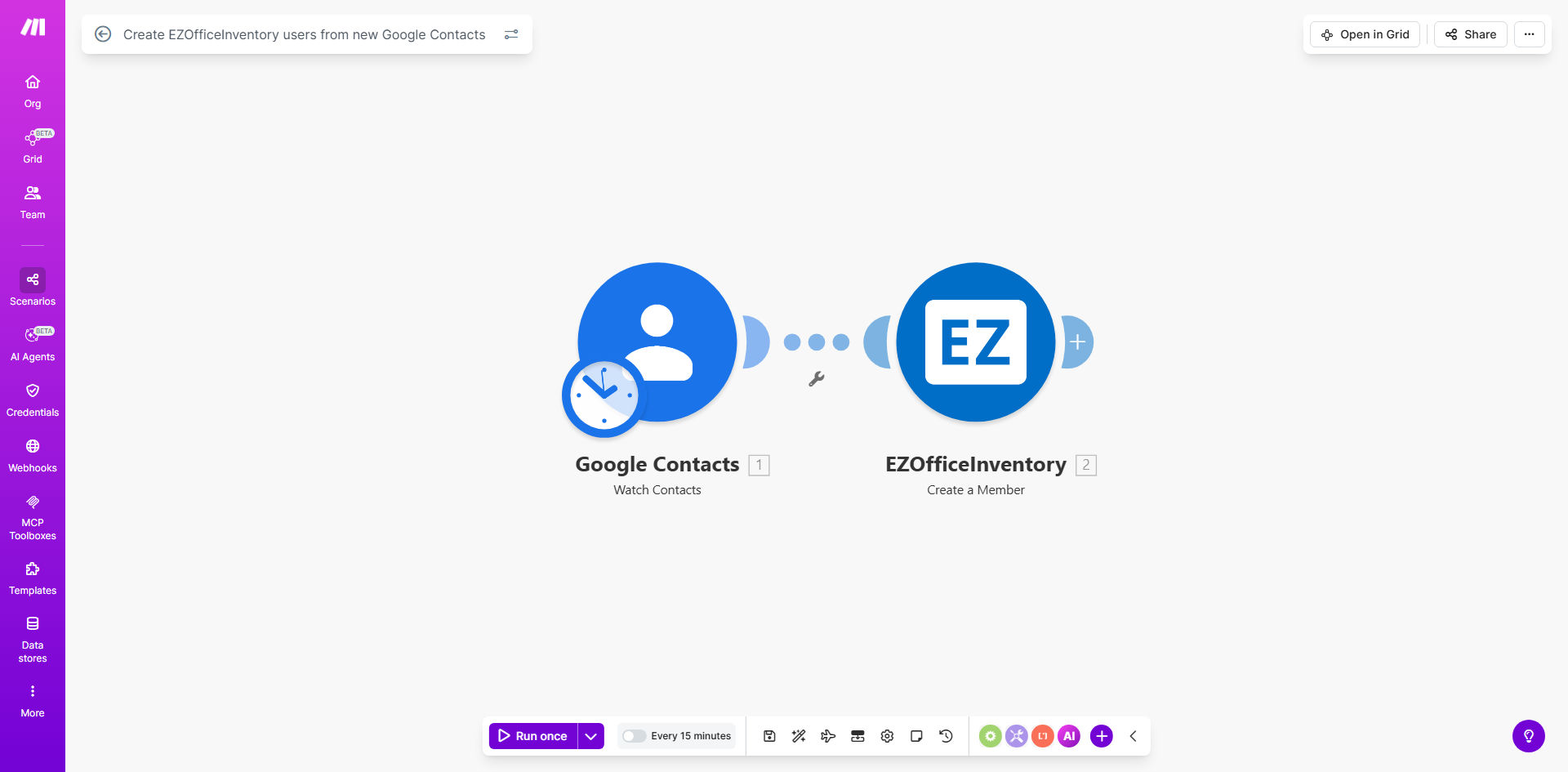
What This Workflow Does
This automation solves the common problem of manually creating user accounts across multiple business systems. When new employees, contractors, or partners are added to your Google Contacts, the workflow automatically provisions corresponding user accounts in EZOfficeInventory - your asset management platform.
By eliminating duplicate data entry, you ensure consistent user information across systems while saving HR and IT teams hours of administrative work each week. The integration maintains data accuracy and provides immediate access to company assets for new team members.
How It Works
1. New Contact Detection
The workflow monitors your Google Contacts for new additions using Make.com's instant trigger. When a new contact appears, the system captures all relevant details including name, email, phone number, and organization information.
2. Data Transformation
Contact information is formatted to match EZOfficeInventory's user schema. You can customize field mappings during setup to ensure proper data alignment between systems.
3. User Creation in EZOfficeInventory
The workflow authenticates with your EZOfficeInventory account via API and creates a new user with the transferred contact details. Optional steps can assign default roles, departments, or asset groups.
4. Confirmation & Error Handling
The system verifies successful user creation and can notify administrators via email or Slack if any issues occur during the process.
Who This Is For
This automation benefits:
- HR teams managing employee onboarding processes
- IT departments provisioning system access
- Facilities managers tracking equipment assignments
- Companies using EZOfficeInventory for asset management
- Organizations with frequent contractor or temporary staff changes
What You'll Need
- A Make.com account (free plan sufficient)
- Admin access to Google Contacts
- EZOfficeInventory account with API access enabled
- Basic understanding of field mapping between systems
Quick Setup Guide
- Copy the template to your Make.com account
- Connect your Google Contacts account
- Authenticate with EZOfficeInventory API
- Map contact fields to user attributes
- Test with a sample contact
- Activate the scenario
Pro tip: Create a dedicated "EZOfficeInventory Users" group in Google Contacts to filter which contacts should sync automatically.
Key Benefits
Eliminate duplicate data entry - Save 2-3 hours per week by automating user creation across systems.
Improve onboarding speed - New team members gain immediate access to required assets.
Maintain data consistency - Avoid typos and version control issues with automated synchronization.
Scale with your organization - The workflow handles 1 or 100 new contacts with equal reliability.
Reduce IT support tickets - Fewer manual processes mean fewer provisioning errors.