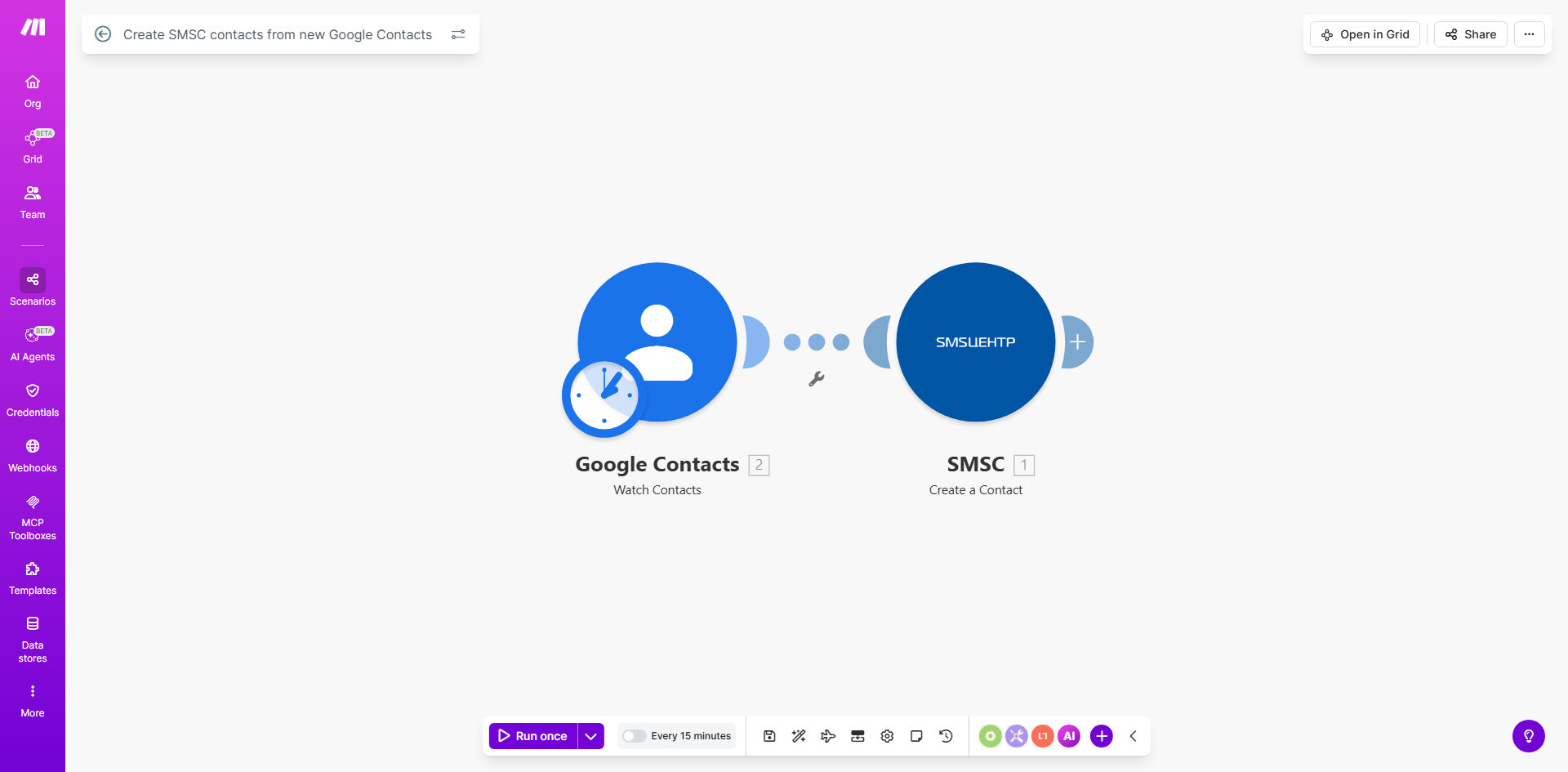
What This Workflow Does
This automation solves the common problem of maintaining separate contact lists across different platforms. Every time a sales team member adds a new contact in Google Contacts, your marketing team needs that same contact in your SMS marketing platform (SMSC) - but manual copying is time-consuming and error-prone.
The workflow automatically detects new contacts in Google Contacts and creates corresponding records in SMSC within minutes. It handles all the field mapping between the two systems, ensuring phone numbers and other key details are transferred accurately. This keeps your SMS marketing lists current without any manual intervention.
How It Works
1. New contact detection
The workflow continuously monitors your Google Contacts for new additions using Make.com's Google Contacts trigger. When a new contact appears, it immediately captures all available details including name, phone numbers, email addresses, and custom fields.
2. Data formatting
Make.com reformats the contact information to match SMSC's expected data structure. This includes standardizing phone number formats, combining name fields appropriately, and filtering out any contacts that don't meet your criteria (like those missing mobile numbers).
3. SMSC integration
The processed contact data gets pushed to your SMSC account via API. The workflow handles authentication and ensures the data lands in the correct lists or groups within your SMS marketing platform.
4. Error handling
If any step fails (like an invalid phone number), the workflow can notify your team via email or Slack while preserving the original contact data for manual review.
Who This Is For
This automation delivers the most value for:
- Marketing teams running SMS campaigns who need fresh leads from sales pipelines
- Businesses using Google Contacts as their primary CRM but SMSC for messaging
- Companies with high contact acquisition volume where manual entry creates bottlenecks
- Organizations needing to maintain compliance by keeping marketing lists current
What You'll Need
- A Make.com account (free plan works for basic usage)
- Admin access to your Google Contacts
- SMSC API credentials
- Basic understanding of field mapping between the two systems
Quick Setup Guide
- Clone the template in your Make.com account
- Connect your Google Contacts account via OAuth
- Enter your SMSC API credentials in the designated module
- Map the contact fields between Google Contacts and SMSC
- Test with a new Google Contact to verify the sync works
- Activate the scenario to begin automatic syncing
Key Benefits
Eliminate duplicate data entry - Sales teams add contacts once in Google Contacts, and they automatically appear in SMSC for marketing use.
Reduce human error - Automated field mapping prevents typos and missing information that commonly occur with manual transfers.
Improve campaign timing - New leads become available for SMS outreach within minutes rather than waiting for batch updates.
Maintain data consistency - All teams work from the same contact information without version control issues.
Scale your operations - Handle hundreds or thousands of new contacts without additional staffing needs.