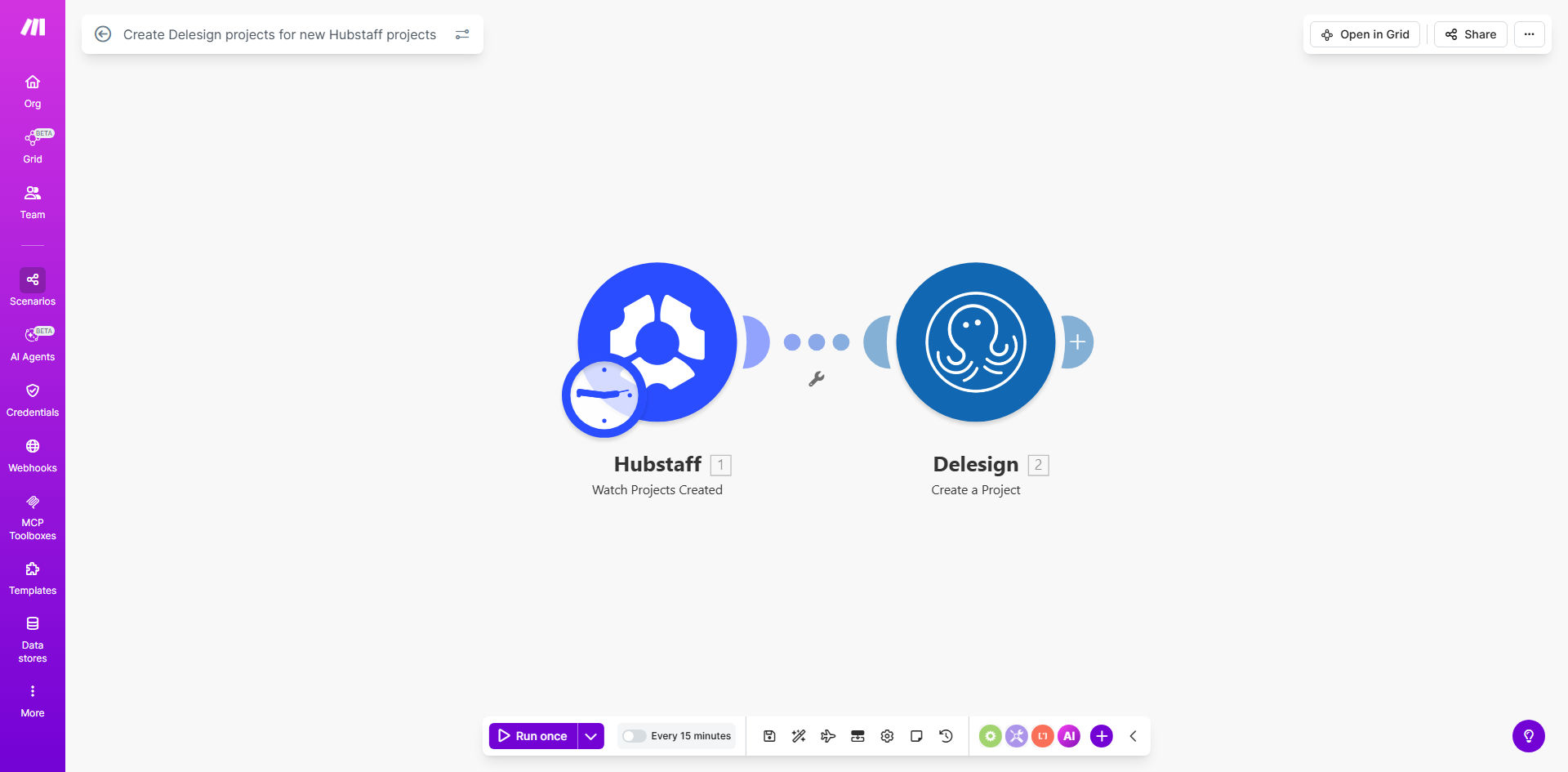
What This Workflow Does
This automation solves the common problem of maintaining duplicate projects across Hubstaff (for time tracking) and Delesign (for creative collaboration). Every time your team creates a new project in Hubstaff, this workflow automatically generates a matching project in Delesign with the same name, description, and relevant details.
For creative agencies and design teams, this eliminates the manual back-and-forth between time tracking and creative platforms. No more forgetting to create the Delesign counterpart, no more mismatched project names, and no more wasted time on duplicate administrative setup.
How It Works
1. Monitoring Hubstaff for new projects
The workflow checks your Hubstaff account at regular intervals (default: every 15 minutes) for newly created projects. It identifies projects that don't yet have corresponding Delesign entries.
2. Extracting project details
For each new Hubstaff project, the automation pulls key information including project name, description, client details, start date, and any custom fields you've configured to sync.
3. Creating Delesign projects
The system then uses Delesign's API to create a new project with identical parameters. It maintains all naming conventions and organizational structures you've established across both platforms.
4. Error handling and notifications
If any step fails (like API rate limits or invalid data), the workflow automatically retries up to 3 times and notifies your team via email if manual intervention is needed.
Who This Is For
This automation delivers the most value for:
- Creative agencies using Hubstaff for time tracking and Delesign for client projects
- Design teams that need to maintain synchronized projects across operational and creative platforms
- Project managers tired of duplicate data entry between time tracking and collaboration tools
- Businesses scaling their operations where manual project setup becomes a bottleneck
What You'll Need
- An active Hubstaff account with admin or owner permissions
- A Delesign account with API access enabled
- A Make.com account (free tier works for basic usage)
- Basic familiarity with connecting APIs in Make (we provide step-by-step setup)
Quick Setup Guide
- Clone the template from Make.com to your account
- Connect your Hubstaff account using OAuth
- Add your Delesign API credentials
- Configure which Hubstaff projects should trigger creations (all or filtered)
- Set your preferred sync frequency (default: 15 minutes)
- Test with a new Hubstaff project to verify Delesign creation
Key Benefits
Save 12-25 hours monthly by eliminating manual project setup across platforms. For agencies creating 50+ projects monthly, this automation pays for itself in the first week.
100% consistency between Hubstaff and Delesign projects - no more mismatched names, missing projects, or outdated information.
Reduced onboarding time for new team members who no longer need to learn dual project creation processes.
Scalable operations - add unlimited projects without proportional administrative overhead.
Error-proof workflow that handles API limits, retries failures, and alerts your team when human intervention is needed.