Make.com Qwilr Telegram Document Automation Sales Notifications

Send Telegram Messages for Accepted Pages in Qwilr

Get instant notifications when clients accept your proposals and contracts

Get This Workflow → Make.com · Qwilr · Free Template
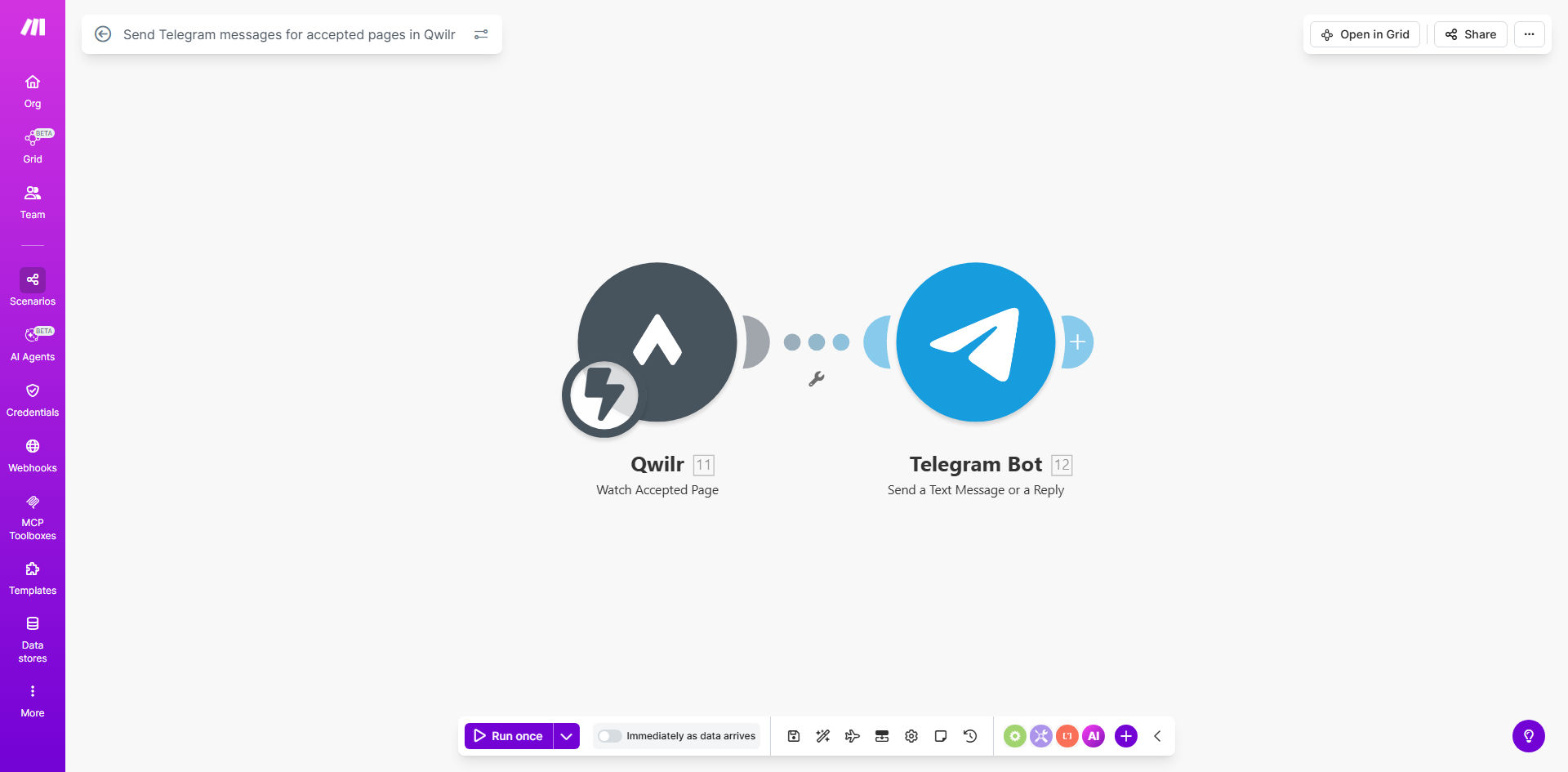
Make.com workflow diagram showing Qwilr to Telegram integration

What This Workflow Does

This automation solves the problem of delayed awareness when clients accept your Qwilr proposals, contracts, or other documents. Without automation, sales teams must manually check Qwilr for acceptance status or wait for email notifications that often get buried in inboxes.

The workflow instantly sends Telegram messages to your team whenever a page is accepted in Qwilr, including key details like the client name, document title, and direct link. This enables faster follow-up actions like scheduling kickoff calls, processing payments, or updating CRMs.

How It Works

1. Qwilr Triggers the Workflow

Make.com monitors your Qwilr account for any page acceptance events through real-time webhooks. The moment a client accepts a document, the workflow activates.

2. Data is Processed

The system extracts relevant information from the Qwilr event including the document title, client details, acceptance timestamp, and direct link to the signed version.

3. Telegram Notification is Sent

A formatted message containing all critical details is automatically delivered to your specified Telegram group or channel. Team members receive mobile notifications instantly.

Pro tip: Customize the Telegram message template to include your branding and specific next steps for your team to take upon acceptance.

Who This Is For

This automation is ideal for:

  • Sales teams sending proposals via Qwilr
  • Agencies managing client contracts
  • Freelancers needing instant signing alerts
  • Remote teams using Telegram for internal comms
  • Businesses wanting to reduce manual status checks

What You'll Need

  1. An active Qwilr account with documents to track
  2. A Telegram account with access to send messages
  3. A Make.com account (free plan works)
  4. The Telegram bot API token for sending messages
  5. Your Qwilr API credentials

Quick Setup Guide

  1. Copy the template from Make.com to your account
  2. Connect your Qwilr account in the workflow settings
  3. Add your Telegram bot credentials
  4. Specify the target chat ID for notifications
  5. Customize the message template if desired
  6. Activate the scenario and test with a Qwilr document

Key Benefits

Reduce response times by 80%+ by eliminating manual status checks and enabling immediate follow-up actions when documents are signed.

Never miss a signed contract with real-time mobile notifications to your entire team through Telegram's reliable messaging platform.

Improve client onboarding speed by triggering next steps the moment agreements are finalized rather than waiting for manual processing.

Centralize document tracking by having all acceptance notifications delivered to your team's primary communication channel.

Scale your sales operations without adding administrative overhead as your volume of proposals grows.

Frequently Asked Questions

Common questions about Qwilr-Telegram automation and integration

Automating Qwilr acceptance notifications ensures your team gets instant alerts when clients sign important documents, reducing manual tracking and speeding up follow-up actions. This prevents delays in contract execution and improves client response times.

For example, sales teams can immediately schedule onboarding calls when a proposal is accepted rather than waiting to discover the signed document hours or days later.

Telegram provides real-time messaging with high reliability, group chat capabilities, and mobile accessibility - making it ideal for sales teams needing instant updates. Messages can include rich formatting and links back to signed documents.

Unlike email which often gets overlooked, Telegram notifications appear prominently on mobile devices with read receipts. Teams can also discuss signed documents directly in group chats.

  • Instant delivery with read receipts
  • Group chat functionality built-in
  • Mobile-first design for field teams

Qwilr integrations eliminate manual status checks by automatically triggering actions when documents are signed. This connects proposal tools with your team's communication channels for seamless handoffs.

Instead of logging into Qwilr to check statuses, your CRM, project tools, and team chats automatically receive updates through workflows like this Telegram notification system.

Common Qwilr automations include CRM updates, payment processing triggers, task creation in project tools, and calendar scheduling for follow-ups - all based on document acceptance status.

Advanced implementations might route different document types to different teams or trigger multi-step approval processes when certain contract thresholds are met.

  • CRM opportunity stage updates
  • Invoice generation upon acceptance
  • Project board task creation

Make.com automations offer enterprise-grade reliability with error handling, retries, and logging - making them suitable for critical business processes like contract notifications.

The platform processes millions of automation runs monthly with 99.9% uptime. Failed actions automatically retry and comprehensive logs help troubleshoot any issues.

Yes, the template allows full customization of message content including client details, document links, and specific next steps for your team to take upon acceptance.

You can format messages with Markdown, include buttons linking to internal systems, or even attach files like signed PDF copies when available through the Qwilr API.

Our team specializes in building custom document workflow automations tailored to your specific Qwilr usage and team communication needs, including advanced routing logic and multi-channel notifications.

We can create solutions that integrate with your CRM, accounting software, project tools, and internal systems - going beyond simple notifications to create complete automated document workflows.

  • Multi-step approval workflows
  • CRM synchronization
  • Custom reporting dashboards

Need a Custom Qwilr Automation?

This free template is a starting point. Our team builds fully tailored automation systems for your specific business needs.