Make.com Lead Management Email Marketing Proofly Zoho Campaigns

Automatically Sync Proofly Leads to Zoho Campaigns

Eliminate manual data entry by automatically adding new Proofly leads as subscribers in Zoho Campaigns

Get This Workflow → Make.com · Lead Management · Free Template
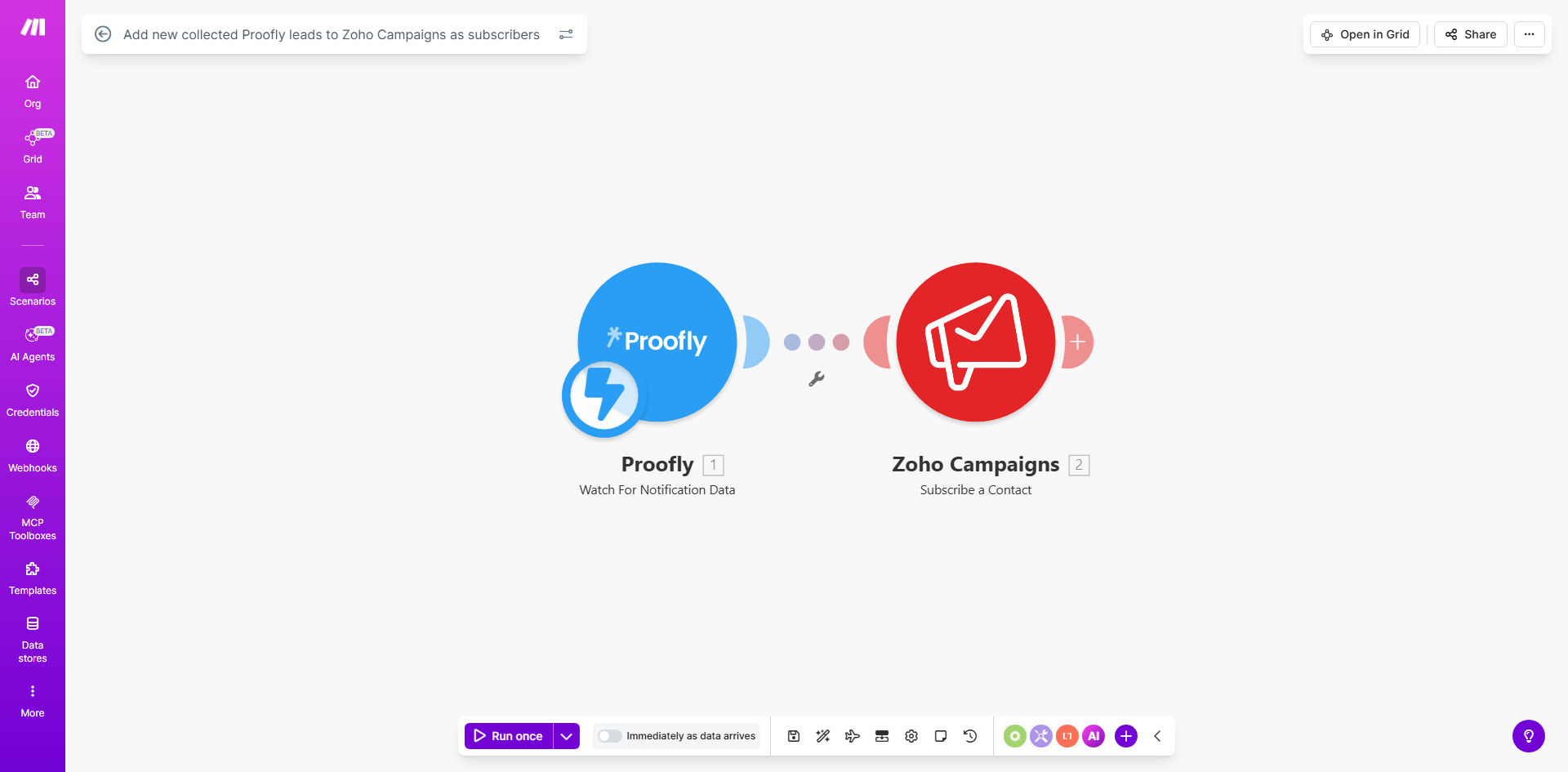
Make.com workflow diagram showing Proofly to Zoho Campaigns integration

What This Workflow Does

This automation solves a critical gap in digital marketing operations - the manual transfer of leads from collection tools like Proofly to email marketing platforms like Zoho Campaigns. Every minute a lead sits unprocessed is a missed opportunity for engagement.

The workflow automatically detects new leads collected through Proofly forms and instantly adds them as subscribers in your Zoho Campaigns account. It handles all the data mapping between platforms, ensuring your email sequences can begin nurturing leads immediately after collection.

How It Works

1. New lead detection

The workflow continuously monitors your Proofly account for new lead submissions through configured forms. Each new entry triggers the automation.

2. Data extraction

Key lead information is extracted from the Proofly submission, including contact details, form responses, and any custom fields you've set up.

3. Field mapping

The workflow matches Proofly fields to corresponding Zoho Campaigns subscriber fields, ensuring data lands in the right places.

4. Subscriber creation

The lead is added to your specified Zoho Campaigns mailing list with all mapped information intact.

Pro tip: Configure the workflow to add tags based on the Proofly form source for better segmentation in Zoho Campaigns.

Who This Is For

This automation is ideal for:

  • Marketing teams running lead generation campaigns with Proofly
  • Businesses using Zoho Campaigns for email marketing
  • Sales teams needing instant lead notifications
  • Companies struggling with manual data transfers between systems
  • Growth-focused organizations wanting faster lead response times

What You'll Need

  1. Active Proofly account with lead collection forms
  2. Zoho Campaigns account with admin access
  3. Make.com account (free tier works)
  4. API access enabled for both Proofly and Zoho Campaigns
  5. Clear mapping of which Proofly fields should go to which Zoho fields

Quick Setup Guide

  1. Install the template from Make.com
  2. Connect your Proofly account in the workflow settings
  3. Connect your Zoho Campaigns account
  4. Map your Proofly form fields to Zoho Campaigns subscriber fields
  5. Specify which mailing list should receive new leads
  6. Test with a sample lead submission
  7. Activate the workflow

Key Benefits

Save 5-10 hours weekly by eliminating manual lead transfers between Proofly and Zoho Campaigns.

Improve lead response time by 80% with instant subscriber addition to your email sequences.

Reduce data entry errors that commonly occur during manual transfers between systems.

Enhance campaign performance by ensuring no leads slip through the cracks.

Gain real-time visibility into lead collection and nurturing metrics.

Frequently Asked Questions

Common questions about Proofly and Zoho Campaigns automation

Automating lead transfers eliminates manual data entry errors and ensures no leads fall through the cracks. Businesses using this automation typically see 30-50% faster lead nurturing response times since subscribers are added to campaigns immediately upon collection.

The automation also creates an audit trail of lead transfers, helping marketing teams track conversion funnel performance more accurately than manual methods allow.

The Make.com workflow can be configured to either skip duplicates or update existing subscriber records. This prevents duplicate emails while ensuring your lists stay current with the latest lead information from Proofly.

For businesses running multiple lead sources, the update option ensures Zoho Campaigns always has the most recent contact details, even if the lead was originally collected through a different channel.

Yes, the workflow supports full field mapping between platforms. You can match Proofly form fields with corresponding Zoho Campaigns subscriber fields during setup, including custom fields you've created in either system.

This flexibility allows you to capture specialized data in Proofly forms (like product interests or budget ranges) and use that information to personalize your Zoho Campaigns email sequences.

The automation runs in near real-time, typically processing new Proofly leads within 1-2 minutes. This rapid transfer means your email campaigns can start engaging leads immediately after they're collected.

For time-sensitive campaigns (like webinar registrations), this immediacy ensures leads receive confirmation and follow-up emails while their interest is highest.

Absolutely. The workflow can be configured to add leads to specific mailing lists based on criteria like the Proofly campaign source, lead tags, or form responses.

This enables sophisticated segmentation strategies where leads from different Proofly forms or campaigns automatically join different nurture sequences in Zoho Campaigns.

Make.com allows adding data transformation steps before the Zoho Campaigns import. You can clean data, format fields, or add calculated values to ensure perfect subscriber records.

Common transformations include standardizing phone numbers, combining first/last names, adding lead source tags, or calculating lead scores based on form responses.

Yes! GrowwStacks specializes in building tailored automation solutions. Our team can create custom workflows that match your specific Proofly forms with Zoho Campaigns segments, including advanced logic for lead scoring and segmentation.

We'll handle everything from initial consultation to implementation and testing, ensuring the automation perfectly fits your marketing operations.

  • Custom field mapping for your unique data
  • Advanced segmentation logic
  • Ongoing support and optimization

Need a Custom Proofly-Zoho Automation?

This free template is a starting point. Our team builds fully tailored automation systems for your specific business needs.