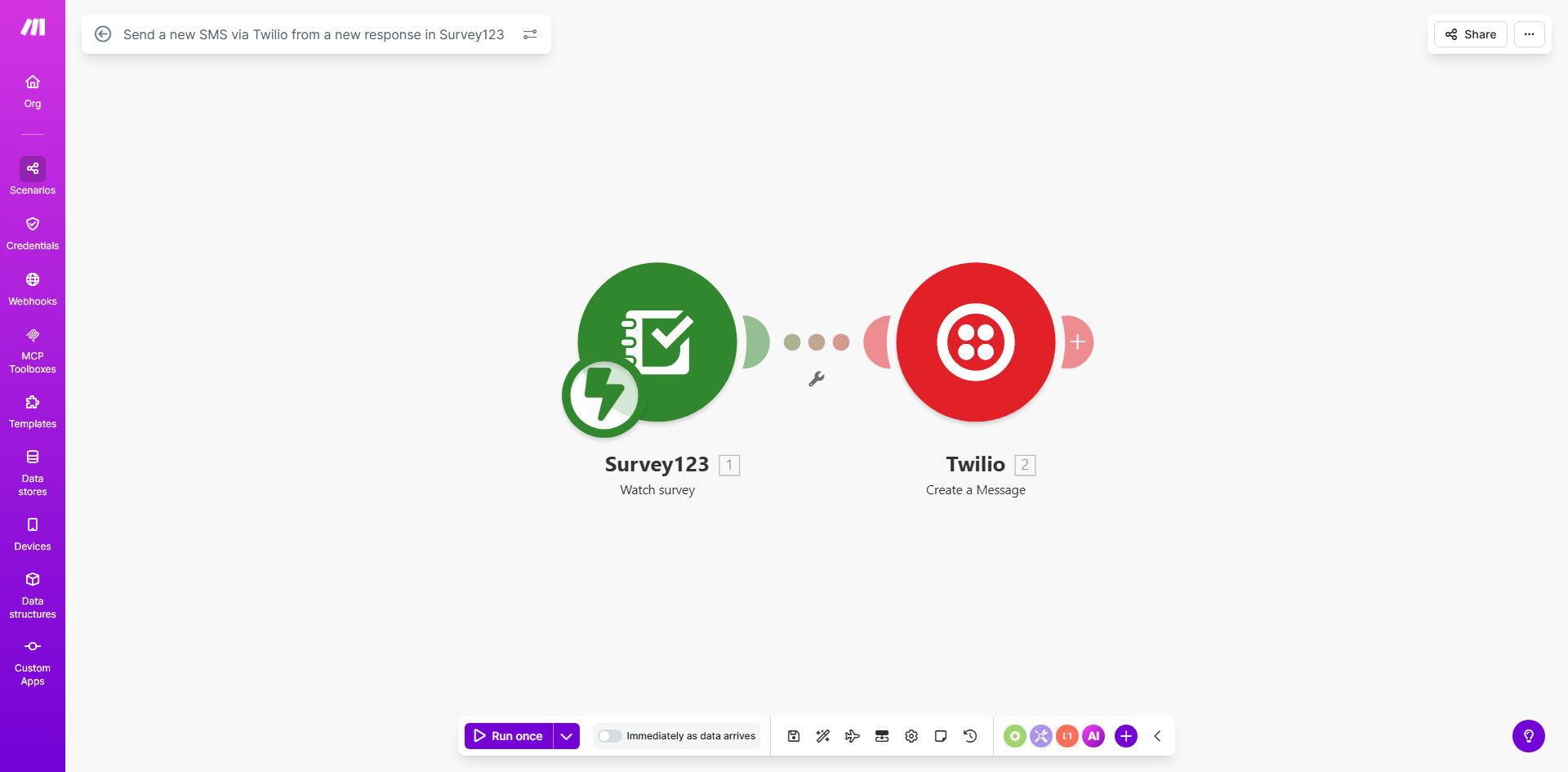
What This Workflow Does
This automation instantly sends SMS messages via Twilio whenever someone submits a response through your Survey123 form. It eliminates manual follow-ups and ensures respondents receive immediate acknowledgment of their submission - critical for time-sensitive surveys, service requests, or field data collection.
The template maps common survey fields like name, phone number, and problem description into personalized SMS messages. For example, a utility company could automatically text: "John, we received your outage report at 123 Main St. Crew dispatched - ETA 45 minutes. Reply STOP to unsubscribe."
How It Works
1. Survey123 Triggers the Workflow
Whenever a respondent submits your Survey123 form, Make.com detects the new response through ArcGIS webhooks. The workflow captures all survey answers as structured data.
2. Data Mapping and Validation
The workflow extracts key fields like phone number and formats them for SMS delivery. It verifies phone numbers are valid before sending to avoid Twilio errors.
3. Dynamic SMS Composition
Your predefined SMS template merges with survey responses. For the sample survey, it might create: "Thanks [Name]! We'll contact you at [Phone] about: [Problem]".
4. Twilio SMS Delivery
Make.com sends the composed message through your Twilio account, which handles carrier delivery globally. Delivery status is logged for troubleshooting.
Pro tip: Add a survey question asking preferred contact method (SMS/email) to respect communication preferences and comply with regulations like TCPA.
Who This Is For
This automation delivers the most value for:
- Field service teams - Instant SMS alerts when customers report outages or request repairs
- Public health organizations - Automated appointment confirmations after symptom surveys
- Retailers - Order status updates triggered by post-purchase feedback forms
- Municipalities - Citizen issue reporting with real-time acknowledgment texts
- Researchers - Participant follow-ups after survey completion
What You'll Need
- An active Survey123 form with at least one phone number field
- Twilio account with SMS capabilities enabled
- Make.com account (free tier works for basic usage)
- 10 minutes to configure the template mappings
Quick Setup Guide
- Clone the template in your Make.com account
- Connect your Survey123 and Twilio accounts
- Map your survey fields to the SMS template variables
- Test with a survey submission from your phone
- Activate the scenario and monitor initial deliveries
Key Benefits
90% faster response acknowledgment compared to manual SMS sending or email follow-ups. Respondents receive confirmation within seconds of submitting.
20-30% higher survey completion rates when participants know their submission was received, especially for field staff without constant email access.
24/7 automated operation ensures no delay in critical notifications, even for after-hours submissions or weekend surveys.
Carrier-grade reliability via Twilio's global infrastructure that delivers 99.95% of SMS messages within seconds.
Full audit trail with timestamps for when surveys were received and SMS dispatched, valuable for compliance and service level agreements.