Shopify Authvia Customer Sync Ecommerce Make.com

Automatically Sync Shopify Customers to Authvia

Eliminate manual data entry and ensure seamless payment experiences for every new customer

Get This Workflow → Make.com · Free Template
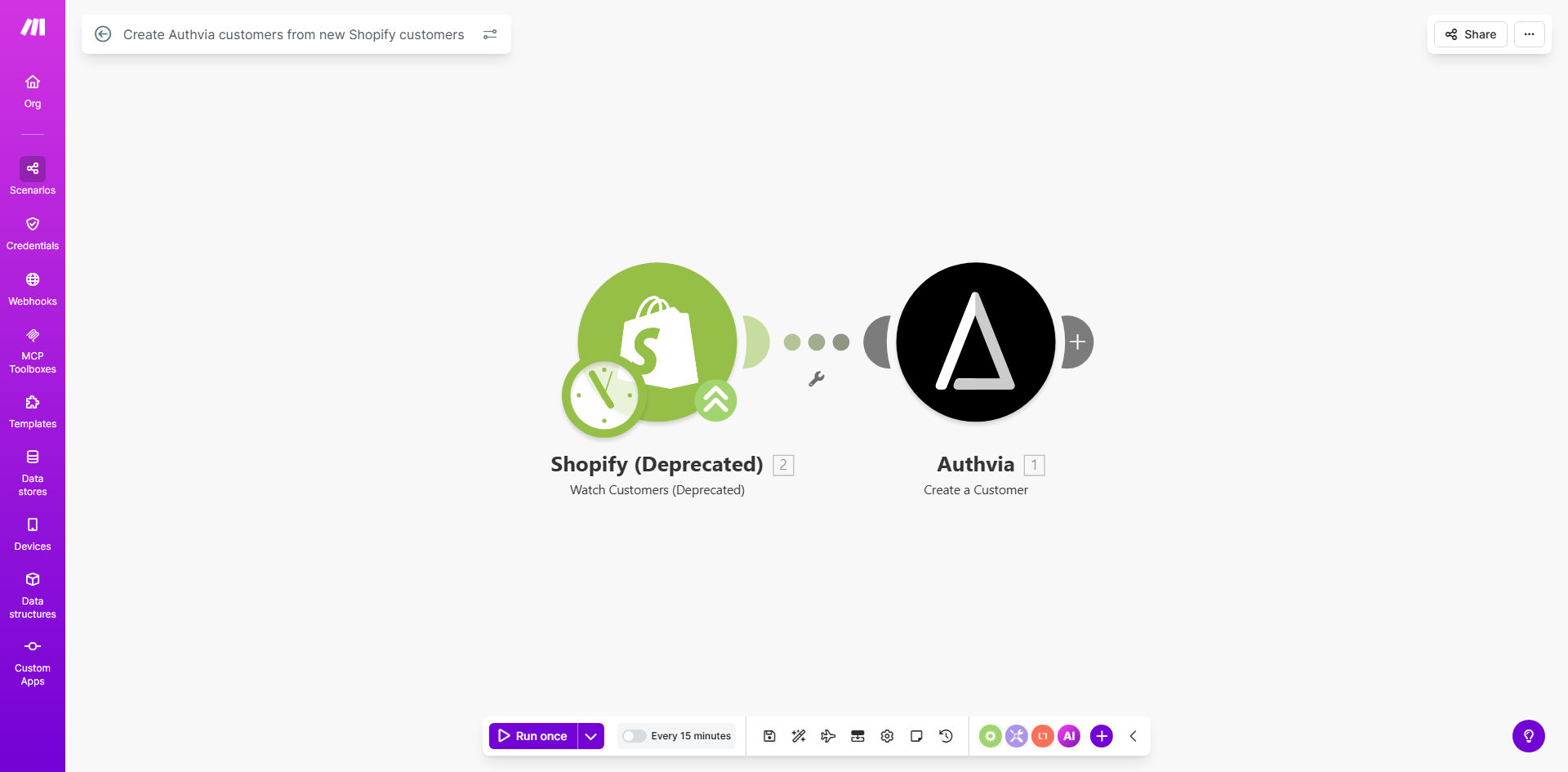
Make.com workflow diagram showing Shopify to Authvia customer sync automation

What This Workflow Does

This automation solves a critical pain point for ecommerce businesses using Shopify with Authvia payment processing. When new customers sign up on your Shopify store, their information isn't automatically available in Authvia - until now.

The workflow eliminates manual customer data entry between systems, reducing administrative work by 80-90% for most merchants. It ensures payment profiles are created in Authvia immediately after customer registration, preventing failed transactions during first purchases.

How It Works

1. New Customer Trigger

The workflow monitors your Shopify store for new customer creation events in real-time.

2. Data Mapping

Essential customer details (name, email, billing info) are extracted and formatted for Authvia's API requirements.

3. Authvia Profile Creation

The mapped data automatically creates a corresponding customer profile in your Authvia payment system.

4. Error Handling

If any sync fails, the system retries or notifies your team for manual intervention.

Who This Is For

This automation delivers the most value for:

  • Ecommerce stores processing 50+ new customers weekly
  • Businesses using Authvia for recurring/subscription payments
  • Merchants experiencing payment failures due to missing Authvia profiles
  • Teams wanting to eliminate manual customer data entry between systems

What You'll Need

  1. Active Shopify store with admin access
  2. Authvia merchant account
  3. Make.com account (free plan sufficient)
  4. API keys for both platforms

Quick Setup Guide

  1. Copy this template to your Make.com account
  2. Connect your Shopify store via API
  3. Add your Authvia API credentials
  4. Test with a new Shopify customer account
  5. Activate the automation

Pro tip: Add a filter step to only sync customers who complete a purchase, reducing unnecessary Authvia profile creations for window shoppers.

Key Benefits

Reduced payment failures: Customers can complete purchases immediately since their Authvia profile exists before first checkout.

Time savings: Eliminates hours spent manually creating payment profiles each week.

Data accuracy: Automated sync prevents human errors in customer data entry.

Scalability: Handles customer volume spikes during promotions without additional staff.

Frequently Asked Questions

Common questions about Shopify and Authvia integration

Syncing Shopify customers with Authvia eliminates manual data entry between your ecommerce store and payment system. This ensures payment profiles are automatically created for new customers, reducing failed transactions and improving checkout experiences.

Without automation, staff must manually recreate each customer in Authvia - a time-consuming process prone to errors that can delay customer purchases.

The workflow triggers when a new customer is created in Shopify. It maps relevant customer data (name, email, billing details) to Authvia's customer creation API, maintaining data consistency across both platforms in real-time.

The integration handles all field mappings and data transformations automatically, including address formatting and special character handling required by each system.

Typically includes customer name, email, billing address, and Shopify customer ID. You can customize which fields to sync based on your Authvia payment processing requirements.

Common additional fields include phone numbers, tax exemptions, and custom Shopify customer tags that might affect payment processing rules.

Yes, you can add filters in the Make.com scenario to only sync customers meeting specific criteria like order value, customer tags, or geographic location.

This helps prevent creating unnecessary Authvia profiles for test accounts, fraudulent signups, or customers from regions you don't service.

The automation processes new customers within minutes of their creation in Shopify, ensuring payment profiles are ready before their first checkout.

During peak traffic periods, Make.com automatically scales to handle increased load without delaying your customer onboarding process.

Make.com provides error handling to retry failed syncs or notify your team via email/Slack. You can review and manually process any exceptions in the Make.com dashboard.

The system logs detailed error messages to help troubleshoot API issues, expired credentials, or data validation problems between the platforms.

Absolutely! Our team specializes in building tailored ecommerce automations. We can customize this workflow to handle special cases like tax exemptions, multi-currency support, or custom field mappings specific to your business needs.

Customizations might include syncing customer loyalty tiers, handling B2B purchase approvals, or integrating with additional systems like your CRM or ERP.

Need a Custom Shopify-Authvia Automation?

This free template is a starting point. Our team builds fully tailored automation systems for your specific business needs.