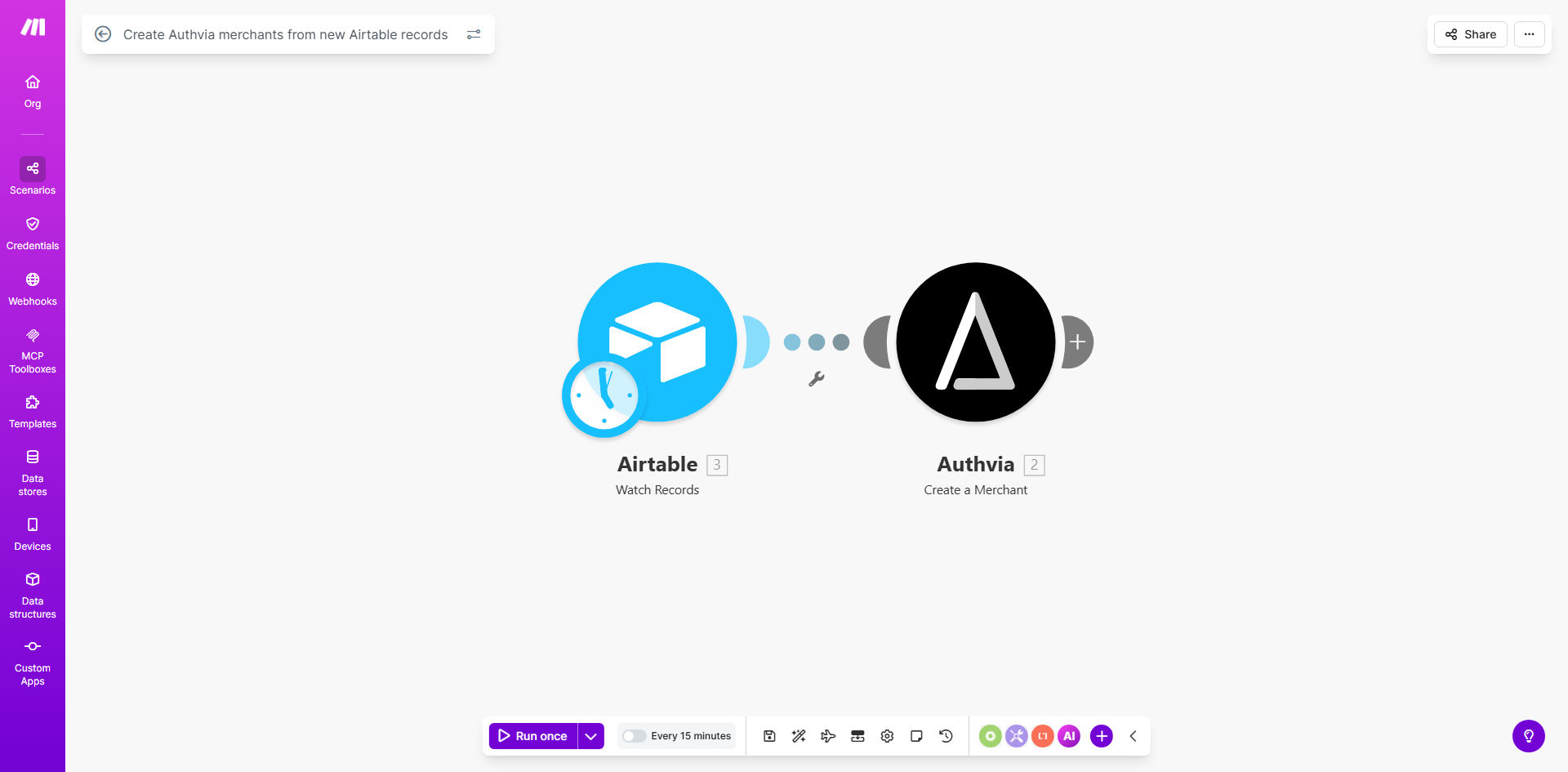
What This Workflow Does
This automation solves a critical bottleneck in merchant onboarding by instantly creating Authvia merchant accounts whenever new records appear in your Airtable base. Instead of manually copying data between systems or waiting for your team to process applications, merchants are activated immediately with accurate details.
The workflow is particularly valuable for payment processors, SaaS platforms, and marketplaces that need to onboard multiple merchants daily. It handles the entire creation process including field mapping, data validation, and error handling - reducing setup time from hours to minutes while eliminating human errors in data transfer.
How It Works
1. New Airtable Record Detection
The workflow monitors your specified Airtable base for new records using Make.com's instant trigger. You can configure it to watch specific views or tables where merchant applications are submitted.
2. Data Validation & Transformation
Before creating the Authvia merchant, the workflow validates required fields and can transform data formats (like phone numbers or addresses) to match Authvia's requirements. Invalid records trigger notifications to your team.
3. Authvia Merchant Creation
Validated data is automatically sent to Authvia's API to create the merchant account with all necessary details mapped from your Airtable fields. The template includes example mappings you can customize.
4. Status Updates & Error Handling
Successful creations update the Airtable record with the new Authvia merchant ID and status. Failed attempts trigger retries and ultimately notify your team if manual intervention is needed.
Pro tip: Add a Slack or email notification step to alert your support team when high-priority merchants are created, allowing for immediate follow-up.
Who This Is For
This automation delivers the most value for:
- Payment service providers onboarding multiple merchants weekly
- SaaS platforms with built-in payment processing
- Marketplaces that need to activate seller payment accounts
- Fintech startups scaling their merchant base rapidly
- Any business using Airtable for merchant applications
What You'll Need
- Airtable base with merchant application data
- Authvia API credentials with merchant creation permissions
- Make.com account (free plan works for basic usage)
- Field mapping plan between Airtable and Authvia fields
Quick Setup Guide
- Import the template into your Make.com account
- Connect your Airtable account and select the base/table to monitor
- Add your Authvia API credentials in the designated module
- Map Airtable fields to corresponding Authvia merchant fields
- Test with sample data and activate the scenario
Key Benefits
Reduce merchant onboarding time by 80%: What previously took hours of manual work now happens instantly when applications are submitted.
Eliminate data entry errors: Automated field mapping prevents typos and missing information that plague manual processes.
Scale without adding staff: Handle 10x more merchant applications without proportional increases in operational overhead.
Improve merchant experience: Faster activation means your merchants can start processing payments sooner.
Centralize tracking: All merchant records stay synchronized between Airtable and Authvia automatically.