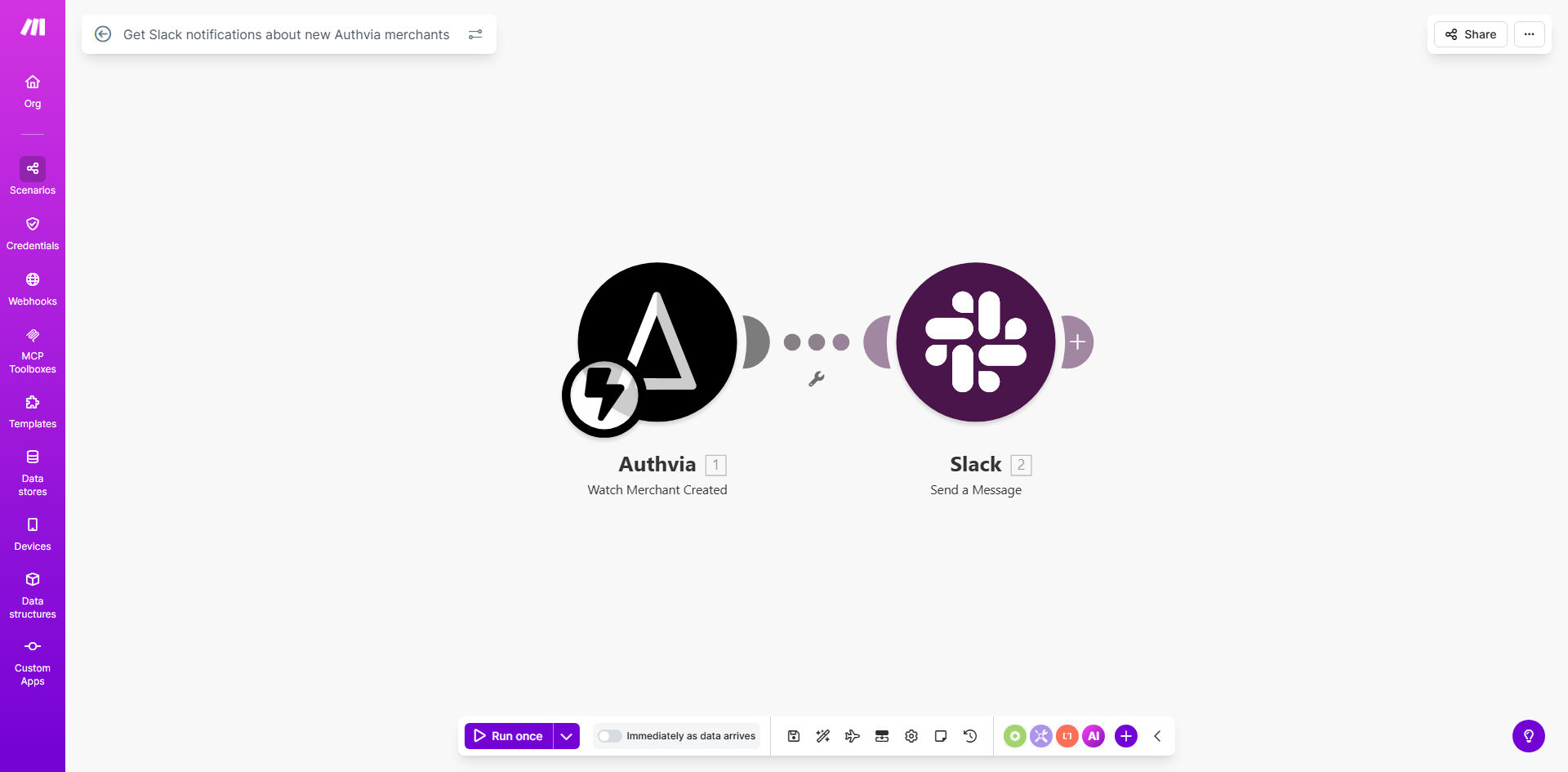
What This Workflow Does
This automation solves the challenge of manually monitoring new merchant signups in Authvia, your payment processing platform. Without automation, your team might miss important new accounts or delay critical onboarding steps like fraud checks, welcome communications, or account activation.
The workflow instantly detects when a new merchant registers in Authvia and sends a customizable Slack notification to your designated channel or direct message. This ensures your sales, support, and compliance teams stay informed in real-time without constantly checking the Authvia dashboard.
How It Works
1. Authvia Triggers the Workflow
Make.com monitors Authvia's API for new merchant creation events. When detected, the workflow pulls all relevant merchant data including account details, business information, and any custom fields you've configured.
2. Data Processing
The workflow formats the merchant information into a clean, readable structure. You can customize which fields to include, add conditional logic to highlight specific details, or enrich the data with additional API calls.
3. Slack Notification Delivery
Make.com sends the formatted merchant data to your specified Slack channel as a rich notification. The message can include clickable links back to the Authvia merchant profile, formatted text for easy scanning, and even interactive Slack buttons for quick actions.
Pro tip: Add emoji reactions or action buttons to your Slack notifications so team members can quickly claim responsibility for onboarding tasks.
Who This Is For
This automation benefits:
- Payment processors needing real-time visibility into new merchant accounts
- Risk management teams monitoring for potential fraud during onboarding
- Sales teams who want to promptly welcome new merchants
- Operations managers tracking merchant growth metrics
- Support teams preparing for potential merchant inquiries
What You'll Need
- An active Authvia merchant account with API access
- A Slack workspace with permission to create incoming webhooks
- A Make.com account (free plan available)
- The Slack channel or user ID where notifications should be sent
Quick Setup Guide
- Copy this template to your Make.com account
- Connect your Authvia account by entering API credentials
- Configure which merchant events should trigger notifications
- Connect your Slack account and select the notification channel
- Customize the notification message format and content
- Test with a sample merchant creation
- Activate the workflow
Key Benefits
Instant visibility: Reduce merchant onboarding delays from hours/days to seconds with real-time alerts.
Reduced human error: Eliminate missed merchant accounts that occur with manual monitoring.
Better team coordination: Centralize notifications where your team already collaborates in Slack.
Customizable alerts: Tailor notifications to highlight the most important merchant details for each department.
Scalable monitoring: Handle thousands of merchant signups without additional staffing.