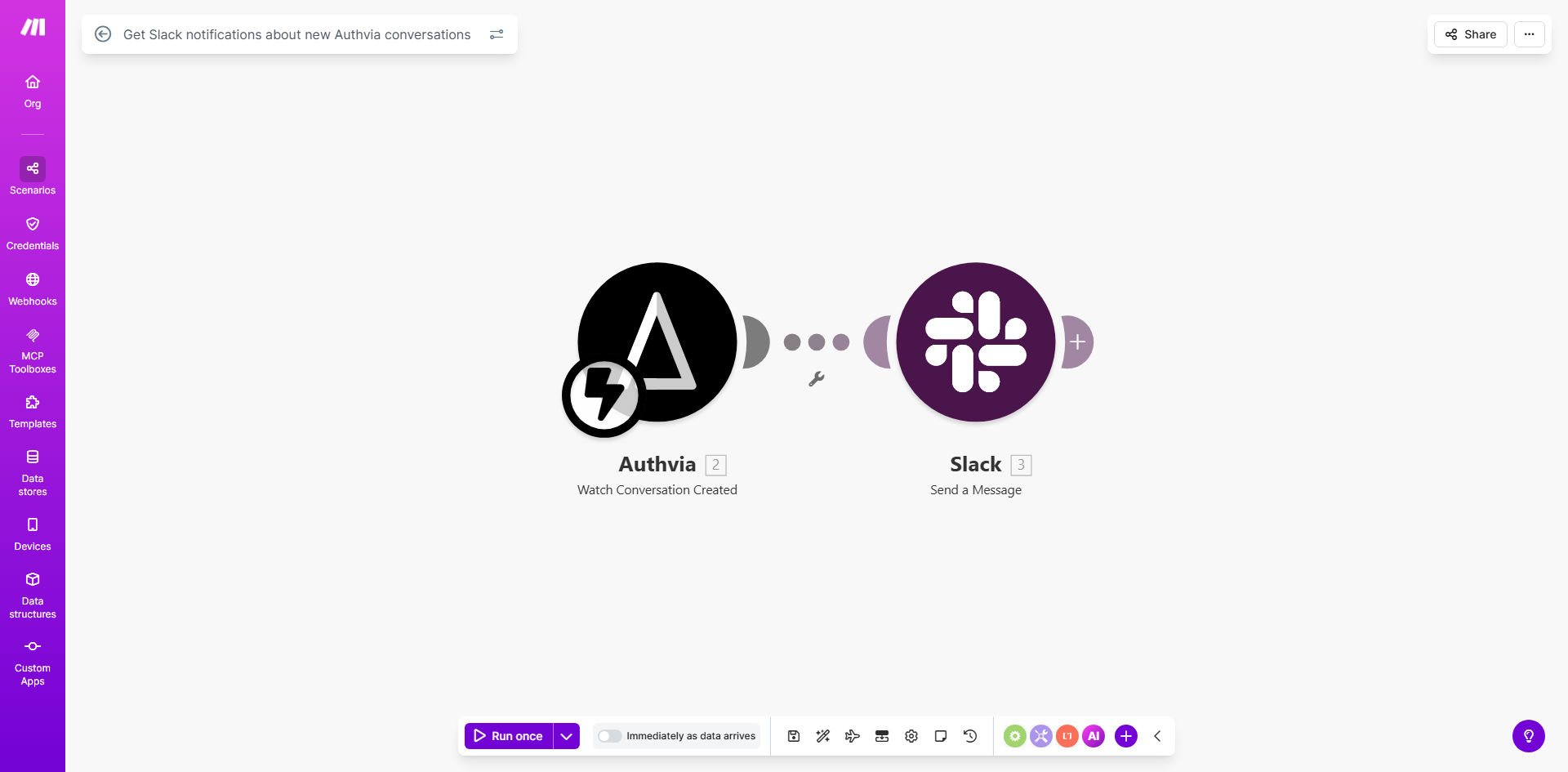
What This Workflow Does
This automation solves the problem of delayed responses to customer conversations in Authvia by instantly notifying your team via Slack whenever a new conversation begins. Instead of requiring team members to constantly check Authvia or wait for email notifications, this workflow pushes real-time alerts directly to where your team collaborates.
The system monitors Authvia for new conversations through API triggers, then formats and delivers customized Slack messages containing key details about each new interaction. This ensures your support, sales, or account teams can respond faster to customer inquiries, leading to improved satisfaction and reduced resolution times.
How It Works
1. Authvia Conversation Detection
The workflow continuously monitors your Authvia account through API webhooks, instantly detecting when new conversations are initiated by customers or team members.
2. Data Extraction
Key conversation details are extracted including customer name, message content, timestamp, and any relevant metadata that helps your team understand the context quickly.
3. Slack Message Formatting
The workflow structures this information into a clean, actionable Slack message format with proper formatting, emoji indicators, and direct links back to the Authvia conversation.
4. Channel Delivery
Notifications are posted to your specified Slack channel or direct messages, with options to @mention specific team members or groups based on conversation type or customer segment.
Pro tip: Add conditional logic to route different conversation types to different Slack channels (e.g., sales inquiries to #sales, support questions to #help-desk).
Who This Is For
This workflow is ideal for customer-facing teams using Authvia for conversations, including:
- Support teams needing real-time alerts about new help requests
- Sales teams tracking prospect inquiries and demo requests
- Account managers monitoring client communications
- Operations teams overseeing multiple conversation channels
- Remote teams collaborating via Slack who need centralized notifications
What You'll Need
- An active Authvia account with API access
- A Slack workspace with permissions to create webhooks
- A Make.com account (free plan sufficient for basic usage)
- 5-10 minutes for initial configuration
Quick Setup Guide
- Clone the template in your Make.com account
- Connect your Authvia account via API key
- Set up a Slack incoming webhook for your desired channel
- Customize the notification message template as needed
- Test with a new Authvia conversation to verify delivery
- Activate the scenario for continuous monitoring
Key Benefits
Reduce response times by 80%+ by eliminating the delay between conversation creation and team awareness. Customers get faster answers while your team appears more responsive.
Eliminate manual checking of multiple platforms. Your team stays focused in Slack while being automatically notified about important Authvia conversations.
Customizable notification content ensures each alert contains exactly the information your team needs to prioritize and respond appropriately.
Scalable across teams with options to route different conversation types to different channels or team members based on your business rules.
24/7 monitoring works even when your team isn't actively checking Authvia, ensuring no customer conversation goes unnoticed outside business hours.