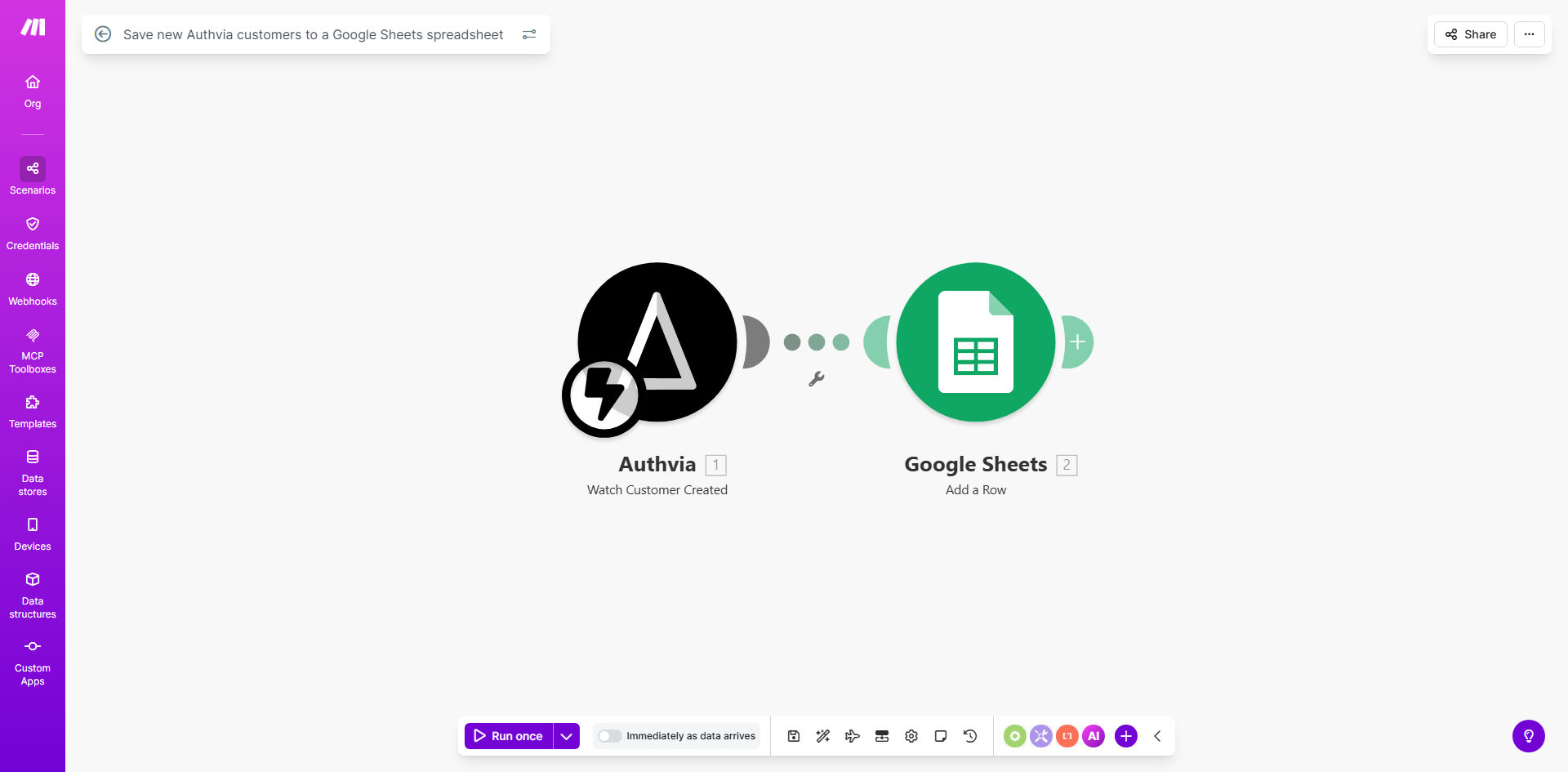
What This Workflow Does
This automation solves the tedious and error-prone process of manually transferring customer information from Authvia to spreadsheets. Every time a new customer signs up through Authvia, their complete details are automatically added as a new row in your designated Google Sheet.
The workflow ensures your customer database stays perfectly synchronized without any staff intervention. You'll always have real-time visibility into your customer base while eliminating duplicate data entry across systems.
How It Works
1. Trigger on new Authvia customer
The workflow activates instantly whenever Authvia registers a new customer, capturing all available customer data fields.
2. Process customer data
Make.com formats the customer information according to your Google Sheet structure, handling any necessary data transformations.
3. Add row to Google Sheet
The system appends the complete customer record to your specified Google Sheet, maintaining all your existing column formatting and formulas.
Pro tip: Use this Google Sheet as the source for other automations like welcome emails, CRM updates, or accounting entries to create a complete onboarding system.
Who This Is For
This automation is ideal for:
- Businesses using Authvia for customer authentication
- Teams maintaining customer databases in Google Sheets
- Marketing teams needing real-time customer data
- Operations managers tracking customer acquisition
- Startups wanting to automate basic CRM functions
What You'll Need
- An active Authvia account with customer data
- A Google Sheets spreadsheet (create or use existing)
- Make.com account (free tier available)
- 5 minutes to set up the connections
Quick Setup Guide
- Click "Get This Workflow" to copy the template to your Make.com account
- Connect your Authvia account in the first module
- Connect your Google Sheets account and select your target spreadsheet
- Map the Authvia customer fields to your desired Google Sheet columns
- Turn on the scenario - it will now run automatically
Key Benefits
Eliminate manual data entry - Save 2-5 minutes per customer by automatically capturing their information directly from Authvia.
Maintain perfect records - Never miss a customer or have incomplete records with 100% automatic synchronization.
Real-time customer visibility - Your team always sees the latest customer data without waiting for updates.
Foundation for more automations - Use this Google Sheet as the trigger for welcome sequences, CRM updates, and more.
Customizable data mapping - Easily adjust which fields get saved and how they appear in your spreadsheet.