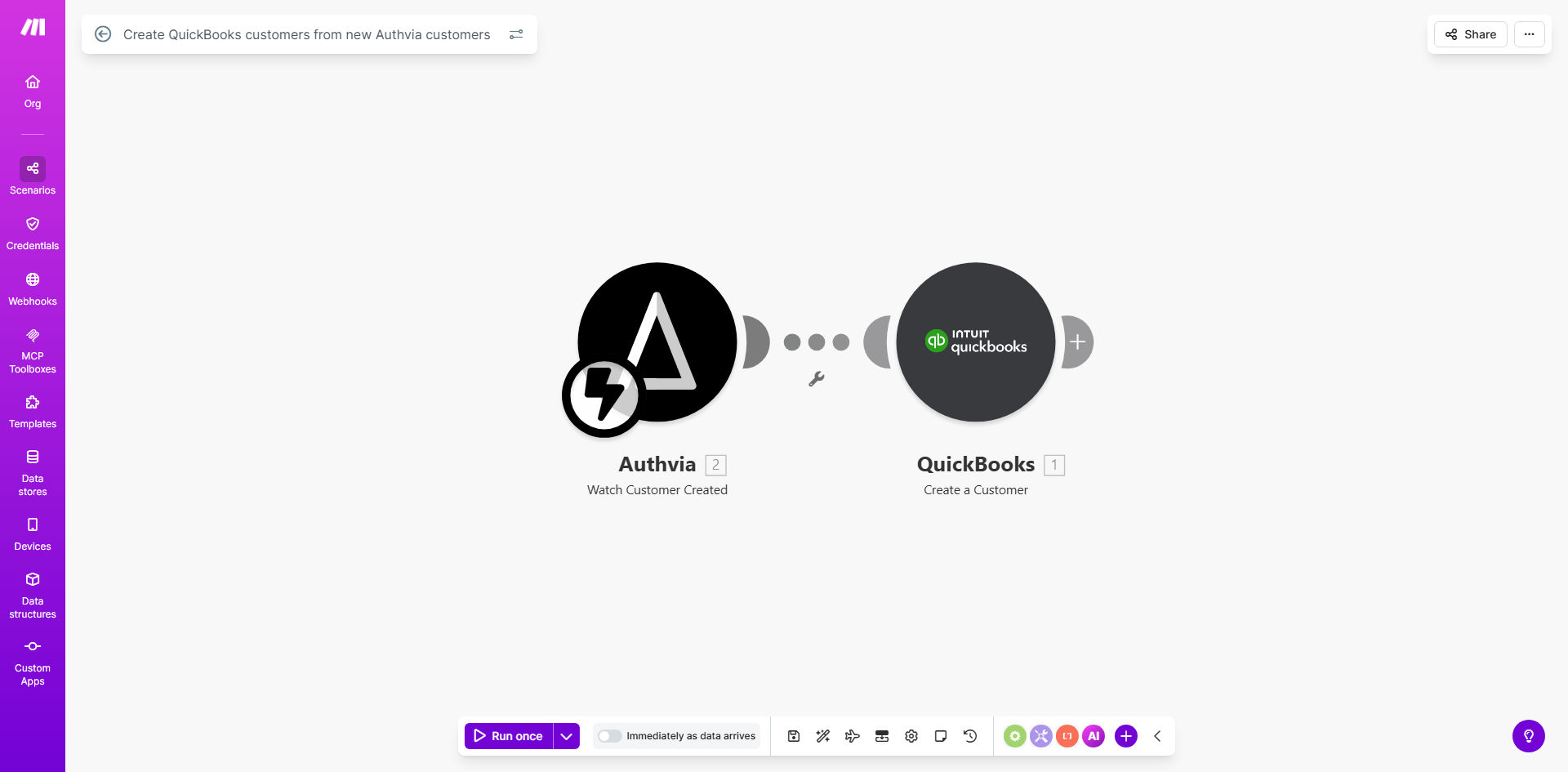
What This Workflow Does
This automation eliminates the manual process of transferring customer information between Authvia (your payment processing system) and QuickBooks (your accounting software). Every time a new customer is created in Authvia, Make.com automatically creates a corresponding customer record in QuickBooks with all essential details.
The workflow ensures your accounting system always has up-to-date customer information without requiring your team to manually enter data. It handles the transfer of key customer details including contact information, company name, and billing address - maintaining consistency between your payment and accounting systems.
How It Works
1. New customer trigger in Authvia
The workflow monitors Authvia for new customer creation events. When a customer signs up through your payment forms or is manually added to Authvia, the automation is triggered.
2. Customer data extraction
Make.com retrieves the complete customer record from Authvia, including all configured meta fields like email, phone number, address details, and company information.
3. Data formatting for QuickBooks
The system maps Authvia's customer data structure to QuickBooks' expected format, ensuring proper field matching between the two systems.
4. Duplicate checking
Before creating a new record, the workflow checks QuickBooks to verify the customer doesn't already exist, preventing duplicates.
5. QuickBooks customer creation
The formatted customer data is pushed to QuickBooks, creating a complete customer record ready for invoicing and accounting.
Pro tip: Configure custom field mappings in Make.com to handle any differences between Authvia's data structure and your QuickBooks customer fields.
Who This Is For
This automation is ideal for:
- Businesses using Authvia for payment processing and QuickBooks for accounting
- Teams tired of manually copying customer data between systems
- Companies experiencing billing errors due to inconsistent customer records
- Finance teams wanting to reduce data entry time by 80-90%
- Businesses scaling their operations who need reliable customer data syncs
What You'll Need
- Active Authvia account with admin access
- QuickBooks Online subscription
- Make.com account (free plan works)
- Customer records in Authvia with these meta fields:
- Phone number
- Address (line 1, line 2, city, postal code, country)
- Company name
Quick Setup Guide
- Get the template from Make.com
- Connect your Authvia account in Make.com
- Connect your QuickBooks Online account
- Review and adjust field mappings between systems
- Set your duplicate checking preferences
- Test with a new Authvia customer record
- Activate the workflow for live use
Key Benefits
Eliminate duplicate data entry - Save 5-15 minutes per customer by automatically syncing information instead of manual copying between systems.
Reduce billing errors - Ensure 100% consistency between payment and accounting customer records, preventing invoicing mistakes.
Improve accounting accuracy - Maintain complete customer profiles in QuickBooks with all essential details from Authvia.
Scale operations efficiently - Handle customer growth without proportional increases in administrative work.
Better customer experience - Faster onboarding with immediate accounting system integration after payment signup.