Make.com Google Calendar NetHunt CRM Automation

Create NetHunt records for new Google Calendar events

Automatically sync meeting details from Google Calendar to NetHunt CRM without manual data entry

Get This Workflow → Make.com · CRM Integration · Free Template
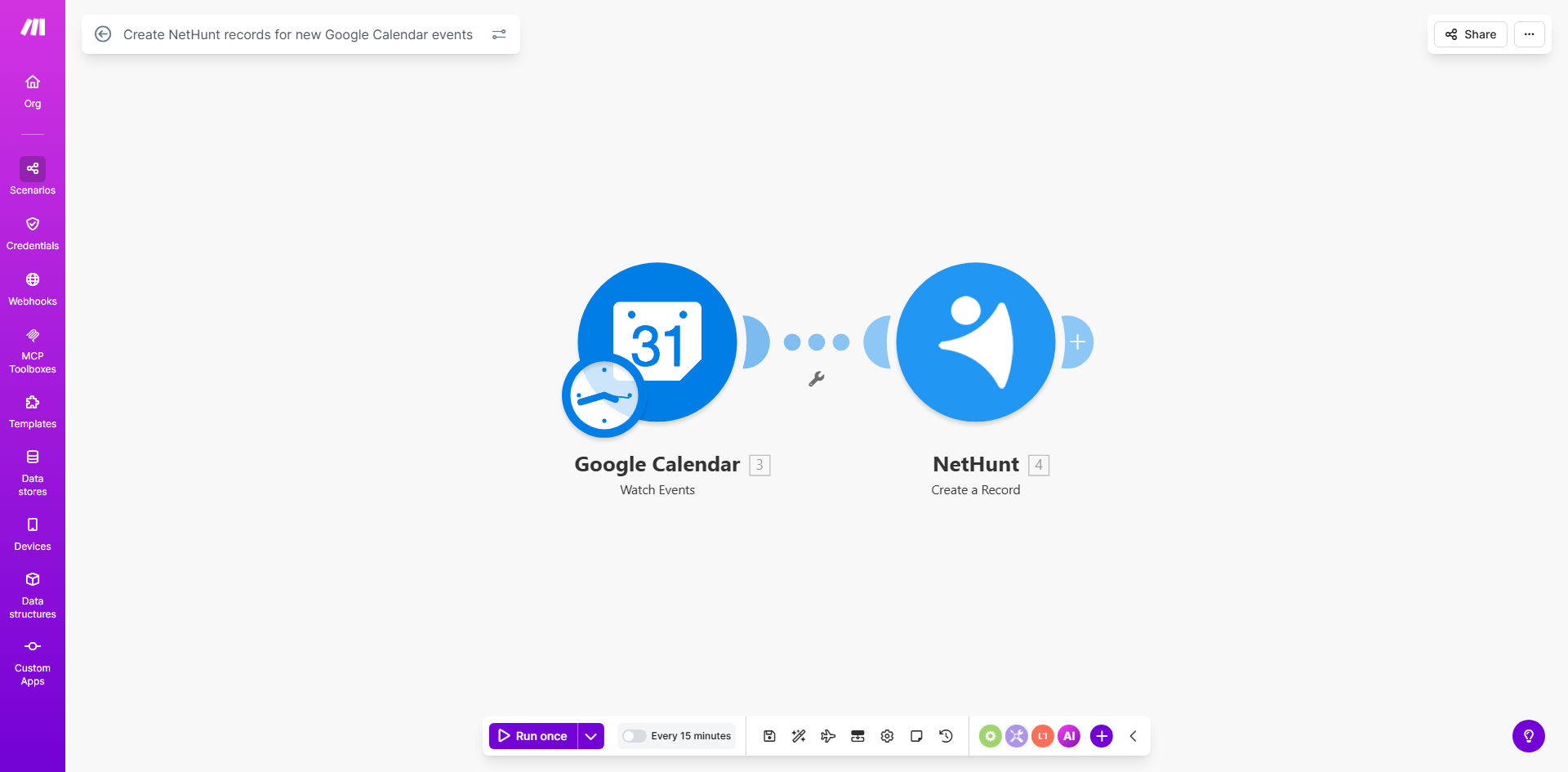
Make.com workflow diagram showing Google Calendar to NetHunt CRM integration

What This Workflow Does

This automation solves the common problem of sales teams forgetting to log client meetings in their CRM after scheduling calendar events. Every time you or your team schedules a new meeting in Google Calendar, this Make.com workflow automatically creates a corresponding record in NetHunt CRM.

The integration ensures no potential leads slip through the cracks by eliminating manual data entry between scheduling and CRM logging. It captures all relevant meeting details including attendees, meeting purpose, date/time, and notes - saving your sales team 15-30 minutes per meeting in administrative work.

How It Works

1. Trigger on new calendar events

The workflow monitors your Google Calendar for new events. You can configure it to watch specific calendars or filter events by keywords in the title/description.

2. Extract meeting details

Make.com pulls all relevant event data including title, description, attendees, start/end times, location, and organizer information.

3. Create NetHunt record

The workflow maps the calendar event fields to corresponding NetHunt CRM fields, creating a complete client record with all meeting context.

Pro tip: Add conditional logic to only create records for external meetings (like sales calls) rather than internal team meetings by filtering for specific keywords or calendar types.

Who This Is For

This automation is ideal for:

  • Sales teams using NetHunt CRM who schedule client meetings via Google Calendar
  • Consultants and agencies managing multiple client appointments
  • Businesses wanting to eliminate manual CRM data entry after scheduling calls
  • Teams needing better visibility into upcoming client interactions

What You'll Need

  1. A Make.com account (free plan available)
  2. Google Calendar with scheduling permissions
  3. NetHunt CRM account
  4. Basic understanding of field mapping between systems

Quick Setup Guide

  1. Click "Get This Workflow" to copy the template to your Make.com account
  2. Connect your Google Calendar account in the first module
  3. Connect your NetHunt CRM account in the second module
  4. Map calendar event fields to NetHunt record fields
  5. Set up filters if you only want to sync certain types of events
  6. Test with a new calendar event and verify the NetHunt record creation

Key Benefits

Eliminates manual data entry: Saves sales reps 15-30 minutes per meeting by automatically logging calendar events in CRM.

Improves data accuracy: Reduces human error in transferring meeting details between systems.

Enhances sales visibility: Gives managers complete insight into upcoming client interactions.

Never miss a lead: Ensures every scheduled meeting gets properly logged in your CRM system.

Customizable mapping: Adapt the field mapping to match your specific sales process requirements.

Frequently Asked Questions

Common questions about calendar-to-CRM automation and integration

Connecting Google Calendar to NetHunt CRM automatically creates client records from meetings, saving hours of manual data entry while ensuring no potential leads slip through the cracks after scheduling calls or appointments.

For sales teams, this means reps can focus on preparing for meetings rather than administrative CRM updates, while managers gain better visibility into the sales pipeline through automatically logged interactions.

Focus on creating records for external meetings like sales calls, consultations, and discovery sessions rather than internal team meetings. You can filter events by title keywords or calendar type in the automation setup.

Common triggers include events containing words like "sales", "demo", "consultation", or being scheduled on calendars dedicated to client-facing activities. The workflow can be customized to match your specific sales process terminology.

Sales reps save 15-30 minutes per meeting by eliminating manual CRM data entry while gaining instant visibility into upcoming client interactions with all meeting details automatically logged in NetHunt.

Teams report higher CRM adoption rates when reps don't have to manually input data, leading to more accurate sales forecasting and better customer relationship management across the organization.

The automation can map calendar event fields like title, description, attendees, start/end times, location, and organizer to corresponding NetHunt CRM fields for complete client records.

Advanced configurations can even parse meeting notes for specific details like discussion topics, pain points mentioned, or follow-up items and add them to custom fields in NetHunt.

Yes, Make.com's visual workflow builder lets you select exactly which Google Calendar fields to include and map them to specific NetHunt CRM fields based on your sales process requirements.

You can create conditional rules to handle different meeting types differently, add data transformations, or even enrich records with additional information from other systems before they reach NetHunt.

The workflow can be configured to either update existing NetHunt records or create new ones when events change. Most businesses prefer updating to maintain accurate activity history.

For sales teams, updating existing records provides better tracking of meeting changes while preserving notes and context. The automation can be set to notify relevant team members when key meetings get rescheduled.

Absolutely! GrowwStacks specializes in building tailored automation solutions that connect your specific calendar system with your CRM while incorporating your unique sales workflow requirements.

Our automation consultants can design a system that handles complex scenarios like multi-calendar synchronization, attendee parsing for account-based sales, automatic task creation from meeting outcomes, and integration with your other business tools.

  • Custom field mapping for your CRM structure
  • Advanced filtering based on your sales process
  • Integration with your existing tech stack

Need a Custom Calendar-to-CRM Automation?

This free template is a starting point. Our team builds fully tailored automation systems for your specific business needs.