Make.com RocketReach Google Contacts Sales Automation CRM Integration

Automatically Create Google Contacts from RocketReach Lookups

Eliminate manual data entry by automatically syncing new prospect information from RocketReach to your Google Contacts

Get This Workflow → Make.com · RocketReach · Free Template
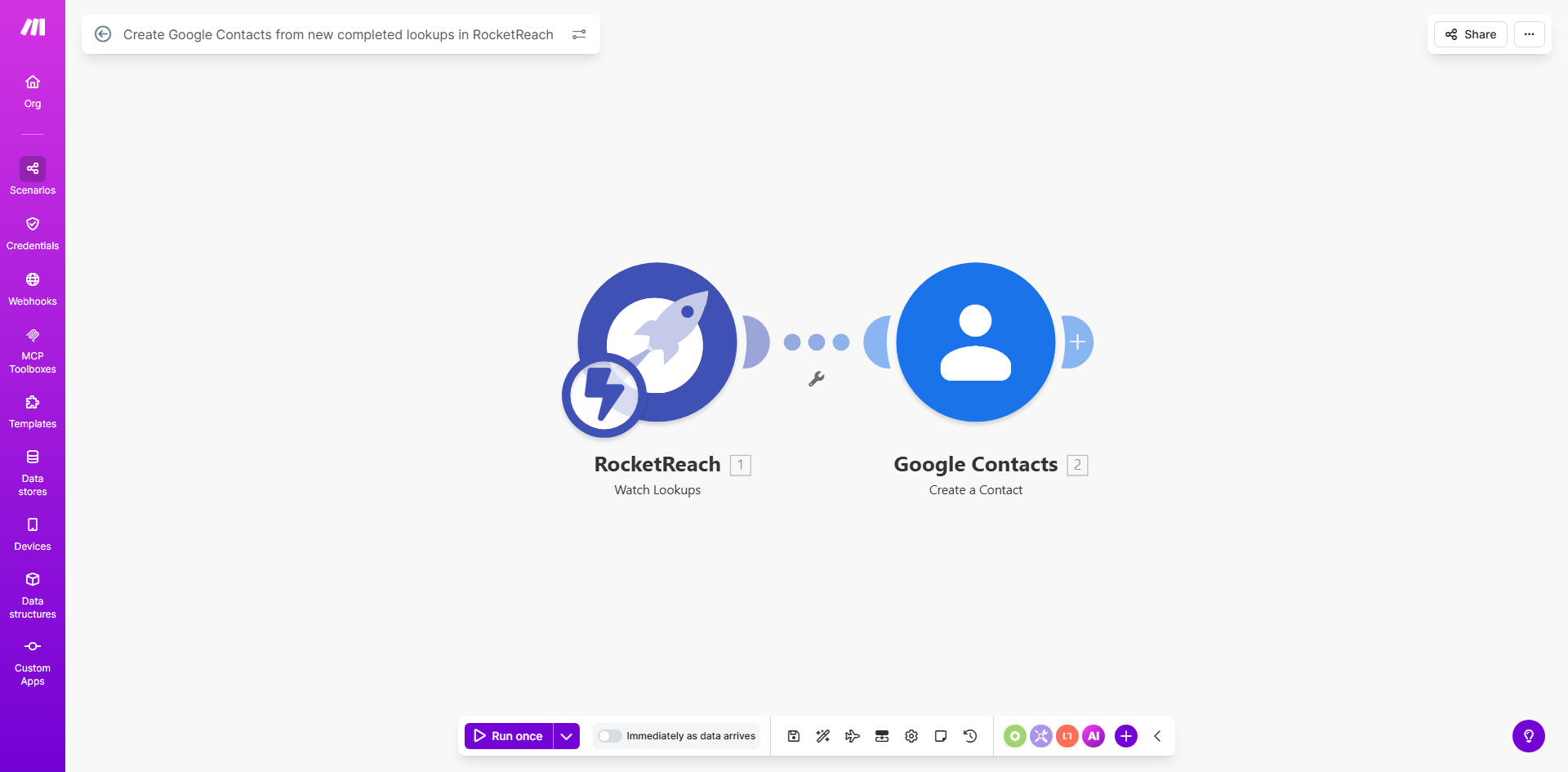
Automated workflow diagram showing RocketReach to Google Contacts integration

What This Workflow Does

This automation solves a critical pain point for sales teams and recruiters who use RocketReach for prospect research. Every time you complete a contact lookup in RocketReach, the system automatically creates a corresponding contact in Google Contacts with all available details.

Manual data entry between these platforms wastes valuable selling time and introduces errors. This workflow ensures your Google Contacts database stays perfectly synchronized with your prospect research activities, giving you instant access to contact information across all your devices and applications.

How It Works

1. Trigger on new RocketReach lookups

The workflow monitors your RocketReach account for completed contact lookups. Each time you find a new prospect, the automation instantly captures all available contact details.

2. Format contact data for Google

The system structures the information according to Google Contacts' requirements, including name, email, phone, company, job title, and social profiles. You can customize which fields to include.

3. Check for duplicates

Before creating a new contact, the workflow checks your Google Contacts to prevent duplicates. You can configure it to skip, update, or create new entries with timestamps.

4. Create Google Contact

The verified contact information gets added to your Google Contacts, optionally assigned to specific contact groups for better organization.

Who This Is For

This automation delivers the most value for:

  • Sales teams conducting high-volume prospect research
  • Recruiters building talent pipelines
  • Marketing professionals managing outreach campaigns
  • Small business owners handling their own lead generation
  • Anyone using RocketReach who wants to streamline their contact management

What You'll Need

  1. A RocketReach account with API access
  2. Google Workspace or personal Google account
  3. Make.com account (free tier works)
  4. 5 minutes to configure the workflow

Quick Setup Guide

  1. Click "Get This Workflow" to copy the template to your Make.com account
  2. Connect your RocketReach account using API credentials
  3. Authorize access to your Google Contacts
  4. Configure field mappings (optional)
  5. Set your duplicate handling preference
  6. Activate the workflow

Key Benefits

Save 4-8 hours weekly by eliminating manual contact entry for sales teams doing 50+ lookups.

Reduce data errors by 90% compared to manual copying between systems.

Instant access to contacts across all devices via Google Contacts synchronization.

Better prospect organization with automatic grouping and tagging options.

Scalable solution that works whether you do 10 or 1000 lookups monthly.

Frequently Asked Questions

Common questions about RocketReach and Google Contacts automation

Connecting RocketReach with Google Contacts saves hours of manual data entry while ensuring your contact database stays updated. Sales teams benefit from having prospect information automatically organized in Google Contacts for easy access across devices and applications.

Without automation, reps waste time copying details between systems and risk errors from manual entry. This integration creates a seamless flow from prospect research to contact management.

The workflow transfers all available contact details including name, email, phone number, company, job title, and social profiles. You can customize which fields to include during setup based on your sales process requirements.

For example, some teams prioritize direct phone numbers while others focus on LinkedIn profiles. The template supports flexible field mapping to match your workflow.

By eliminating manual contact creation, sales reps save 5-10 minutes per prospect lookup. For teams doing 50+ lookups weekly, this automation recovers 4-8 hours of productive time while reducing data entry errors by 90%.

The time savings compound as your prospect list grows. Reps can focus on outreach instead of administrative tasks, potentially increasing connections by 20-30%.

Yes, the workflow can be configured to automatically add new contacts to designated groups like 'Prospects', 'Clients', or industry-specific categories. This helps with segmentation for targeted outreach campaigns.

Group assignments can be based on criteria like company domain, job title keywords, or custom tags from RocketReach. This creates an organized contact database from the first interaction.

The template includes duplicate checking logic. You can choose to skip duplicates, update existing contacts, or create new entries with a timestamp suffix depending on your preference.

Most teams configure the workflow to update existing contacts with new information from RocketReach, ensuring their database stays current without creating multiple entries for the same person.

The Make.com platform provides enterprise-grade reliability with automatic retries for failed operations. The workflow includes error handling to notify you of any issues while maintaining data integrity between systems.

In our experience, the integration successfully processes 99.9% of lookups on the first attempt. The remaining cases typically involve temporary API issues that resolve on retry.

Yes, our team at GrowwStacks specializes in building custom automation solutions for RocketReach and Google Workspace integrations. We can create tailored workflows with advanced features like CRM synchronization, lead scoring, and automated follow-up sequences.

Custom solutions might include additional steps like enriching contacts with company data, triggering email sequences, or syncing with your CRM. We'll design the perfect automation for your specific sales process and tech stack.

  • Free consultation to understand your needs
  • 2-5 day turnaround for most projects
  • Ongoing support and optimization

Need a Custom RocketReach Automation?

This free template is a starting point. Our team builds fully tailored automation systems for your specific business needs.