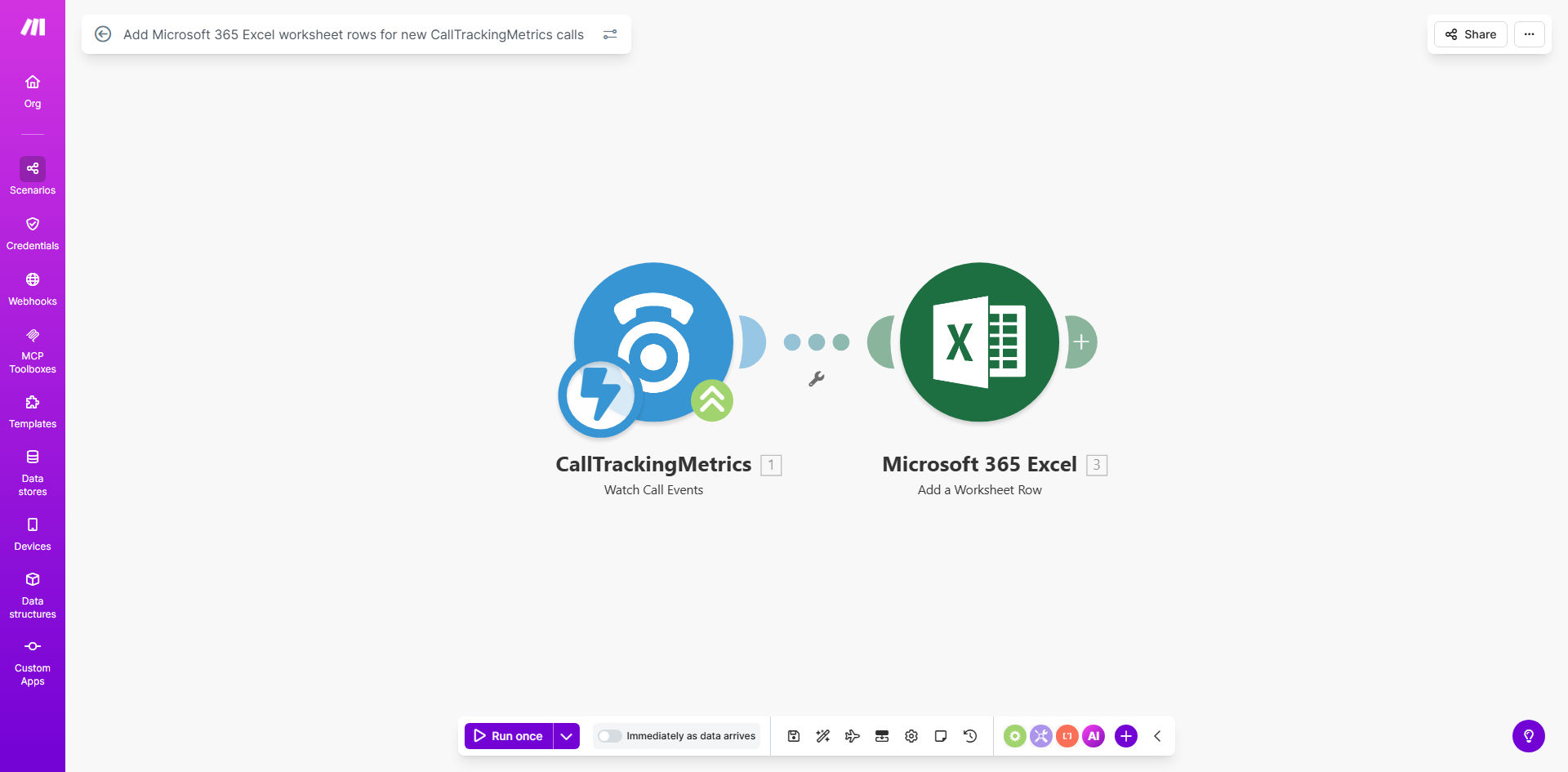
What This Workflow Does
This automation solves the tedious manual process of copying call tracking data from CallTrackingMetrics into Excel spreadsheets. Marketing teams and call centers typically waste 5-10 hours per week on this repetitive task, often with data entry errors that skew reporting.
The workflow automatically captures every new call from CallTrackingMetrics and adds it as a structured row in your Microsoft 365 Excel worksheet. It preserves all critical call details including caller information, duration, source tracking, and custom fields you've configured.
How It Works
1. Trigger on new calls
The workflow activates instantly when CallTrackingMetrics registers an incoming call, whether answered or missed. No polling delays - data flows in real time.
2. Extract call details
Make.com retrieves the complete call record including timestamp, caller number, duration, tracking number, UTM parameters, and any custom fields like call disposition or notes.
3. Format for Excel
The data gets transformed to match your Excel column structure, with proper formatting for dates, phone numbers, and other specialized fields.
4. Add to worksheet
The system appends a new row to your designated Excel file, either creating a new sheet or adding to an existing call log tab based on your configuration.
Pro tip: Add a "Data Received" timestamp column in Excel to track when calls were logged, separate from the actual call time.
Who This Is For
This automation delivers the most value for:
- Marketing agencies tracking call conversions from digital campaigns
- Sales teams needing call logs integrated with CRM data
- Local businesses analyzing which advertising sources drive calls
- Call centers requiring automated compliance logging
- Service businesses that bill based on call duration
What You'll Need
- Active CallTrackingMetrics account with API access
- Microsoft 365 subscription with Excel Online
- Make.com account (free tier works for basic usage)
- Existing Excel worksheet with your preferred column structure
Quick Setup Guide
- Install the template from Make.com
- Connect your CallTrackingMetrics account via API
- Authorize access to your Microsoft 365 Excel file
- Map CallTrackingMetrics fields to your Excel columns
- Test with sample data and deploy live
Key Benefits
Save 10+ hours monthly by eliminating manual call logging and data entry errors that require correction.
Improve marketing attribution with accurate, timestamped records of which campaigns drive calls, helping optimize ad spend.
Enable real-time reporting as call data flows directly into Excel for instant pivot tables and dashboards.
Maintain compliance with automated recording of all call details required for legal or industry regulations.
Scale effortlessly as call volume grows - the automation handles 10 or 10,000 calls with equal reliability.