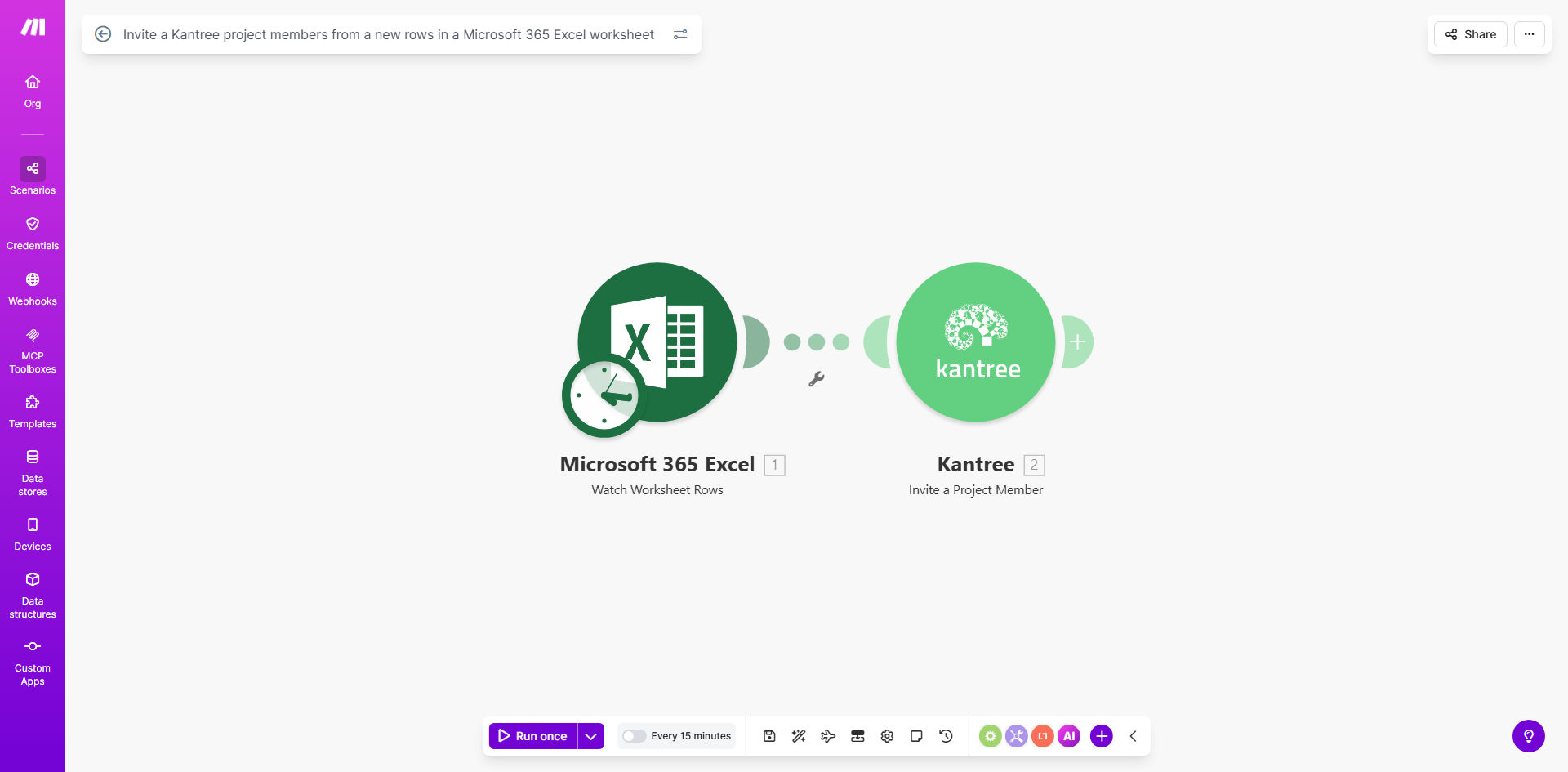
What This Workflow Does
This automation eliminates the tedious manual process of adding project members to Kantree one by one. Whenever you or your team adds a new member's details to your Microsoft 365 Excel worksheet, the workflow automatically sends them an invitation to join the specified Kantree project.
The system maps Excel columns to Kantree's required invitation fields, ensuring all necessary information is transferred accurately. This prevents common errors that occur with manual data entry and ensures new team members gain immediate access to project resources.
How It Works
1. New row detection in Excel
The workflow monitors your specified Microsoft 365 Excel worksheet for new rows. When detected, it extracts the member information from predefined columns.
2. Data validation and mapping
The system checks for required fields (name, email, project role) and formats the data to match Kantree's requirements. Invalid entries are flagged for review.
3. Automated Kantree invitation
Using Kantree's API, the workflow creates and sends project invitations with the member's specified role and access level.
4. Confirmation and logging
The system records successful invitations and any errors in a dedicated log for easy tracking and follow-up.
Pro tip: Add a "Welcome Message" column in your Excel sheet to personalize invitations with project-specific instructions or resources.
Who This Is For
This automation is ideal for project managers, team leads, and HR professionals who regularly onboard new members to Kantree projects. It's particularly valuable for:
- Growing teams adding multiple members weekly
- Cross-functional projects with changing participants
- Organizations using Excel as their primary member database
- Teams needing to maintain accurate project access records
What You'll Need
- A Microsoft 365 account with access to Excel
- A Kantree account with admin privileges for your projects
- An Excel worksheet with member data columns (name, email, role)
- A Make.com account (free tier available)
Quick Setup Guide
- Copy the template to your Make.com account
- Connect your Microsoft 365 and Kantree accounts
- Specify your source Excel file and worksheet
- Map your Excel columns to Kantree invitation fields
- Test with a sample row and activate the automation
Key Benefits
Eliminate manual data entry - Save 2-3 hours per week by automating member onboarding instead of copying data between systems.
Reduce human error - Automated field mapping prevents typos and missing information that can delay project access.
Accelerate collaboration - New team members gain immediate access to Kantree projects without waiting for manual setup.
Maintain accurate records - Automatic logging creates an audit trail of all invitations and their status.
Scale effortlessly - Handle 10 or 100 new members with the same efficiency as your team grows.