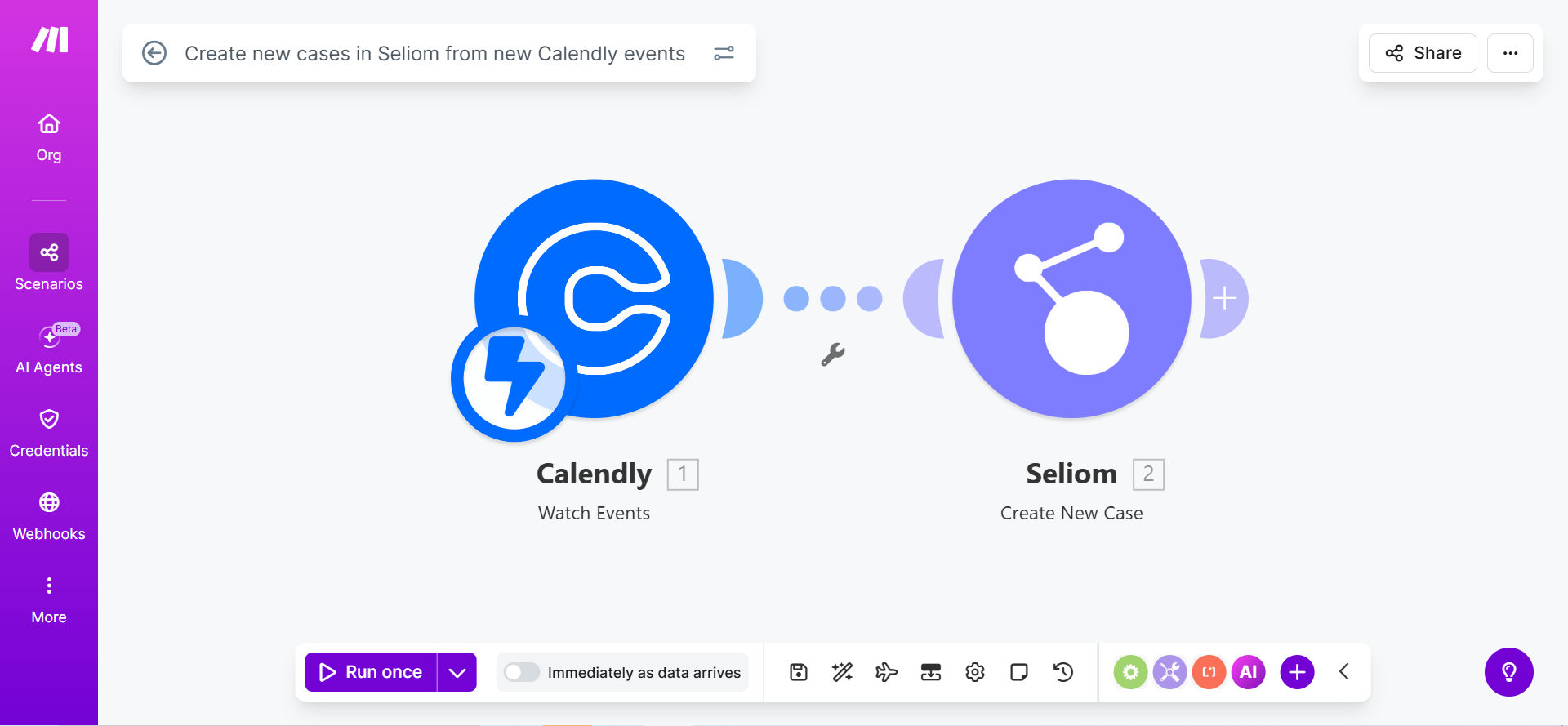
What This Workflow Does
This automation solves a common efficiency problem for service businesses using Calendly for scheduling and Seliom for case management. Without automation, staff must manually create new case files for every appointment scheduled - a time-consuming process prone to delays and errors.
The workflow automatically detects new Calendly events and creates corresponding cases in Seliom with all relevant appointment details. This ensures your team has complete case information immediately available, eliminating manual data entry and reducing the risk of missed cases.
How It Works
1. Calendly Event Trigger
The workflow monitors your Calendly account for new scheduled events. When someone books an appointment, it instantly captures all event details including client information, meeting time, and any custom questions answered during booking.
2. Data Transformation
The system maps Calendly event fields to Seliom case fields, formatting the data appropriately for your case management system. This includes converting date formats, combining name fields, and extracting key details from the event description.
3. Seliom Case Creation
Using Seliom's API, the workflow creates a new case with all the transformed data. The case is automatically categorized based on your business rules and assigned the appropriate status (typically "Scheduled" or "New").
4. Confirmation & Logging
After successful case creation, the system logs the transaction and can optionally send confirmation notifications to relevant team members or sync the information to other connected systems.
Who This Is For
This automation is ideal for:
- Legal firms managing client consultations
- Consulting businesses tracking client engagements
- Healthcare providers scheduling patient visits
- Support teams handling scheduled troubleshooting sessions
- Any service business using both Calendly and a case management system
What You'll Need
- A Calendly premium account (required for API access)
- Seliom account with API access permissions
- Make.com account (free tier works for basic implementation)
- List of field mappings between Calendly and Seliom
- Approval workflows for any special case types
Quick Setup Guide
- Import the template into your Make.com account
- Connect your Calendly account using OAuth
- Configure your Seliom API connection
- Map Calendly fields to Seliom case fields
- Set up error notifications for failed case creation
- Test with sample appointments before going live
Key Benefits
Eliminate manual data entry - Save 5-10 minutes per appointment by automating case creation, allowing staff to focus on higher-value work.
Reduce scheduling errors - Ensure every booked appointment automatically generates a case, preventing missed client interactions.
Improve team preparedness - Cases are created immediately after scheduling, giving your team maximum preparation time.
Enhance client experience - Faster case setup means quicker follow-ups and more personalized service.
Scalable operations - Handle increasing appointment volume without adding administrative staff.
Pro tip: Add a secondary workflow that updates existing cases when appointments are rescheduled or canceled, creating a complete end-to-end automation.