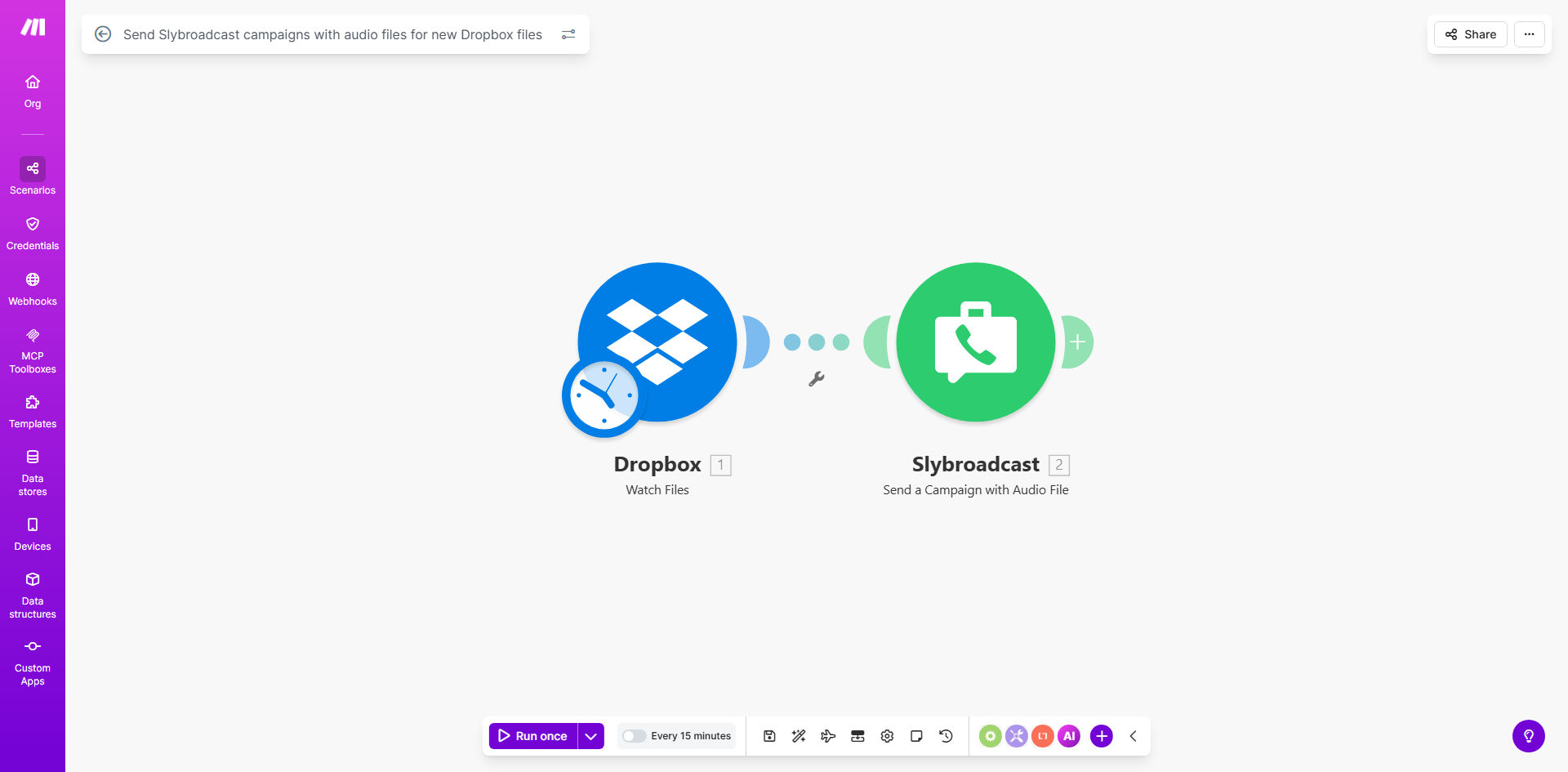
What This Workflow Does
This automation solves the tedious process of manually uploading audio files to Slybroadcast and launching voice campaigns. Many businesses waste hours each week downloading recordings from Dropbox, logging into Slybroadcast, and configuring campaigns - especially when sending time-sensitive announcements or recurring reminders.
The workflow automatically detects new audio files in your specified Dropbox folder, extracts the necessary file details, and triggers a Slybroadcast campaign with your pre-configured settings. This ensures your voice messages go out immediately when new content is ready, without any manual intervention.
How It Works
1. Dropbox File Monitoring
The workflow continuously checks your designated Dropbox folder for new audio files at regular intervals (default: every 15 minutes). When a new file appears, it captures the file URL and metadata.
2. Audio File Processing
The system verifies the file format (supports MP3, WAV, M4A) and prepares it for broadcasting by confirming it meets Slybroadcast's technical requirements.
3. Slybroadcast Campaign Launch
Using your pre-configured Slybroadcast API credentials, the workflow automatically creates a new voice campaign with your audio file, scheduled according to your default settings or specific timing rules you've established.
4. Confirmation & Logging
The system records each campaign launch in your Make.com scenario history and can optionally send you a confirmation email or Slack notification with campaign details.
Pro tip: Create different Dropbox subfolders for various campaign types (e.g., /promotions, /reminders) and set up separate workflows with different Slybroadcast settings for each.
Who This Is For
This automation delivers the most value for businesses that:
- Send recurring voice messages (appointment reminders, payment alerts)
- Distribute time-sensitive audio announcements (school closures, event updates)
- Run promotional voice campaigns with frequent content updates
- Manage multiple team members adding audio files to shared Dropbox folders
- Need to scale voice messaging without proportional staffing increases
What You'll Need
- A Make.com account (free plan sufficient for basic use)
- Active Slybroadcast account with API access enabled
- Dropbox Business or personal account with files accessible to Make.com
- Audio files in supported formats (MP3, WAV, M4A) ready in Dropbox
- Basic understanding of Slybroadcast campaign settings
Quick Setup Guide
- Copy this template to your Make.com account
- Connect your Dropbox account in the "Watch Files" module
- Specify which folder to monitor for new audio files
- Enter your Slybroadcast API credentials in the appropriate module
- Configure default campaign settings (caller ID, timing, recipient lists)
- Test with a sample audio file in your Dropbox folder
- Activate the scenario and monitor initial campaigns
Key Benefits
Save 5-10 hours weekly by eliminating manual file transfers and campaign setups. What used to require constant monitoring now happens automatically.
Improve campaign timeliness with instant broadcasting when files arrive. No more delays between recording completion and message delivery.
Reduce human errors in file handling and campaign configuration. The automation follows your precise rules every time.
Scale voice marketing efforts without adding staff. Handle 10x more campaigns with the same team size.
Gain operational visibility through automated logs of every campaign triggered, with timestamps and success confirmation.