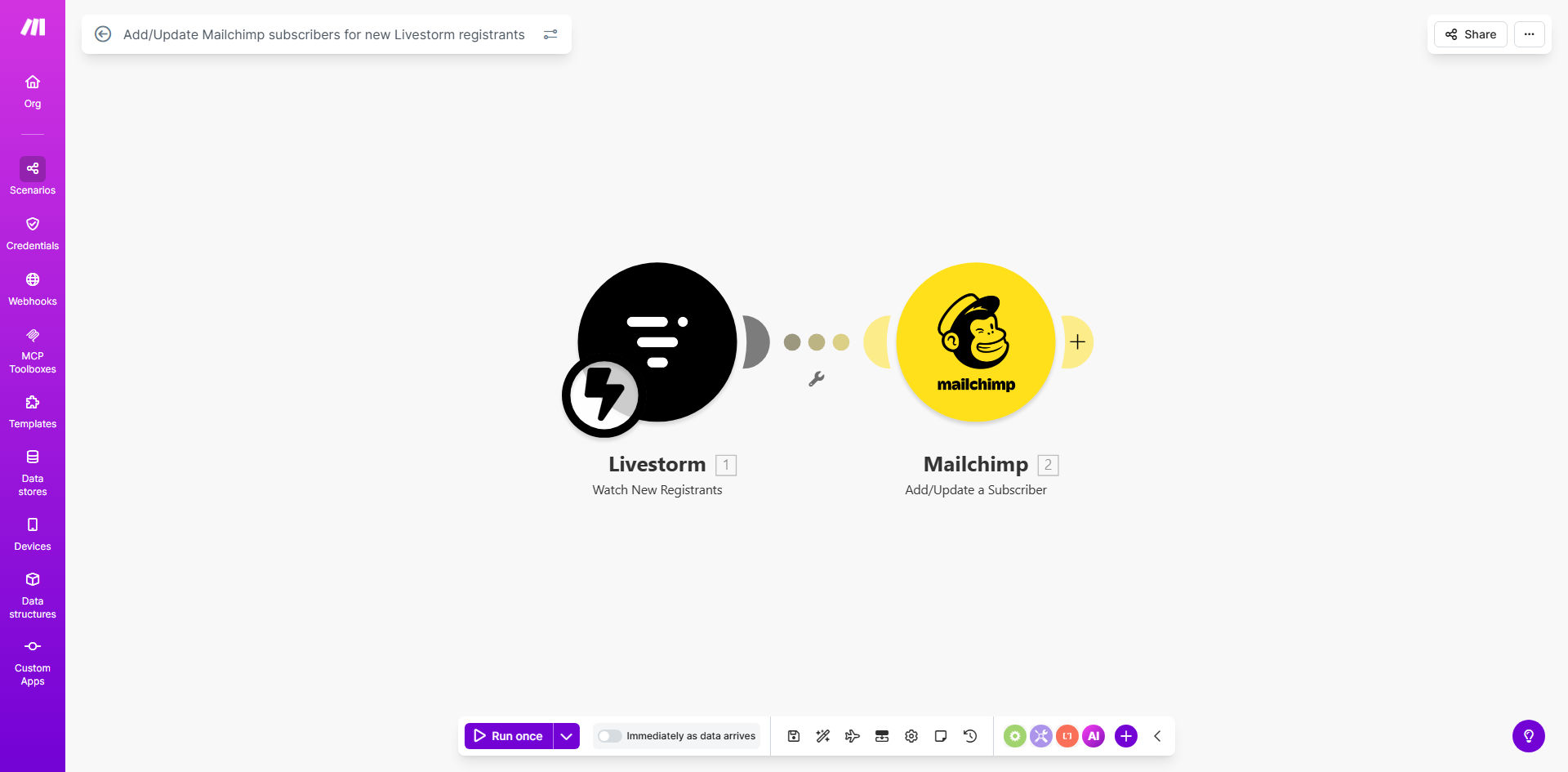
What This Workflow Does
This automation solves the common challenge of manually transferring webinar registrant data between Livestorm and Mailchimp. Every time someone registers for your Livestorm webinar, their contact details automatically flow into your designated Mailchimp audience, complete with any custom registration form fields you've collected.
The workflow intelligently checks whether each registrant already exists in your Mailchimp list. For new contacts, it creates a subscriber record with all relevant details. For existing contacts, it can update their information while preserving their email engagement history and subscription status.
How It Works
1. Trigger: New Livestorm Registration
The workflow activates whenever a new registration is recorded in your Livestorm account. Make.com monitors your Livestorm events in real-time through API connections.
2. Data Extraction
The system pulls all available registrant information including name, email address, registration timestamp, and any custom fields from your Livestorm registration form (like company name, job title, or survey responses).
3. Mailchimp List Check
Before adding the contact, the workflow checks your specified Mailchimp audience to see if this email address already exists. This prevents duplicate entries and allows for smart updates.
4. Add or Update Subscriber
Depending on whether the contact exists in Mailchimp, the workflow either creates a new subscriber or updates the existing one. You can configure which fields should be updated for existing contacts.
Pro tip: Use Mailchimp tags to categorize registrants by webinar topic or date. This enables targeted follow-up sequences based on which events they attended.
Who This Is For
This automation is ideal for:
- Course creators running regular webinars
- Marketing teams hosting demo sessions
- Coaches and consultants using webinars for lead generation
- Anyone combining Livestorm webinars with Mailchimp email sequences
What You'll Need
- Active Livestorm account with admin access
- Mailchimp account with API access enabled
- Make.com account (free plan works)
- Mailchimp audience/list prepared with relevant merge fields
Quick Setup Guide
- Install the template from Make.com
- Connect your Livestorm and Mailchimp accounts
- Map Livestorm registration fields to Mailchimp merge fields
- Specify your target Mailchimp audience/list
- Test with a real Livestorm registration
- Turn on the workflow and monitor initial runs
Key Benefits
Eliminate manual data entry - Save 2-3 hours per webinar by automatically syncing hundreds or thousands of registrants instead of manual CSV imports.
Improve email deliverability - Contacts enter Mailchimp immediately after registering, giving your welcome emails maximum deliverability time before the event.
Enhance segmentation - Tag registrants by webinar topic or add custom field data to Mailchimp merge fields for precise audience targeting.
Maintain clean lists - Automatic deduplication ensures your Mailchimp audience stays clean without manual merging of duplicate contacts.