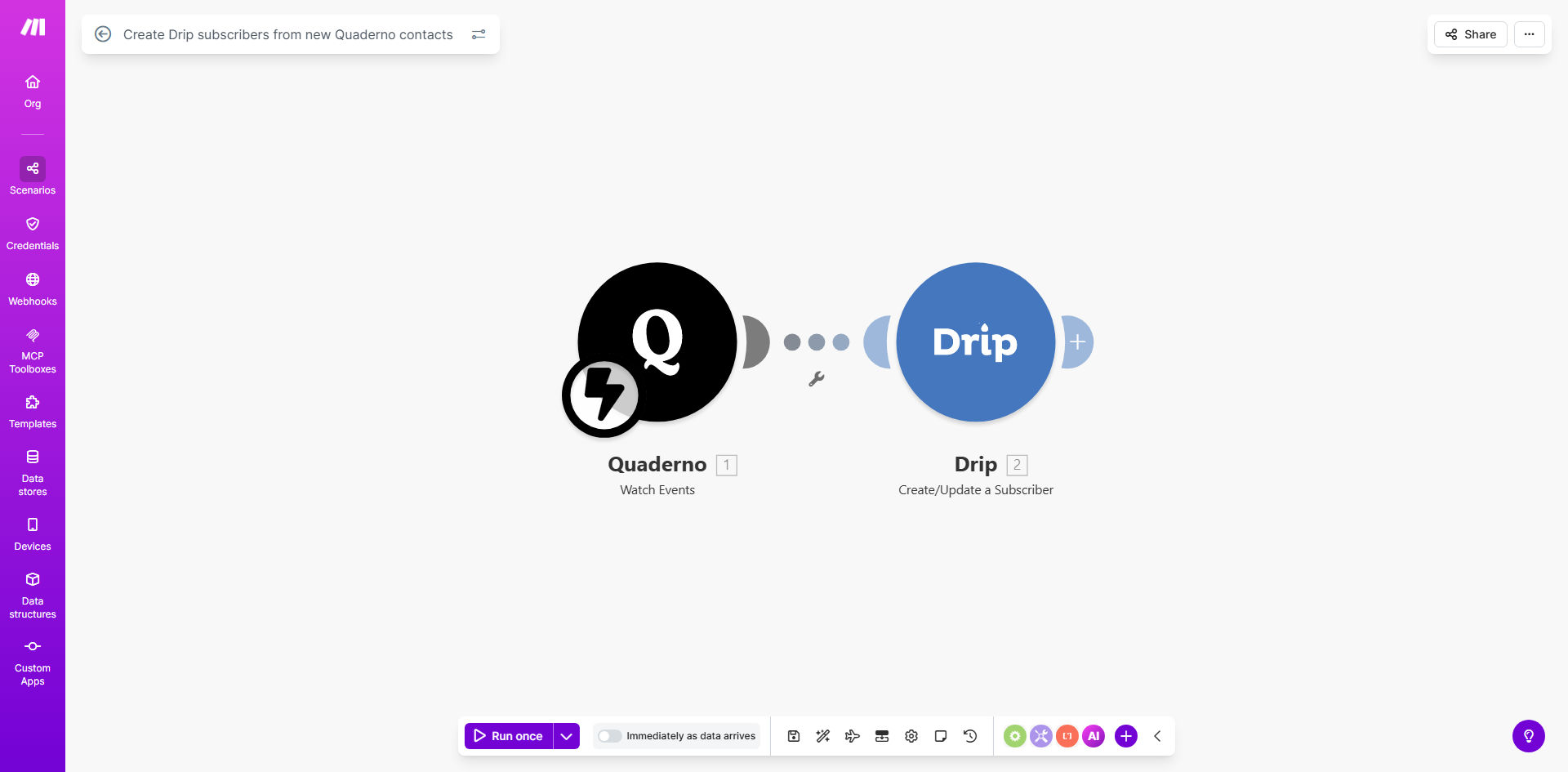
What This Workflow Does
This automation bridges the gap between your Quaderno billing system and Drip email marketing platform. Every time a new customer is created in Quaderno—whether through an invoice, subscription, or checkout process—the workflow instantly adds them as a subscriber in Drip with all their relevant contact information.
Manual data entry between systems creates delays, errors, and missed marketing opportunities. This solution ensures your sales and marketing systems stay perfectly synchronized, allowing you to trigger timely onboarding sequences, deliver personalized content, and maintain accurate customer profiles across platforms.
How It Works
1. New contact detection
The workflow monitors your Quaderno account for newly created contacts using Make.com's instant trigger. This could be from invoice generation, subscription signups, or manual contact creation.
2. Data mapping
Key customer information like name, email, company details, and custom fields are extracted from Quaderno and formatted for Drip's API requirements. The workflow handles data transformation to ensure compatibility between systems.
3. Subscriber creation
The processed contact data is sent to Drip via API, creating a new subscriber or updating an existing one. The workflow includes duplicate checking to maintain list hygiene.
4. Tagging and segmentation
Optionally, the workflow can apply specific tags in Drip based on Quaderno data (like customer type or purchase history) to enable targeted email campaigns.
Pro tip: Add conditional logic to route different customer types to specific Drip campaigns. For example, map Quaderno's customer categories to Drip tags for segmented onboarding sequences.
Who This Is For
This automation is ideal for SaaS businesses, digital agencies, and ecommerce stores that use Quaderno for billing/invoicing and Drip for email marketing. It's particularly valuable for:
- Subscription businesses needing immediate onboarding sequences
- Digital product sellers who want automated post-purchase follow-ups
- Agencies managing multiple clients through Quaderno
- Teams looking to eliminate manual CRM imports
What You'll Need
- An active Quaderno account with API access enabled
- A Drip account with API credentials
- A Make.com account (free plan sufficient for basic usage)
- Basic understanding of your customer data fields in both systems
Quick Setup Guide
- Clone the template in your Make.com account
- Connect your Quaderno account in the first module
- Add your Drip API credentials in the subscriber creation module
- Map the contact fields between Quaderno and Drip
- Test with a sample contact and verify the data flows correctly
- Turn on the scenario and monitor initial runs
Key Benefits
Eliminate manual data entry: Save 2-3 hours per week typically spent copying customer information between systems.
Faster campaign enrollment: New customers enter email sequences within minutes rather than waiting for batch imports.
Improved data accuracy: Automated transfers reduce human error in contact information by 90%+.
Enhanced personalization: Access complete customer profiles from Quaderno in your Drip campaigns.
Scalable operations: The system handles contact sync automatically as your customer base grows.