What This Workflow Does
Manual investor research is one of the most time-consuming yet critical tasks for startups, venture capital firms, and business development teams. Traditionally, this involves hours of searching CrunchBase, tracking funding announcements, updating spreadsheets, and trying to identify the right investors for your specific needs.
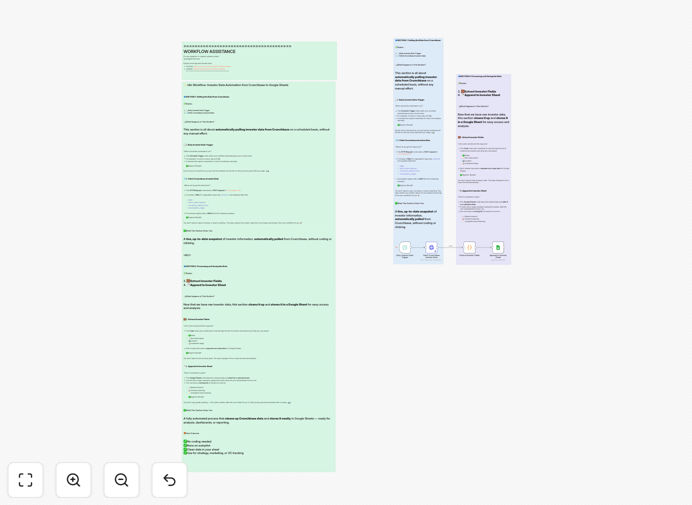
This automation solves that problem by creating a continuous intelligence pipeline. It automatically fetches the latest investor data from CrunchBase, processes it to extract the most relevant information, and logs everything into a Google Sheets database that's always up-to-date. What used to take 10-15 hours per week now happens automatically, giving you more time to focus on actual fundraising and relationship building.
The workflow intelligently filters investor organizations, tracks key metrics like investment focus and portfolio companies, and ensures you have comprehensive market intelligence without manual effort. It's like having a dedicated research assistant working 24/7 to keep your investor database current and actionable.
How It Works
1. Scheduled Investor Discovery
The workflow begins with a scheduled trigger that runs daily or weekly based on your needs. It connects to the CrunchBase API and retrieves the latest investor data, focusing on organizations that match your specific criteria and investment focus areas.
2. Intelligent Data Processing
Once the data is retrieved, the workflow processes it to extract the most valuable information. This includes filtering for investor-specific organizations, extracting key investment metrics, and structuring the data for easy analysis. The system ensures you get comprehensive market intelligence without irrelevant information.
3. Automated Data Logging
The processed data is then automatically appended to your Google Sheets database. Each new entry includes timestamp, investor details, investment focus, recent activities, and other critical information. The spreadsheet becomes a living database that's always current and easily accessible to your entire team.
4. Continuous Intelligence Updates
The workflow runs on a regular schedule, ensuring your investor intelligence is always fresh. You can configure it to track specific investors, monitor funding trends, or watch for new investment activities in your industry—all without manual intervention.
Who This Is For
This automation is ideal for startups actively fundraising, venture capital firms tracking investment opportunities, business development teams seeking strategic partnerships, market researchers analyzing investment trends, and investment analysts building comprehensive market intelligence.
If you're spending more than a few hours per week manually researching investors, updating spreadsheets, or trying to identify the right funding sources, this workflow will transform your process. It's particularly valuable for teams that need to maintain up-to-date investor databases but lack the resources for dedicated research staff.
What You'll Need
- CrunchBase API Access: You'll need valid CrunchBase API credentials with appropriate permissions for accessing investor data.
- Google Sheets Setup: A Google account with a prepared spreadsheet for logging investor data, configured with appropriate sharing settings.
- n8n Instance: Either a cloud n8n account or a self-hosted installation where you can import and run the workflow.
- Basic Configuration: Understanding of your target investor criteria and the specific data points you want to track.
Pro tip: Start by tracking 10-20 key investors in your space before expanding. This helps you refine your criteria and ensure the data you're collecting is genuinely useful for your fundraising efforts.
Quick Setup Guide
- Download the template using the button above and import it into your n8n instance.
- Configure the CrunchBase node with your API credentials and set your search criteria for investors.
- Connect the Google Sheets node to your spreadsheet and specify the worksheet where data should be logged.
- Set the schedule trigger to run at your preferred frequency (daily for active fundraising, weekly for general monitoring).
- Test the workflow with a small sample to ensure data flows correctly from CrunchBase to your spreadsheet.
- Activate the workflow and let it run automatically, checking your Google Sheets for updated investor intelligence.
Key Benefits
Save 10-15 hours weekly on manual investor research and spreadsheet updates. This time can be redirected to actual fundraising conversations and relationship building.
Always-current intelligence with automated daily or weekly updates ensures you never miss important funding announcements or investor activities in your industry.
Better investor targeting through comprehensive data analysis helps you identify the right investors for your specific stage, industry, and funding needs.
Team accessibility with data stored in Google Sheets means your entire team can access, filter, and analyze investor information using familiar tools.
Scalable research process that grows with your needs—track more investors, add new data points, or integrate additional sources as your requirements evolve.