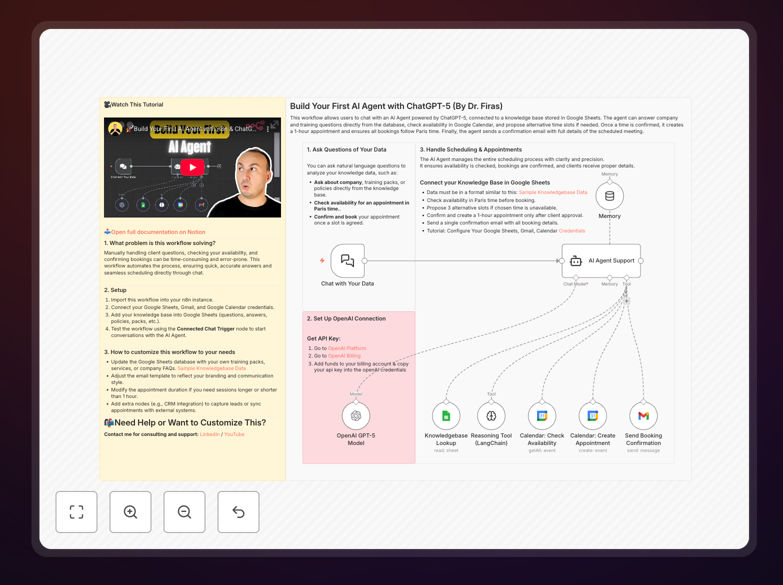
What This Workflow Does
This n8n workflow template provides everything you need to build your first functional AI agent using ChatGPT-5. Unlike simple chatbots, AI agents can autonomously handle multi-step processes, make decisions based on context, and integrate with your existing business tools.
The template solves the complexity of connecting ChatGPT's advanced capabilities to practical business automation. It handles API connections, conversation memory, response formatting, and error handling - letting you focus on defining your agent's purpose and personality.
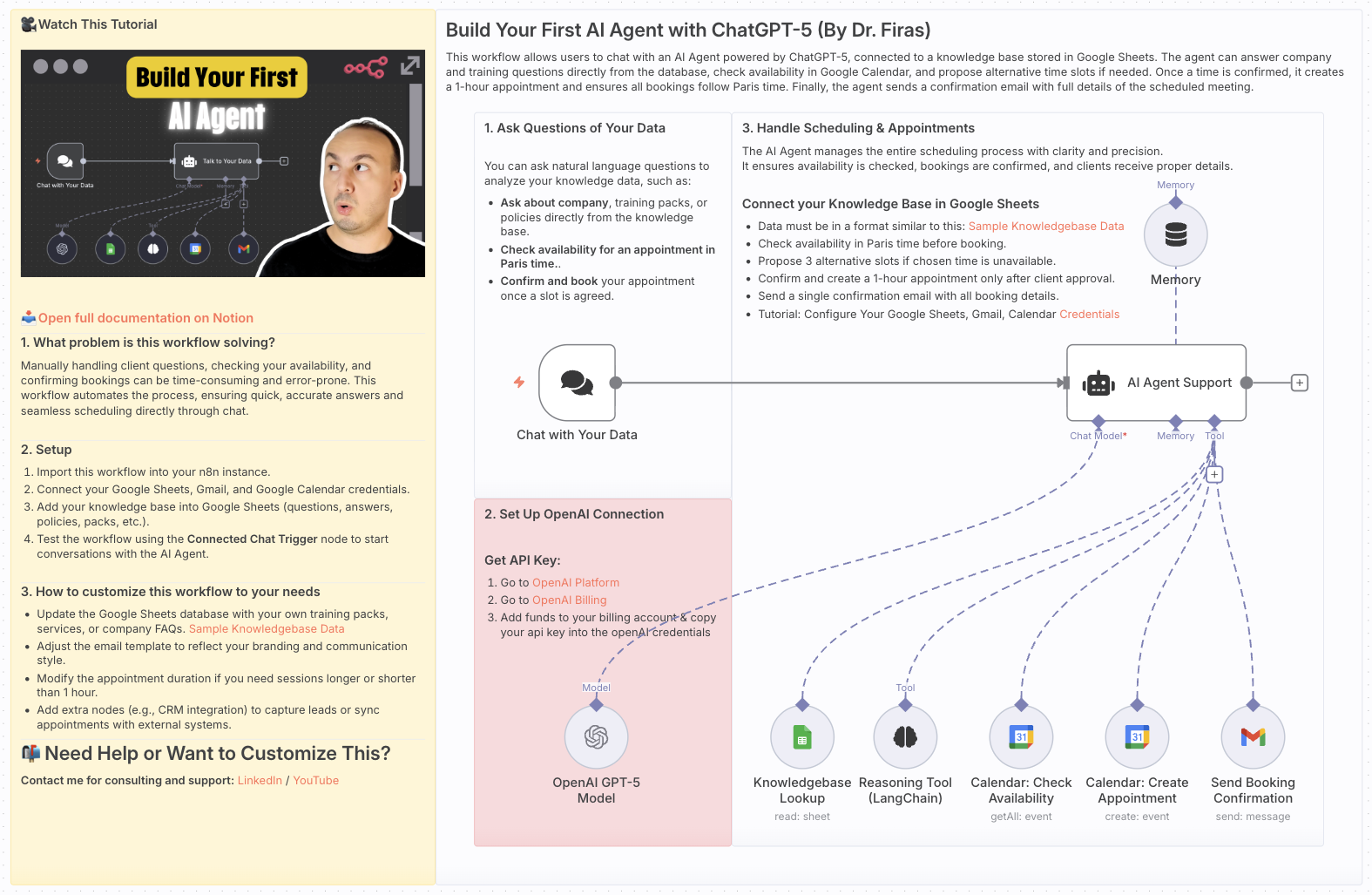
How It Works
1. Agent Initialization
The workflow begins by setting up your AI agent's identity, capabilities, and boundaries. You define its role (customer support, data analyst, etc.), knowledge base, and response style.
2. Conversation Handling
When receiving input (from web forms, emails, or APIs), the agent maintains conversation context across interactions. It remembers previous exchanges to provide coherent, personalized responses.
3. Task Execution
Based on the input, the agent can trigger actions like creating support tickets, generating reports, or updating databases. The workflow includes error handling to manage API limits or unexpected responses.
4. Continuous Learning
The template includes feedback loops where human-approved responses train the agent over time. This improves accuracy without requiring technical ML expertise.
Who This Is For
This template is ideal for business owners, customer support managers, and marketing teams looking to implement AI automation without extensive coding. It's equally valuable for developers wanting a production-ready starting point for custom AI solutions.
Use cases include ecommerce customer service, lead qualification for sales teams, content generation for marketers, and data processing for operations teams. The workflow scales from simple FAQ bots to complex decision-support systems.
Pro tip: Start with a narrow use case (like answering product questions) before expanding your agent's responsibilities. This reduces complexity and makes training easier.
What You'll Need
- An n8n instance (cloud or self-hosted)
- ChatGPT-5 API access
- Basic understanding of your target use case
- Any external systems you want to integrate (Zapier, CRM, etc.)
Quick Setup Guide
- Download the JSON template file
- Import into your n8n dashboard
- Connect your ChatGPT-5 API credentials
- Customize the agent's instructions and capabilities
- Test with sample inputs and refine responses
- Deploy via webhook or scheduled triggers
Key Benefits
Reduce response times by 80%: AI agents handle inquiries instantly, day or night, without human availability constraints.
Cut support costs by 60%: Automate routine questions so your team focuses on complex issues requiring human judgment.
Improve customer satisfaction: 24/7 availability and consistent, accurate responses boost customer experience metrics.
Gain actionable insights: Agents can analyze conversations to surface trends and improvement opportunities.
Future-proof your business: The template adapts as your needs grow, from simple chatbots to sophisticated autonomous agents.