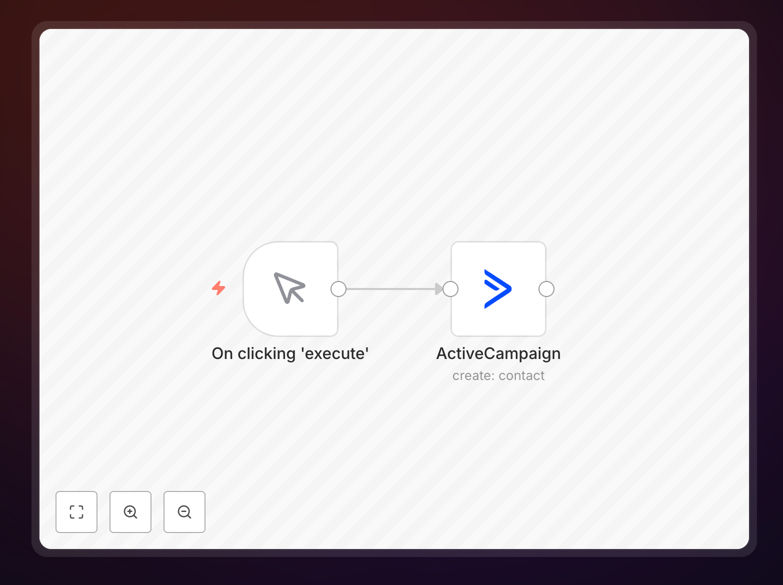
What This Workflow Does
Manual contact entry is a silent productivity killer for sales and marketing teams. Every minute spent copying data from forms, spreadsheets, or emails into ActiveCampaign is time not spent nurturing leads or closing deals.
This n8n workflow template solves that by automatically creating contacts in ActiveCampaign whenever a new lead appears in your connected systems. Whether leads come from your website forms, webinar platforms, e‑commerce stores, or internal databases, they flow directly into your CRM with full field mapping, tagging, and segmentation already applied.
Beyond simple data transfer, the template includes logic to handle duplicates, assign leads to specific campaigns, trigger welcome emails, and notify your team—turning raw inquiries into actionable pipeline opportunities instantly.
How It Works
The automation follows a clear, reliable sequence to ensure every lead is captured correctly and routed appropriately.
1. Trigger from Any Source
The workflow starts when a new lead is detected. This could be a form submission on your website, a new row in Google Sheets, a registration from a webinar platform like Zoom, or a message from your chat widget.
2. Data Validation & Enrichment
Before creating the contact, the workflow validates required fields (like email), formats phone numbers, and can optionally enrich the lead with additional data from external services like Clearbit or Hunter.io.
3. ActiveCampaign Contact Creation
The validated data is mapped to ActiveCampaign's contact fields. You can set custom properties, assign tags based on lead source or interest, and add the contact to specific lists or automations.
4. Post‑Creation Actions
Once the contact is created, the workflow can trigger follow‑up actions: send a Slack notification to your sales team, create a task in your project management tool, or start a specific email sequence within ActiveCampaign.
Pro tip: Add a step to check for existing contacts by email before creating new ones. This prevents duplicates and keeps your CRM clean.
Who This Is For
This template is ideal for businesses that rely on ActiveCampaign for marketing and sales automation but still manually import or copy‑paste contact data. If any of these sound familiar, this workflow will save you significant time:
- Marketing teams running lead magnets, webinars, or content upgrades that generate sign‑ups.
- Sales teams who receive inquiries via email, chat, or contact forms and need them instantly in the CRM.
- E‑commerce businesses wanting to automatically add customers to specific nurture sequences.
- Agencies managing multiple client campaigns and needing to streamline lead ingestion.
- Startups with limited bandwidth who can’t afford manual data entry delays.
What You'll Need
- An ActiveCampaign account with API access (any paid plan).
- Your ActiveCampaign API credentials (URL and API key) from the Settings › Developer area.
- A source of contact data—this could be a form tool (Typeform, JotForm), a spreadsheet (Google Sheets, Airtable), a database, or another CRM.
- Access to n8n (either self‑hosted or n8n.cloud).
- Basic understanding of how to import a JSON workflow into n8n.
Quick Setup Guide
Follow these steps to get your automated contact creation running in under 10 minutes:
- Download the template using the button above and save the JSON file to your computer.
- Open your n8n instance and create a new workflow.
- Import the JSON file via the workflow menu’s “Import from File” option.
- Configure the ActiveCampaign node with your account URL and API key.
- Connect your trigger source—set up the webhook, schedule, or app node that will supply new contact data.
- Map your data fields to the corresponding ActiveCampaign contact properties (email, first name, tags, custom fields).
- Test with a sample lead to ensure the contact is created correctly in ActiveCampaign.
- Activate the workflow and start capturing leads automatically.
Pro tip: Use n8n’s “Test Workflow” feature to simulate a lead before going live. This helps verify field mapping and avoids sending test data to your actual ActiveCampaign account.
Key Benefits
Eliminate manual data entry and reduce human error. Contacts are created instantly and accurately, ensuring your sales team always works with up‑to‑date information.
Speed up lead response time from hours to seconds. Faster follow‑up increases conversion rates—studies show contacting within 5 minutes makes you 9x more likely to convert.
Maintain consistent CRM hygiene with automatic tagging, list assignment, and field standardization. Your ActiveCampaign instance stays organized without manual cleanup.
Scale your lead capture across multiple channels without adding overhead. Whether you get 10 or 10,000 leads per month, the workflow handles the volume seamlessly.
Free your team for higher‑value tasks like personal outreach and strategy. Automating this repetitive task can save 5‑10 hours per team member each week.