What This Workflow Does
Manually creating and configuring cloud servers is a repetitive, time-consuming task that slows down development and operations teams. This n8n workflow automates the entire process of provisioning DigitalOcean droplets using the DigitalOcean API.
Instead of logging into the dashboard, selecting specs, and clicking through multiple screens, this workflow lets you trigger droplet creation programmatically. You can integrate it with other systems—like creating a new test environment when a pull request is opened, scaling up resources during high traffic, or spinning up temporary servers for batch processing.
The template handles authentication, parameter configuration, and API communication, returning the new droplet's details (IP address, ID, status) for further automation steps. It's a foundational building block for Infrastructure as Code (IaC) practices without the complexity of tools like Terraform.
How It Works
The workflow is built with n8n's visual interface, connecting a trigger node to the DigitalOcean node to execute the creation command.
Step 1: Trigger the Automation
The workflow can be initiated manually, on a schedule (e.g., every Monday at 9 AM), or by an external event. Common triggers include webhooks from GitHub, alerts from monitoring tools, or form submissions from an internal tool.
Step 2: Configure Droplet Parameters
Inside the DigitalOcean node, you specify the droplet characteristics: name, region, size (like s-1vcpu-1gb), image (Ubuntu, Docker, etc.), and any SSH keys or user data for initialization. These can be dynamic, pulled from previous nodes or user input.
Step 3: Execute the API Call
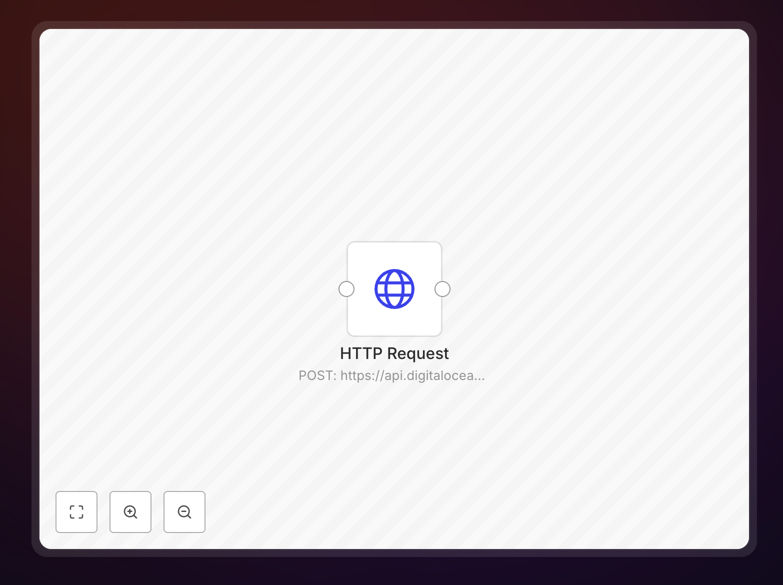
The workflow uses your DigitalOcean Personal Access Token to authenticate and send a POST request to DigitalOcean's droplet creation endpoint. It waits for the API response, which includes the new droplet's unique ID and initial status.
Step 4: Handle the Response
Once the droplet is created, the workflow can pass its details (IP address, ID) to subsequent nodes. You could then trigger a deployment script, update an inventory database, or send a notification to your team via Slack or email.
Who This Is For
This template is ideal for DevOps engineers, system administrators, startup tech teams, and developers managing cloud infrastructure. If you frequently create and destroy droplets for testing, staging, or scaling, this automation will save you hours per week.
It's also valuable for agencies managing client environments, educators provisioning lab instances for students, or anyone implementing CI/CD pipelines that require ephemeral infrastructure. The workflow reduces context switching and ensures consistent, repeatable server setups.
What You'll Need
- A DigitalOcean account with an active project.
- A DigitalOcean Personal Access Token with write permissions (created in the API section of your DigitalOcean control panel).
- An n8n instance (cloud or self-hosted) where you can import and run the workflow.
- Basic familiarity with DigitalOcean concepts (regions, sizes, images) to configure the node parameters.
Pro tip: For production use, store your Personal Access Token as a credential in n8n, not hardcoded in the workflow. This keeps it secure and makes the workflow reusable across your team.
Quick Setup Guide
Follow these steps to get the automation running in your n8n instance in under 10 minutes.
- Download the template using the button above. You'll receive a JSON file.
- Import into n8n: In your n8n workspace, go to Workflows > Import from File and select the downloaded JSON.
- Set your credentials: Click the DigitalOcean node, open the credentials dropdown, and add your Personal Access Token. Name it something like "DO Production".
- Configure the droplet: Adjust the node parameters (name, region, size, image) to match your requirements. You can use expressions to make these dynamic.
- Test the workflow: Click "Execute Node" on the DigitalOcean node to create a test droplet. Verify it appears in your DigitalOcean console.
- Add a trigger: Connect a Schedule Trigger, Webhook, or other trigger node to start the workflow automatically based on your needs.
Key Benefits
Eliminate manual repetition: Turn a 5–10 minute manual process into a one-click or fully automated action. This is especially valuable when creating multiple droplets or doing it frequently.
Reduce human error: Manual configuration leads to mistakes—wrong region, incorrect size, missing SSH keys. Automation ensures every droplet is created exactly as defined in the workflow.
Scale on demand: Connect this workflow to monitoring alerts (like high CPU) to auto-scale your infrastructure. Or trigger it from a CI/CD pipeline to create fresh environments for each deployment.
Improve auditability: Every droplet creation is logged within n8n's execution history, providing a clear audit trail of who/what triggered it and what parameters were used.
Foundation for complex automation: This simple workflow can be extended with additional nodes to fully automate server setup—like installing software, configuring firewalls, and adding DNS records—creating a complete provisioning pipeline.