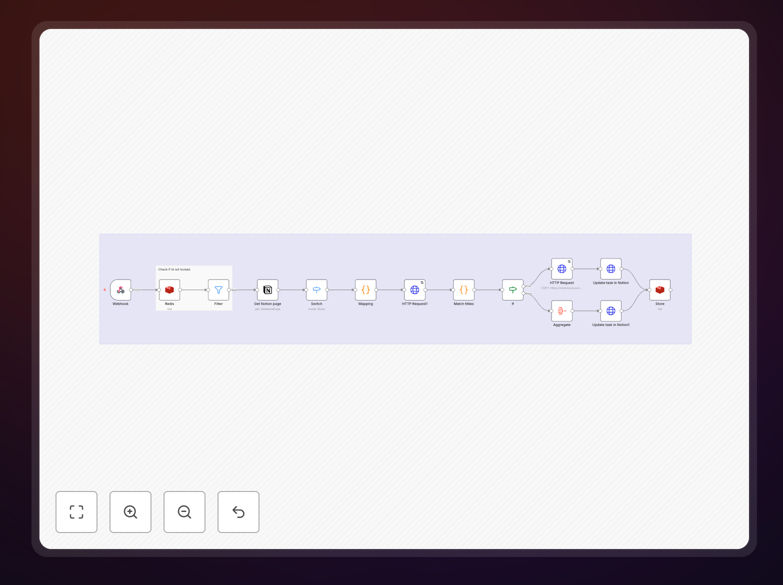
What This Workflow Does
This automation solves the common challenge of managing notes across two powerful but different platforms - Notion's flexible organization system and OneNote's excellent freeform note-taking capabilities. Professionals often start projects in Notion but need to move specific notes to OneNote for meetings, brainstorming, or sharing with Microsoft Teams users.
The workflow automatically transfers selected Notion pages to corresponding OneNote notebooks, preserving the structure and basic formatting. It eliminates the tedious manual copying process while ensuring your notes are available in both systems with minimal effort.
How It Works
1. Trigger Setup
The workflow monitors your specified Notion workspace for new or updated pages. You can configure it to watch specific databases or entire sections of your Notion workspace.
2. Content Processing
When changes are detected, the automation extracts the page content, including text, bullet points, and basic formatting. It intelligently handles Notion's block structure to create clean OneNote content.
3. OneNote Sync
The processed content is then added to your designated OneNote notebook, creating sections and pages that mirror your Notion structure. The automation includes deduplication to prevent creating multiple copies of the same content.
Who This Is For
This workflow is ideal for professionals who:
- Use Notion for project planning but prefer OneNote for meetings
- Collaborate with teams using Microsoft 365 tools
- Want handwritten notes in OneNote alongside structured Notion content
- Need to access notes across both mobile and desktop platforms
What You'll Need
- A Notion account with integration API access
- A Microsoft 365 account with OneNote access
- An n8n instance (cloud or self-hosted)
- Basic familiarity with workflow configuration
Quick Setup Guide
- Download the workflow JSON file
- Import it into your n8n instance
- Connect your Notion and Microsoft accounts
- Configure which Notion pages/databases to monitor
- Set your target OneNote notebook
- Test with a sample Notion page
Pro tip: Start by syncing a small test database before connecting your main Notion workspace to verify the formatting works as expected.
Key Benefits
Save 2-3 hours per week by eliminating manual note copying between platforms. The automation handles the transfer instantly whenever you update your Notion pages.
Reduce errors from manual copying. The workflow ensures all content transfers accurately with proper formatting preserved.
Improve collaboration by having your Notion content automatically available in OneNote for team members who prefer Microsoft's ecosystem.
Flexible configuration allows you to choose exactly which Notion content syncs and how often the transfer occurs.