What This Workflow Does
This n8n workflow solves the critical challenge of delayed response times to new leads in HubSpot. When potential customers fill out forms on your website or interact with your content, they expect prompt follow-up. Manual processes often create bottlenecks where leads sit unnoticed for hours or even days.
The automation instantly detects new contact creations in HubSpot and triggers customizable notifications to your sales or marketing team. This ensures your team can respond while the lead is still warm, dramatically improving conversion rates and customer satisfaction.
How It Works
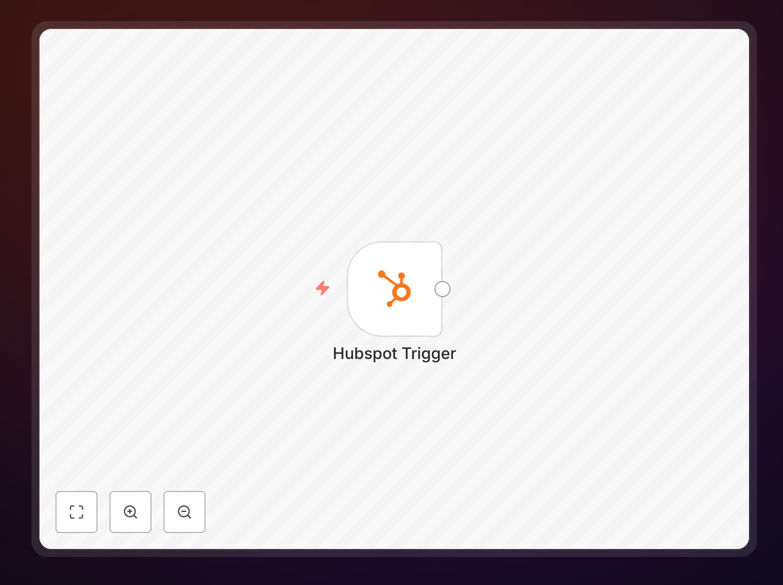
1. HubSpot Trigger
The workflow starts with HubSpot's webhook trigger that fires whenever a new contact is created in your CRM. This happens in real-time, typically within seconds of form submission.
2. Contact Data Processing
The workflow extracts all relevant contact information including name, email, phone number, company details, and any custom fields from your forms. This data is formatted for clear communication.
3. Notification Routing
Based on your configuration, the workflow determines who should receive the notification. This can be based on territory, product interest, lead score, or other criteria you specify.
4. Multi-Channel Alerts
The system then sends notifications through your preferred channels - whether email, Slack, SMS, or other communication platforms. Each notification includes actionable contact details.
Pro tip: Add lead scoring logic to prioritize high-value contacts for immediate follow-up while automatically nurturing lower-priority leads through drip campaigns.
Who This Is For
This workflow is ideal for sales teams, marketing agencies, and business development professionals who rely on HubSpot for lead generation. It's particularly valuable for:
- Companies with high website lead volume
- Teams distributing leads across multiple reps
- Businesses with time-sensitive offerings
- Organizations tracking lead response times
What You'll Need
- An active HubSpot account with contacts enabled
- Access to n8n (either self-hosted or cloud version)
- Your notification channel credentials (Slack, email, etc.)
- Basic understanding of HubSpot contact properties
Quick Setup Guide
- Download the JSON template file
- Import it into your n8n instance
- Connect your HubSpot account in the first node
- Configure your notification channels in subsequent nodes
- Test with a sample contact creation
- Activate the workflow
Key Benefits
Reduce response times from hours to minutes: Studies show leads contacted within 5 minutes are 9x more likely to convert compared to those contacted after 30 minutes.
Eliminate missed opportunities: Automated alerts ensure no lead falls through the cracks, even during weekends or off-hours.
Improve team efficiency: Sales reps spend less time monitoring dashboards and more time engaging qualified leads.
Gain competitive advantage: Faster response times differentiate your business in competitive markets.
Scalable lead management: The system handles increasing lead volume without additional staffing requirements.