Acuity Scheduling Appointment Notifications n8n

Receive updates on appointments via Acuity Scheduling

Automatically get notified when appointments are booked, rescheduled or canceled

Download Template JSON · n8n compatible · Free
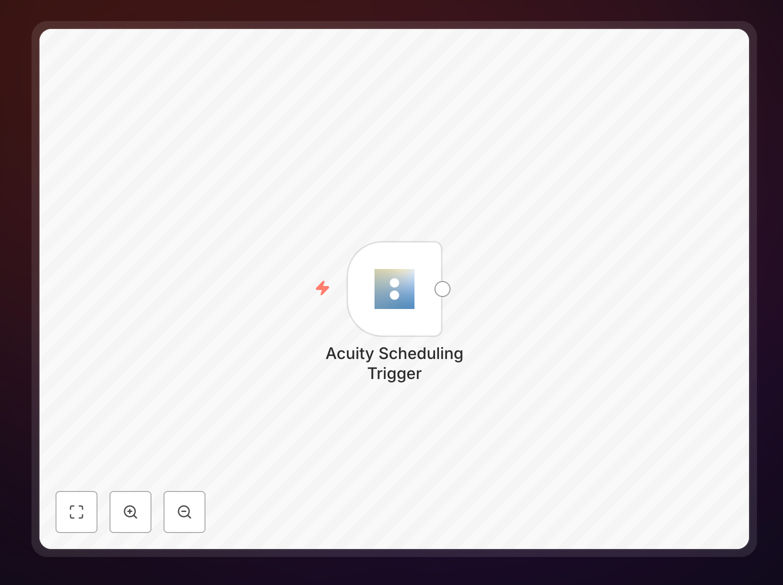
Acuity Scheduling appointment notifications workflow diagram

What This Workflow Does

This automation solution solves the common problem of missed appointment updates in service businesses. When clients book, reschedule or cancel appointments in Acuity Scheduling, staff often don't receive timely notifications, leading to operational inefficiencies and poor client experiences.

The workflow automatically monitors Acuity Scheduling for appointment changes and delivers instant notifications through your preferred channel (email, SMS, Slack, etc.). It eliminates manual calendar checking while ensuring your team is always informed about scheduling changes that affect their workload and resource planning.

How It Works

1. Acuity Scheduling Trigger

The workflow starts when Acuity Scheduling detects an appointment change (new booking, cancellation, or reschedule). Acuity sends this data via webhook to n8n in real-time.

2. Data Processing

n8n processes the incoming webhook data, extracting key details like client name, appointment type, date/time, and change type. The system can filter notifications based on your business rules.

3. Notification Delivery

Processed appointment data gets formatted into clear notifications and sent to your chosen communication channels. The workflow can route different notification types to different teams or individuals.

Pro tip: Add conditional logic to prioritize urgent notifications (like same-day cancellations) with different alert methods than routine bookings.

Who This Is For

This automation benefits any business using Acuity Scheduling for appointments, including:

  • Healthcare practices needing real-time updates on patient appointments
  • Consulting firms managing multiple client sessions
  • Salons/spas coordinating staff schedules
  • Educational services tracking student sessions
  • Any service business wanting to reduce no-shows and improve scheduling efficiency

What You'll Need

  1. An active Acuity Scheduling account
  2. n8n instance (cloud or self-hosted)
  3. Webhook-capable notification channel (Slack, email service, SMS gateway, etc.)
  4. 5 minutes to import and configure the workflow

Quick Setup Guide

  1. Download the JSON template file
  2. Import into your n8n instance
  3. Connect your Acuity Scheduling account in the trigger node
  4. Configure your preferred notification channels
  5. Test with sample appointment changes
  6. Activate the workflow

Key Benefits

Eliminate missed appointments with instant notifications when schedules change, reducing no-show rates by up to 50%.

Save 5-10 hours weekly by automating what would otherwise require constant calendar monitoring and manual follow-ups.

Improve client satisfaction through faster response times when handling appointment changes or special requests.

Scale operations efficiently as notification handling remains consistent regardless of appointment volume increases.

Frequently Asked Questions

Common questions about Acuity Scheduling integration and automation

Appointment notification automation helps service businesses stay instantly informed about scheduling changes without manual checking. When integrated with Acuity Scheduling, it automatically sends real-time alerts about new bookings, cancellations or reschedules.

This prevents missed appointments and improves client communication while saving 5-10 hours per week of administrative work. Businesses using this automation report better staff utilization and reduced stress from last-minute scheduling surprises.

  • Real-time alerts reduce no-show rates
  • Eliminates constant calendar refreshing
  • Enables faster response to urgent changes

Acuity Scheduling can trigger notifications for appointment bookings, cancellations, reschedules, payments, and form submissions. The most valuable notifications are typically new bookings (to prepare resources) and cancellations (to free up slots).

Advanced setups can filter notifications by service type, staff member, or location. For example, a multi-location spa might only alert local staff about changes affecting their location while notifying managers about high-value client bookings.

  • Bookings, cancellations and reschedules are most common
  • Payment confirmations help with accounting
  • Intake form data can trigger personalized follow-ups

Popular notification channels include email, SMS, Slack, and Microsoft Teams. Email works for less urgent alerts while SMS is better for last-minute changes. For teams, Slack/Teams notifications allow multiple staff members to stay informed.

The method depends on your response time requirements and team structure. Many businesses use a combination - SMS for same-day changes, Slack for team awareness, and email for record-keeping. Critical services might add phone call alerts for emergency cancellations.

  • SMS for time-sensitive alerts
  • Slack/Teams for team coordination
  • Email for documentation and non-urgent updates

Acuity's webhooks are highly reliable when properly configured, with delivery success rates exceeding 99%. They use HTTPS with retry logic for failed deliveries. However, you should implement error handling for network issues.

Consider adding a secondary notification method for critical appointments like medical consultations. The workflow includes basic error handling, but for mission-critical applications, you might add database logging or backup alert channels.

  • 99%+ delivery success rate
  • Built-in retry mechanism
  • Add redundancy for critical applications

Yes, you can customize notifications to include client details, service type, appointment duration, and any custom intake form responses. Advanced setups can add calendar links, preparation instructions, or even trigger follow-up tasks.

For example, a dental practice might include patient medical notes in hygienist alerts, while a consulting firm might attach pre-session questionnaires. The workflow template provides the foundation you can extend with your specific data requirements.

  • Include any Acuity field data
  • Add custom business context
  • Trigger downstream processes

Businesses report 30-50% reduction in no-shows from timely reminders, 20% faster staff response to scheduling changes, and improved client satisfaction scores. The automation also eliminates manual calendar checking.

A therapy clinic using this automation filled 83% of last-minute cancellations by immediately notifying waitlisted clients. Another business reduced administrative overtime by 15 hours weekly while improving appointment attendance rates.

  • Higher resource utilization
  • Reduced administrative overhead
  • Improved client experience metrics

Absolutely. GrowwStacks specializes in building tailored appointment notification systems that integrate Acuity Scheduling with your specific CRM, communication tools, and business processes.

We can create custom workflows for multi-location businesses, complex service offerings, or specialized notification requirements. Our solutions often include advanced features like waitlist management, staff assignment logic, and integration with billing systems.

  • Customized to your business rules
  • Integration with existing tools
  • Scalable for growth

Need a Custom Appointment Notification System?

This free template is a starting point. Our team builds fully tailored automation systems for your specific needs.